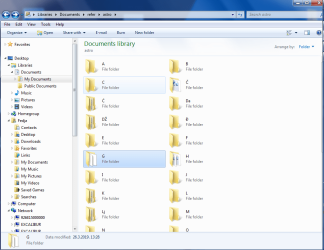
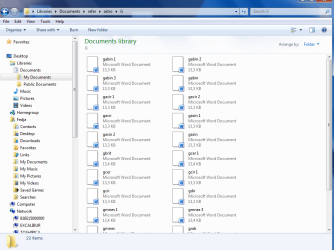
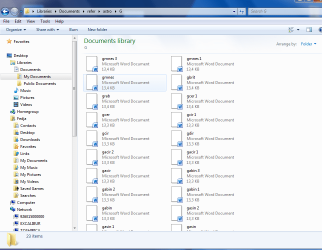
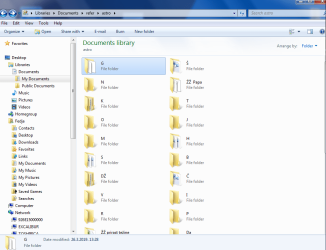
I have a problem in folder options
I would like to fix order of folders and subfolders in Documents library
In my Documents library, all my folders are named by alphabetical letters (a, b c d) while subfolders have name that begin with letter of folder ( expl. folder A subfolder Arim doc Arim2.doc).
Every time when I mix order due to searching documents in subfolder, order of documents is changed as well as order of subfolders and order of folders. In win XP I had possibility to fix it in folder options by clicking View in Folder options and un/checking Restore previous folder at windows logon . In win 7 it does not apply. Whatever I check or uncheck it is always restored on next use in order last used.
Is it possible to fix folder and subfolders to stay always in alphabetical order on next logon ? Thanks
I would like to fix order of folders and subfolders in Documents library
In my Documents library, all my folders are named by alphabetical letters (a, b c d) while subfolders have name that begin with letter of folder ( expl. folder A subfolder Arim doc Arim2.doc).
Every time when I mix order due to searching documents in subfolder, order of documents is changed as well as order of subfolders and order of folders. In win XP I had possibility to fix it in folder options by clicking View in Folder options and un/checking Restore previous folder at windows logon . In win 7 it does not apply. Whatever I check or uncheck it is always restored on next use in order last used.
Is it possible to fix folder and subfolders to stay always in alphabetical order on next logon ? Thanks
Last edited:
My Computer
At a glance
64 premium
- Computer type
- PC/Desktop
- OS
- 64 premium