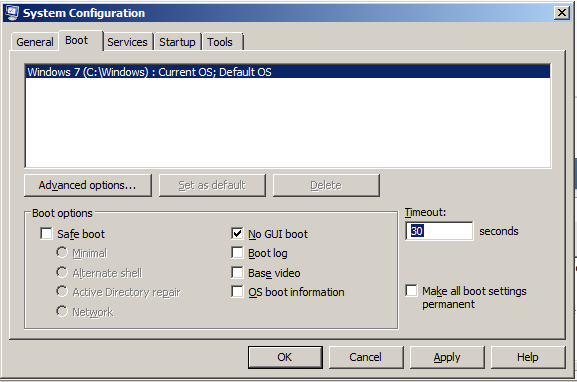
I am not quite sure if it is a OS specific problem; but I have Windows 7 installed alongside Ubuntu 12.04 on my desktop. Recently I’ve got a problem, when I boot the computer the Motherboard graphic appears and goes black, the OS choice screen doesn't appear. As I know from previous experiences the first choice is windows 7 and the second choice is Ubuntu I use arrow keys to select the OS with the screen still black, the screen appears only when the Log On screen appears (in both OS). How do I resolve this?
My Computer
- OS
- Windows 7 Home Premium 32bit