PC slowing down

avz10

New member
Local time
3:23 PM
Messages
10
Desktop slowing down after a while
This desktop is mainly used by my son. He noticed that the PC becomes very slow and then needs to restart again and would be as fast as usual. Just to mention that my desktop and laptop is connected both by wire and wireless. These two both has Windows 7.
I attach screenshots, but was thinking it might be some of his games or ???
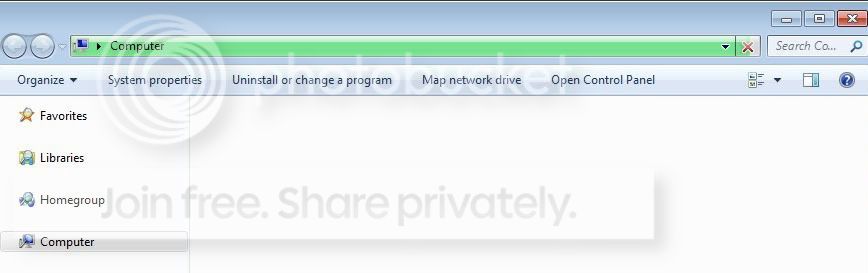
The usual picture:
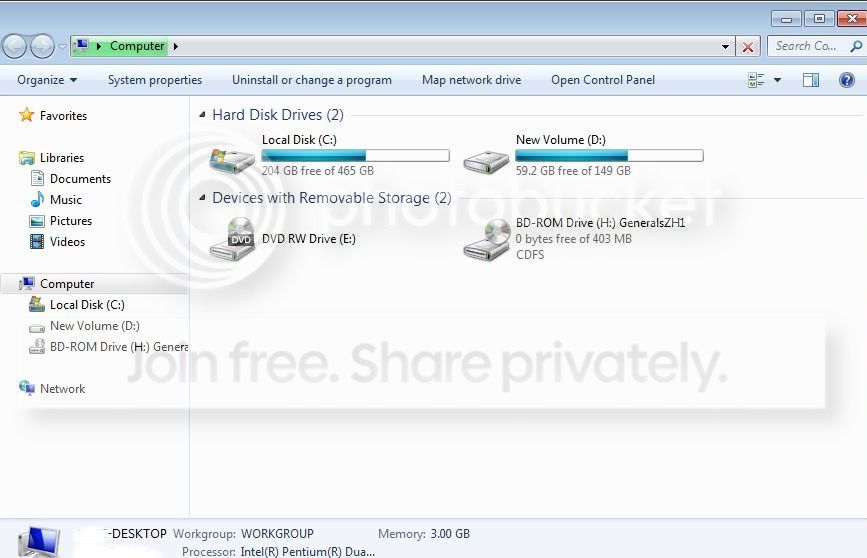
Usualappearance.jpg

When it is slow:
Slowopening2.jpg

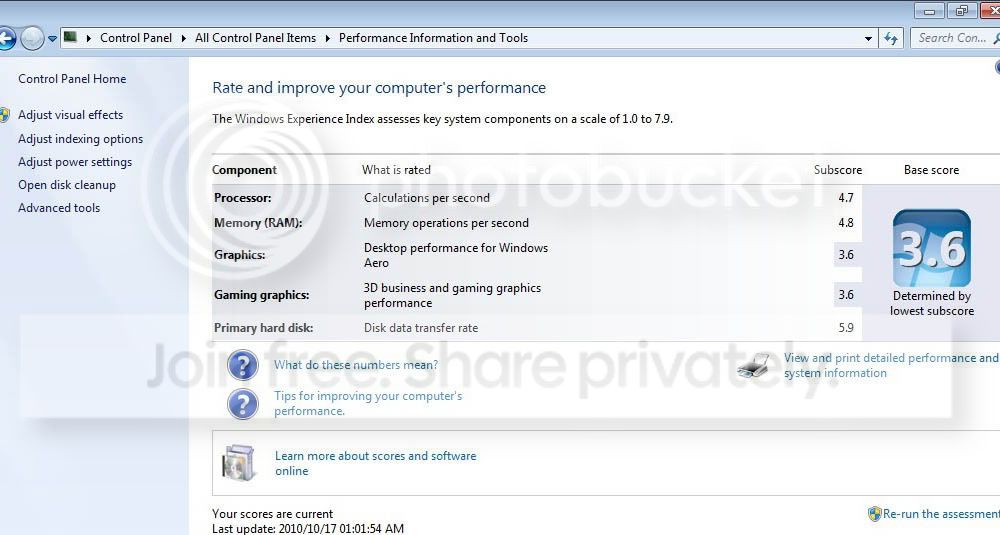
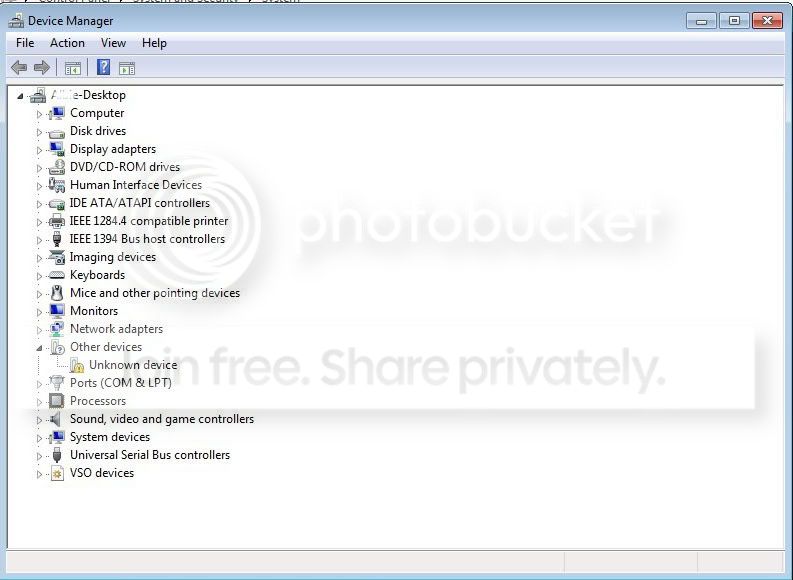
Info on the system:
System.jpg

PerformanceInformation.jpg

DeviceManager.jpg

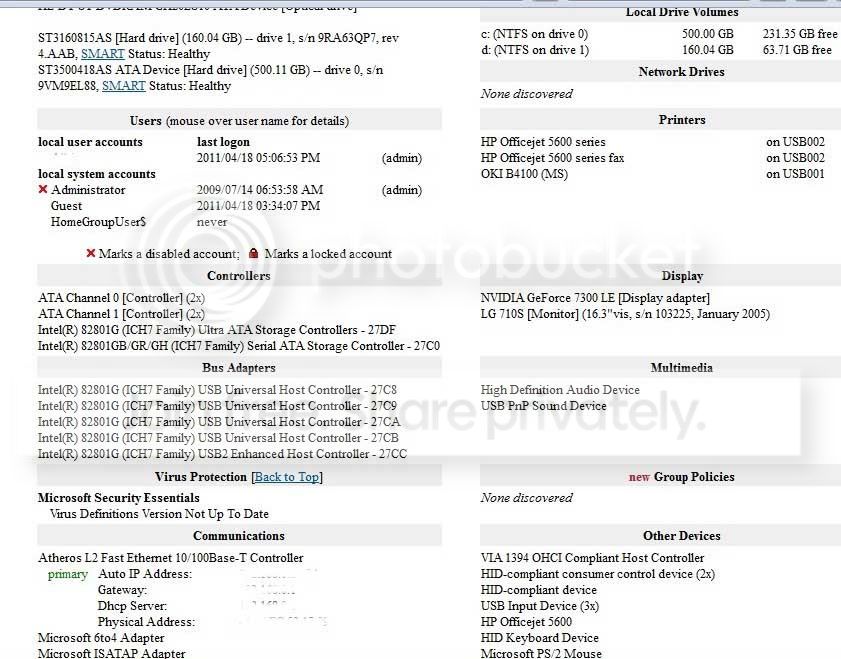
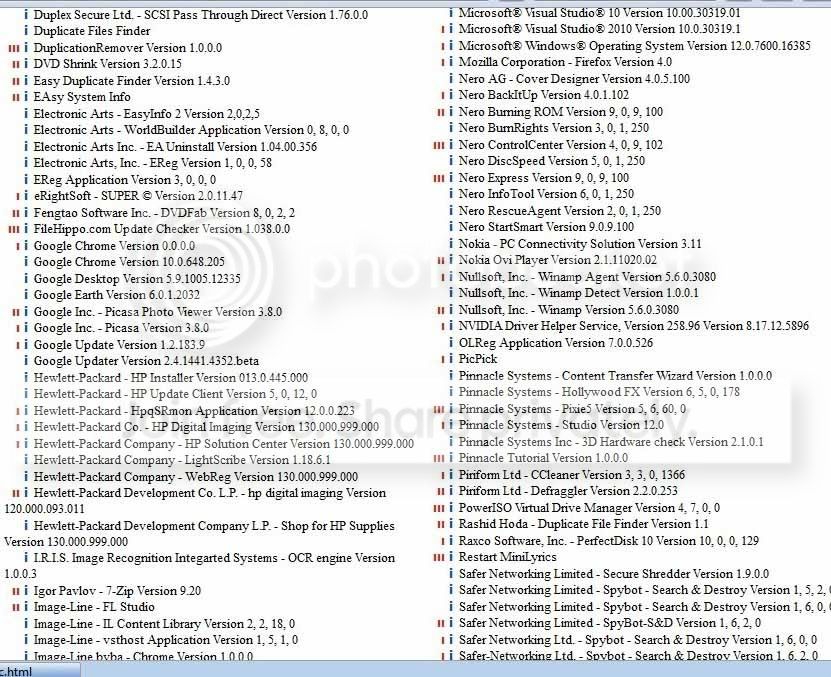
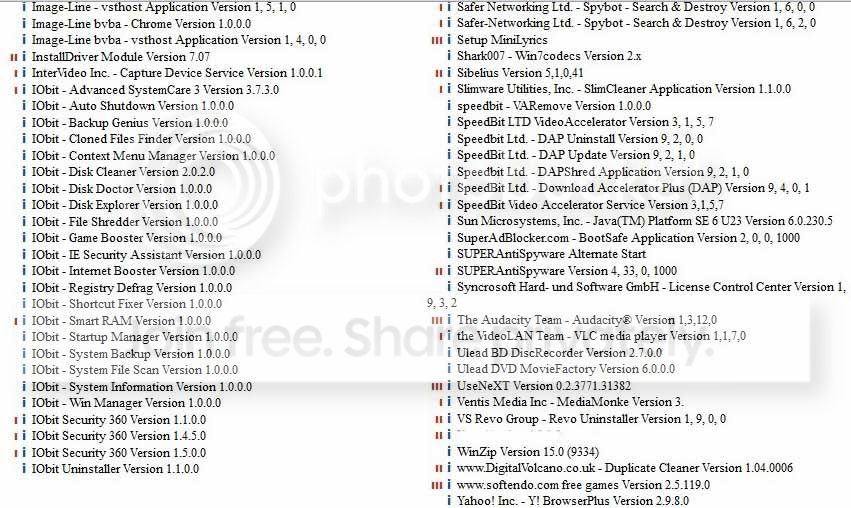
Belarc screenshots:
Belarc1.jpg

Belarc2.jpg

Belarc3.jpg

Belarc4.jpg

Belarc5.jpg

Belarc6.jpg

Belarc7.jpg

Belarc8.jpg

Belarc9.jpg


I hope anyone can give me advice
 
Last edited by a moderator:

My Computer

Computer type
PC/Desktop
Computer Manufacturer/Model Number
ECS G41T-M
OS
Windows 8.1 Pro x64
CPU
Intel Core i5-2300 CPU; 2.8 GHz
Motherboard
MSI H61M-P21 (B3)
Memory
8 GB
Sound Card
USB PnP
Monitor(s) Displays
Samsung
Screen Resolution
1024x768
Hard Drives
C: 500GB (Toshiba) (recently replaced)
D: 2TB (Seagate)
PSU
LPG9-25; 450Watt
Keyboard
Microsoft
Mouse
MS PS/2 Mouse
Internet Speed
Upload:6.60MBps; Download:2.06MBps
Antivirus
AVG
Browser
Chrome
Other Info
Microsoft Office Professional Plus 2013
Don't post pictures of Belarc scans. They often contain sensitive data.

None of the image links you posted work, they are incorrectly formatted. You can either post the link directly;


http://i261.photobucket.com/albums/ii62/avz10/Usualappearance.jpg
When it is slow:
http://i261.photobucket.com/albums/ii62/avz10/Slowopening2.jpg
Info on the system:
http://i261.photobucket.com/albums/ii62/avz10/System.jpg
http://i261.photobucket.com/albums/ii62/avz10/PerformanceInformation.jpg
http://i261.photobucket.com/albums/ii62/avz10/DeviceManager.jpg
Belarc screenshots:
http://i261.photobucket.com/albums/ii62/avz10/Belarc1.jpg
http://i261.photobucket.com/albums/ii62/avz10/Belarc2.jpg
http://i261.photobucket.com/albums/ii62/avz10/Belarc3.jpg
http://i261.photobucket.com/albums/ii62/avz10/Belarc4.jpg
http://i261.photobucket.com/albums/ii62/avz10/Belarc5.jpg
http://i261.photobucket.com/albums/ii62/avz10/Belarc6.jpg
http://i261.photobucket.com/albums/ii62/avz10/Belarc7.jpg
http://i261.photobucket.com/albums/ii62/avz10/Belarc8.jpg

Or place it in an image container. Just click on the "Image" in the post editor menu, and it will ask you to insert the URL of your image. Doing it this way gives immediate access to the image, as shown below.


Belarc9.jpg


In order to help you we need to know something about the machine you are having problems with. Please fill out your system specs.

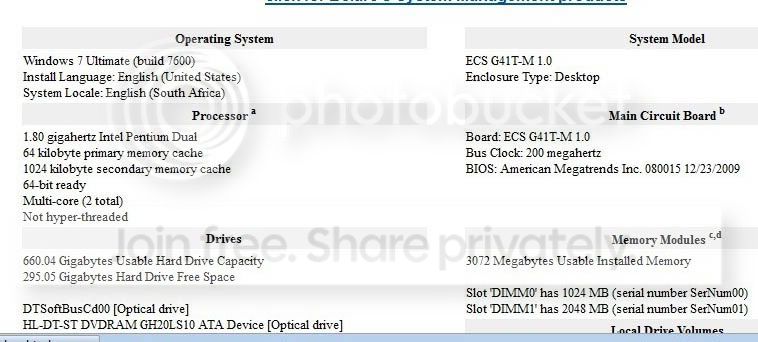
OK. Found the specs in one of your pictures;

Belarc1.jpg


I see you also erased the sensitive data in the Belarc scan images. Very sensible.


EDIT: Posting the same to various forums is only likely to result in confusion;

How many forums did you post to?

http://www.pchelpforum.com/windows-vista-7/108740-pc-slowing-down.html

Regards....Mike Connor
 
Last edited:

My Computer

OS
Several, including Windows 7 x64 Ultimate
To post screenshots in SevenForums, use Snipping Tool in Start Menu, attach file using Paper Clip in reply box.

Start by unchecking everything in msconfig>Startup except AV and gadgets/stickies if you use them. All others are freeloaders at all times on your RAM/CPU, Startup and can spy on you. Startup Programs - Change

After several restarts check again to see if any have written themselves back into list, then turn them off in their Preferences or uninstall.

Next check msconfig>Services, check box to Hide All MS Services, see what's running without your knowledge and turn it off in Preferences or uninstall.

Work through these other troubleshooting steps to look for problems in logs and tap other system resouces, test your hardware, etc.
 
And be very wise to do disk cleanup with CCleaner too. You seem to have fair system specs but the huge amount of junk files that gets deposited there over time can slow down the computer. Then use a program like Defraggler to defragment the hard drive after a disk cleanup, this should significantly improve the performance of the system on several occasions.
 

My Computer

Computer Manufacturer/Model Number
Custom Built
OS
Windows 7 Ultimate 32 Bit, Windows Developer Preview, Linux Mint 9 Gnome 32 Bit
CPU
Intel Pentium Dual CPU E2180@2GHz
Motherboard
Elitegroup 671T-M3
Graphics Card(s)
NVIDIA GeForce 7200 GS
Monitor(s) Displays
AOC TFT1560 15" LCD Monitor
Screen Resolution
1024x768
Keyboard
Logitech USB Keyboard
Back
Top