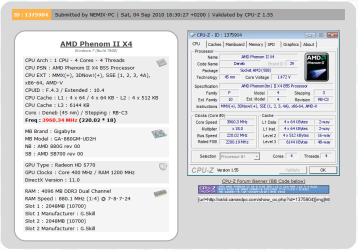
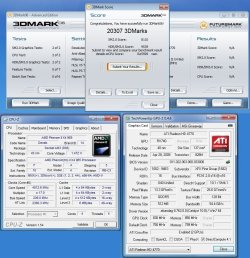
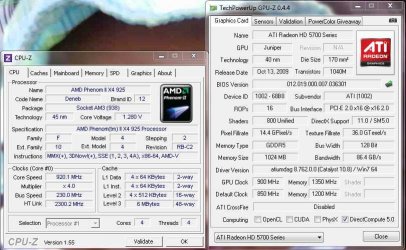
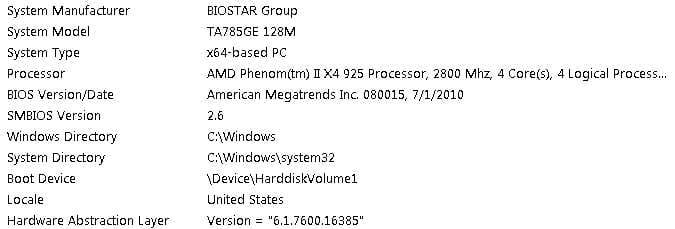
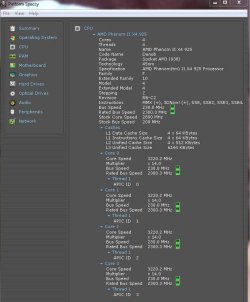
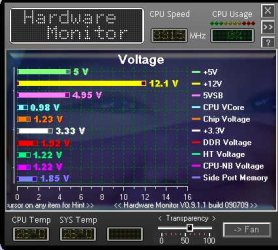
I have the QPI to auto.
Yes. For some reason 4GHz runs stable with a 21 multiplier in everything, but then it gets too hot because of the voltage: 80+ degrees
And with a 19 multiplier 4GHz runs stable with lower voltage, but then I get these game crashes after 20 minutes.
If you're going to OC to 4gig you need to manually set the QPI/Vtt voltage. Voltages that should be set manually are Vcore, QPI/Vtt, RAM.
For my 3.5 OC I have a QPI/Vtt of 1.215. However visiting Tweaktown's GIGABYTE forum for example, most users have a QPI/Vtt of 1.3 - 1.315 for 4gig+ OC's. It could be less (if you're lucky) but it's mostly around the 1.3 mark.
You might want to visit your MB's forums, or other overclocking forums to get some good ideas on voltages.
Good luck.
My Computer
At a glance
Windows 10 ProIntel Core i7-4770K (3.5Ghz)32 gig Corsair Dominator Platinum (4x8Gig)Sapphire Tri-X R9 Fury
- Computer type
- PC/Desktop
- Computer Manufacturer/Model Number
- Custom built by me.
- OS
- Windows 10 Pro
- CPU
- Intel Core i7-4770K (3.5Ghz)
- Motherboard
- Gigabyte G1 Sniper 5 (F10 Bios)
- Memory
- 32 gig Corsair Dominator Platinum (4x8Gig)
- Graphics Card(s)
- Sapphire Tri-X R9 Fury
- Sound Card
- Soundblaster ZXR
- Monitor(s) Displays
- NEC PA242W 24" LCD Monitor
- Screen Resolution
- 1920 x 1200
- Hard Drives
- Primary - Samsung 850 Pro (512gig), Samsung 840 Pro (256gig), 2TB WD Caviar Black.
- PSU
- EVGA Supernova 1000 G2
- Case
- Cooler Master HAF X
- Cooling
- Corsair H100i with Corsair Air Series SP120 Quiet Fans
- Keyboard
- Logitech Wireless Wave
- Mouse
- Logitech Performance MX
- Internet Speed
- High Speed Cable
- Antivirus
- Norton Security
- Browser
- IE11
- Other Info
- Memory Timings - 1866MHz @ 9-9-9-27-1T @ 1.5 volts