PPPoe connection keeps dropping perodically

Posiedon

New member
Local time
3:55 PM
Messages
8
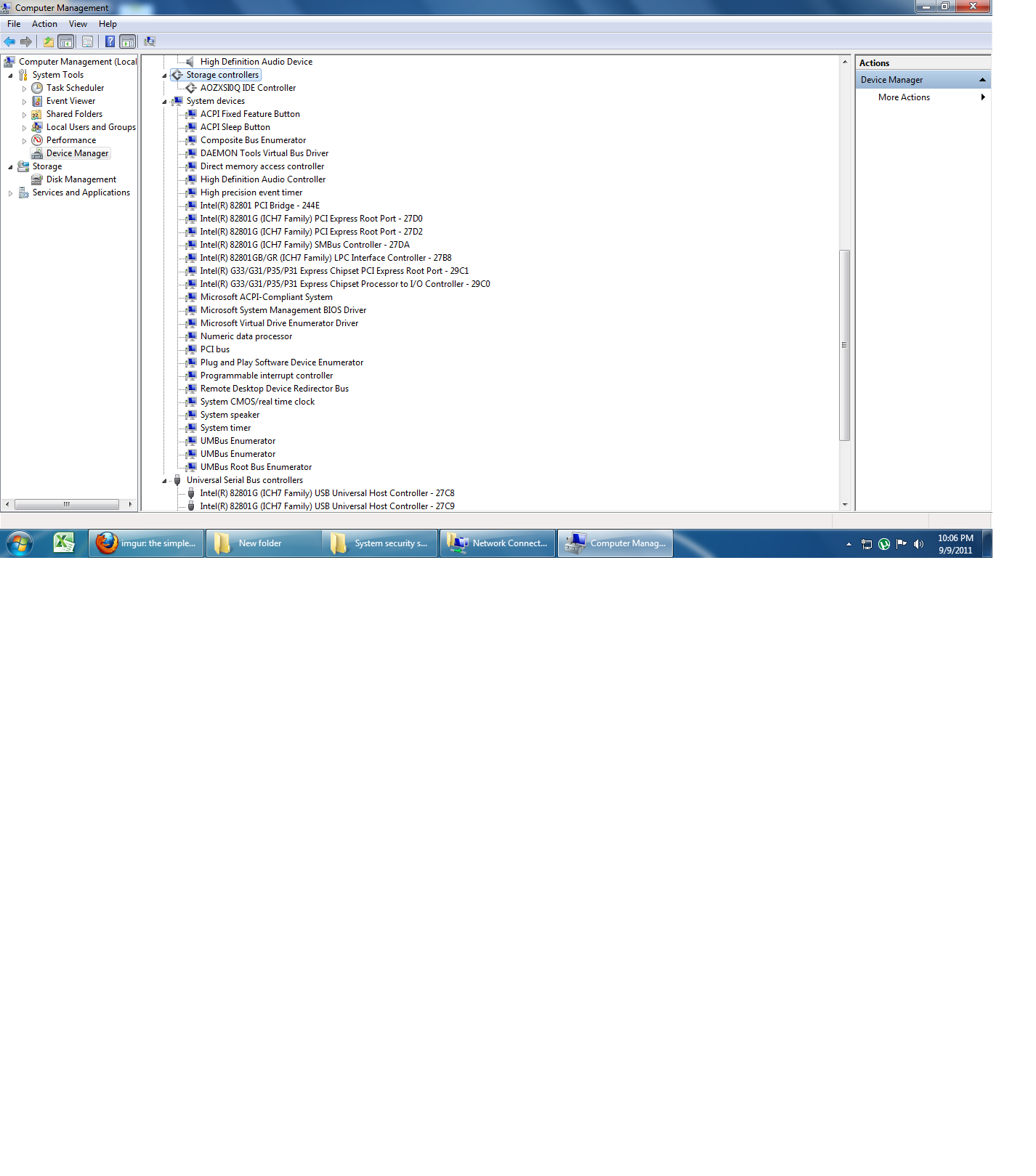
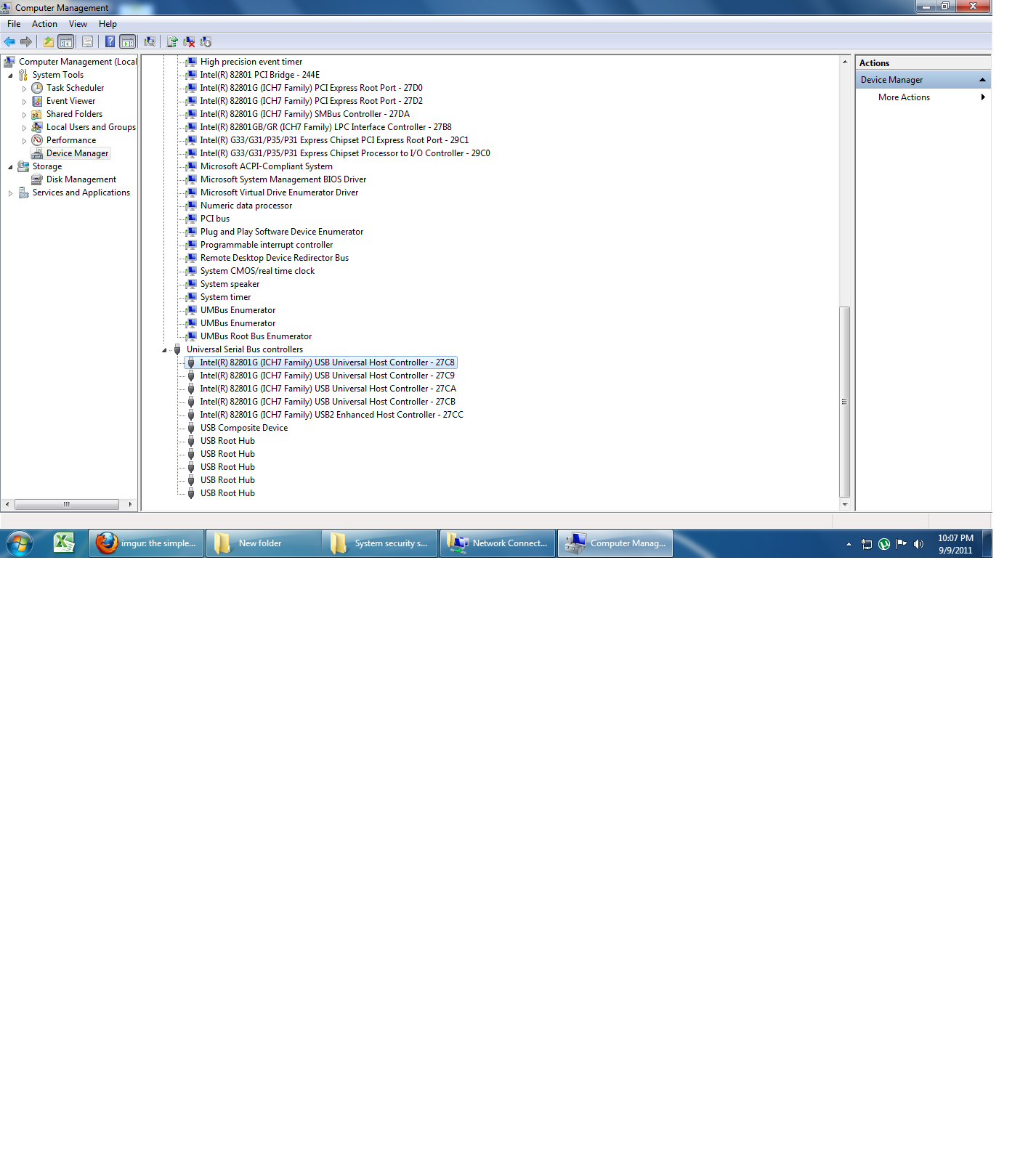
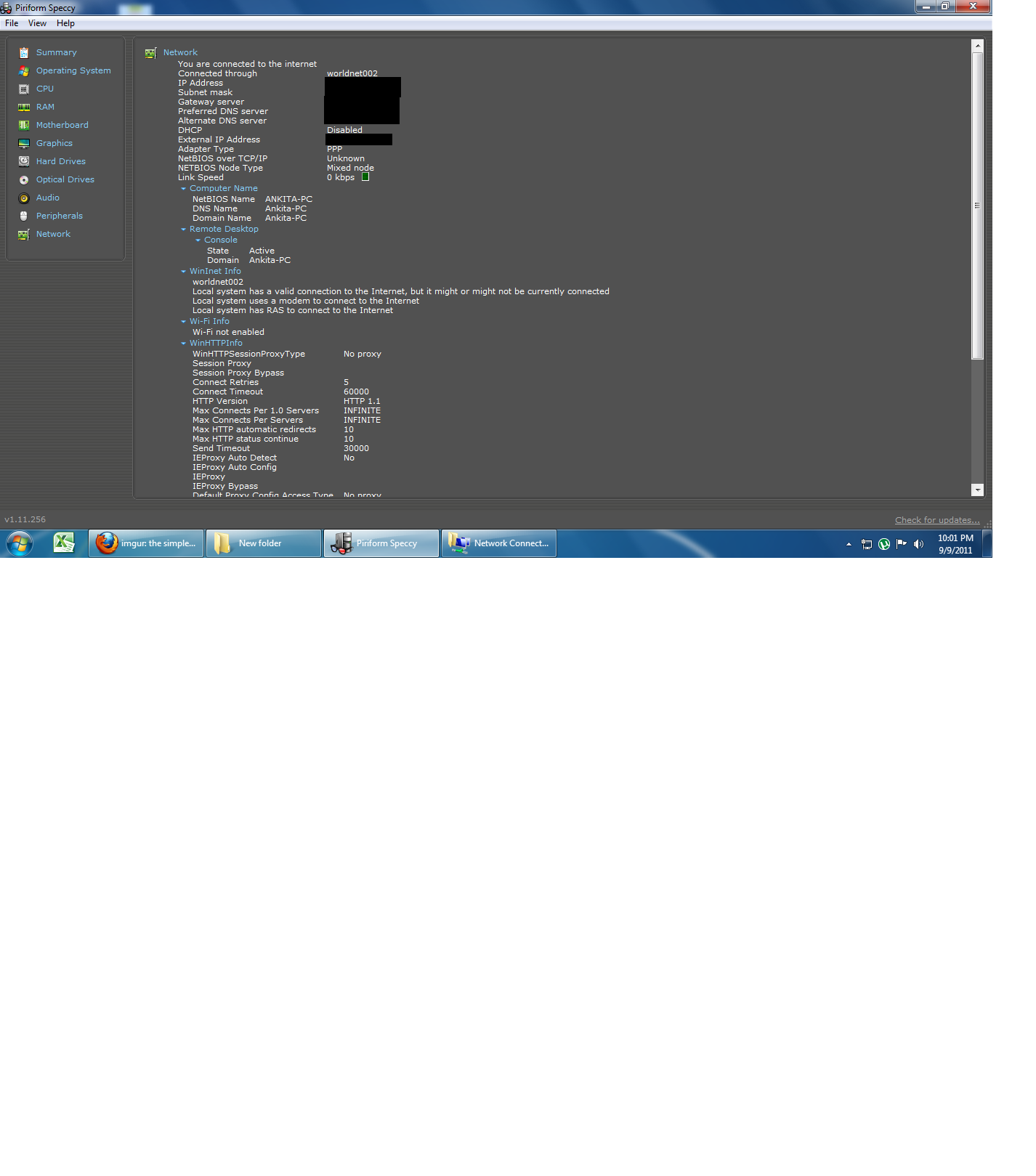
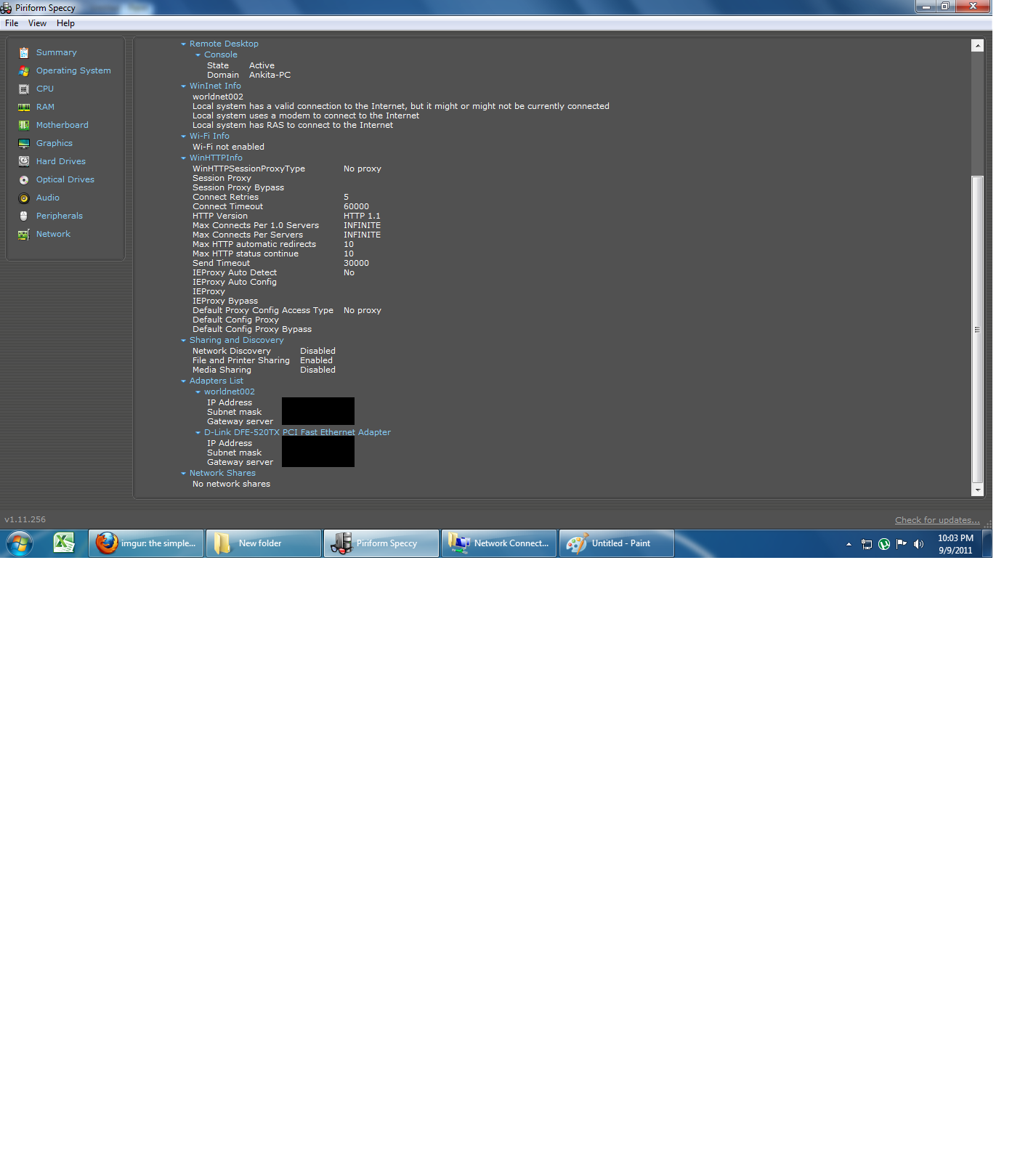
Hello guys.My internet connection keeps dropping periodically.I get the below dialog box and on clicking 'redial' it connects again but again i get the same dialog box in 10-15 minutes.I use windows 7.Tbh i have 0 knowledge of all this LAN related things so i am attaching screenshots of various details of my PC.Please let me know if you need any more details.

FlNTh.png


uFnVR.png

H40F2.png

q9BdS.png

aWa2i.png

[Here on right clicking 'Local Are connection 2'->properties->configure->Advanced Tab the setting there are:
Flow control - Disabled
InterruptModeration - Enabled
Network address - Not present
Receive Buffers - 160
Speed and Duplex settings-Auto negotiation
Transmit buffers-160 ]
82nBb.png

19EnP.png


Thanks in advance.
 

My Computer

OS
windows 7
CPU
Intel core 2 duo
Sounds like you may need to change a PPoe setting (keep alive) in your router... What router make and model do you have?
 

My Computer

Computer Manufacturer/Model Number
Homebrew PC - "Alpha_Dawg"
OS
Windows 7 Ultimate 64 bit Steve Ballmer Signature Edition
CPU
Intel Core 2 Quad - Q9550 - 2.83GHz stock - OC'd to 3.6GHz
Motherboard
Gigabyte EP45-UD3P
Memory
4GB DDR2 800MHz (PC6400) OCZ Reaper
Graphics Card(s)
Nvidia GE Force 8800 GTS
Sound Card
Asus Xonar DX
Monitor(s) Displays
Samsung SyncMaster 2333HD
Screen Resolution
1920 x 1080
Hard Drives
WD Caviar Black 750GB - 7200RPM - 32MB cache
WD Caviar Green 1.5TB - 5400RPM - 64MB cache
WD Caviar Green 2.0TB - 5400RPM - 64MB cache
PSU
PC Power & Cooling Silencer 750
Case
Gigabyte 3D Aurora
Cooling
Case is Air - 5ea. 120mm fans (mix of Arctic and Xigmatec)
Keyboard
MS Natural Wireless KB
Mouse
MS Wireless Mouse
Internet Speed
50 mbps down/5 mbps up
Other Info
AVerMedia - AVerTVHD G2 Dual Tuner Card
hey sorry i am a complete beginner to these things....does router=LAN card???Actually my inbuilt lan card on my motherboard got damaged and so i bought a new one.The name of lan card is 'D-Link DFE-520TX PCI Fast Ethernet Adapter'.
 

My Computer

OS
windows 7
CPU
Intel core 2 duo
Actually the LAN card as you referred to it is known as a NIC (Network Interface Card). It is then plugged into somthing that looks like a "box with lights". This box with lights may also have an antenna.

Since you are saying PPPoe, that something is most likely either a DSL router and/or modem. If you have more than 1 PC in your home and all can get Internet (wired or wirelessly), then it is probably a router or a combination router/modem. Lets start with solving a few questions:

  • Are there any identifiying names and model numbers on this "box"?
  • Do you in fact have DSL or ADSL Internet service?
  • Who is your provider?
  • It appears this is a new att worldnet connection, and that you used to have zonenet... is that the case? You recently switched?
With some of these questions answered, we may be able to assist you with more specific instructions.

I also noticed in the screenshot of your connections that it shows unidentified network, and you have 2 PPPOe miniports shown... delete the old one, or uninstall its software (zonenet).
 

My Computer

Computer Manufacturer/Model Number
Homebrew PC - "Alpha_Dawg"
OS
Windows 7 Ultimate 64 bit Steve Ballmer Signature Edition
CPU
Intel Core 2 Quad - Q9550 - 2.83GHz stock - OC'd to 3.6GHz
Motherboard
Gigabyte EP45-UD3P
Memory
4GB DDR2 800MHz (PC6400) OCZ Reaper
Graphics Card(s)
Nvidia GE Force 8800 GTS
Sound Card
Asus Xonar DX
Monitor(s) Displays
Samsung SyncMaster 2333HD
Screen Resolution
1920 x 1080
Hard Drives
WD Caviar Black 750GB - 7200RPM - 32MB cache
WD Caviar Green 1.5TB - 5400RPM - 64MB cache
WD Caviar Green 2.0TB - 5400RPM - 64MB cache
PSU
PC Power & Cooling Silencer 750
Case
Gigabyte 3D Aurora
Cooling
Case is Air - 5ea. 120mm fans (mix of Arctic and Xigmatec)
Keyboard
MS Natural Wireless KB
Mouse
MS Wireless Mouse
Internet Speed
50 mbps down/5 mbps up
Other Info
AVerMedia - AVerTVHD G2 Dual Tuner Card
Actually the LAN card as you referred to it is known as a NIC (Network Interface Card). It is then plugged into somthing that looks like a "box with lights". This box with lights may also have an antenna.

Since you are saying PPPoe, that something is most likely either a DSL router and/or modem. If you have more than 1 PC in your home and all can get Internet (wired or wirelessly), then it is probably a router or a combination router/modem. Lets start with solving a few questions:

  • Are there any identifiying names and model numbers on this "box"?
  • Do you in fact have DSL or ADSL Internet service?
  • Who is your provider?
  • It appears this is a new att worldnet connection, and that you used to have zonenet... is that the case? You recently switched?
With some of these questions answered, we may be able to assist you with more specific instructions.

I also noticed in the screenshot of your connections that it shows unidentified network, and you have 2 PPPOe miniports shown... delete the old one, or uninstall its software (zonenet).

thank you for your reply Darryl.
My connection doesnt need any box.There is just a wire that i connect to my LAN card and that wire, i think is connected to some switch(a few buildings away) and tbh i dont even know the function of that switch.
There is only 1 PC at my home.
And regarding the 2 miniports,when i connect 'worldnet' its for the internet and 'zonenet' is for 'DC++'.
Also i dont know if my connection is DSL or ADSl.i googled it but still couldnt understand.I have a 512 kbps connection.
 

My Computer

OS
windows 7
CPU
Intel core 2 duo
Whoever owns that "switch" or whatever it is probably just needs to reset it! Or you have a bad/dying cable... Contact them and let us know...

Also, a few other things that come to mind and may help...is this overhead building to building wiring, or underground? If exposed, rodents love to chew on the outer PVC of network cabling! Also, is your connection pirated, or otherwise "borrowed" from a neighbor?
 

My Computer

Computer Manufacturer/Model Number
Homebrew PC - "Alpha_Dawg"
OS
Windows 7 Ultimate 64 bit Steve Ballmer Signature Edition
CPU
Intel Core 2 Quad - Q9550 - 2.83GHz stock - OC'd to 3.6GHz
Motherboard
Gigabyte EP45-UD3P
Memory
4GB DDR2 800MHz (PC6400) OCZ Reaper
Graphics Card(s)
Nvidia GE Force 8800 GTS
Sound Card
Asus Xonar DX
Monitor(s) Displays
Samsung SyncMaster 2333HD
Screen Resolution
1920 x 1080
Hard Drives
WD Caviar Black 750GB - 7200RPM - 32MB cache
WD Caviar Green 1.5TB - 5400RPM - 64MB cache
WD Caviar Green 2.0TB - 5400RPM - 64MB cache
PSU
PC Power & Cooling Silencer 750
Case
Gigabyte 3D Aurora
Cooling
Case is Air - 5ea. 120mm fans (mix of Arctic and Xigmatec)
Keyboard
MS Natural Wireless KB
Mouse
MS Wireless Mouse
Internet Speed
50 mbps down/5 mbps up
Other Info
AVerMedia - AVerTVHD G2 Dual Tuner Card
that you darryl.I contacted my provider and told him to fix a switch on my building itself.It is an overhead building to building connection and no its not pirated or shared with anyone else.
 

My Computer

OS
windows 7
CPU
Intel core 2 duo
Back
Top