Hi all,
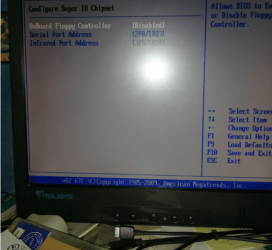
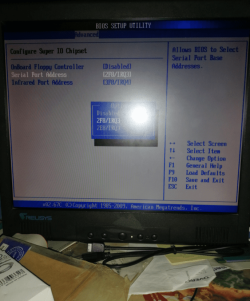
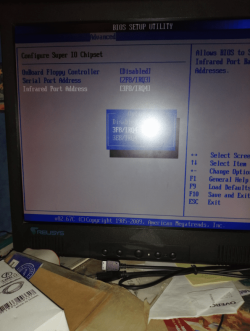
I need your help as I have got a problem with connect to the serial port on my motherboard. I have plugged the usb at the back of the set top box and I have plugged the male serial to the female serial adapter then to the male serial port at the back of the motherboard. When I plugged it there is no blue light come on my set top box. I have plugged the usb at the back of the set top box to the front usb port on my computer and the blue light come on so it works fine. There is nothing wrong with the serial cable that I plugged to the male serial at the back of the motherboard as the cable are brand new. I cant connect to the set top box using serial so I guess that it could have been disabled on the motherboard.
The name of the motherboard I have got is called ASROCK 980DE3/U3S3.
Do you know why I cant connect to the set top box using serial?
How I can enable it and get it to work?
I need to connect to the set top box using serial because i want to use putty software to command with the set top box. The putty software will not connect to the usb so i have to use serial to connect to the set top box.
Any advice would be much appreicated.
Thanks in advance.
I need your help as I have got a problem with connect to the serial port on my motherboard. I have plugged the usb at the back of the set top box and I have plugged the male serial to the female serial adapter then to the male serial port at the back of the motherboard. When I plugged it there is no blue light come on my set top box. I have plugged the usb at the back of the set top box to the front usb port on my computer and the blue light come on so it works fine. There is nothing wrong with the serial cable that I plugged to the male serial at the back of the motherboard as the cable are brand new. I cant connect to the set top box using serial so I guess that it could have been disabled on the motherboard.
The name of the motherboard I have got is called ASROCK 980DE3/U3S3.
Do you know why I cant connect to the set top box using serial?
How I can enable it and get it to work?
I need to connect to the set top box using serial because i want to use putty software to command with the set top box. The putty software will not connect to the usb so i have to use serial to connect to the set top box.
Any advice would be much appreicated.
Thanks in advance.
My Computer
- Computer type
- PC/Desktop
- OS
- Window 7 Home premuim 64bit