t-4-2
Banned
- Local time
- 11:32 AM
- Messages
- 997
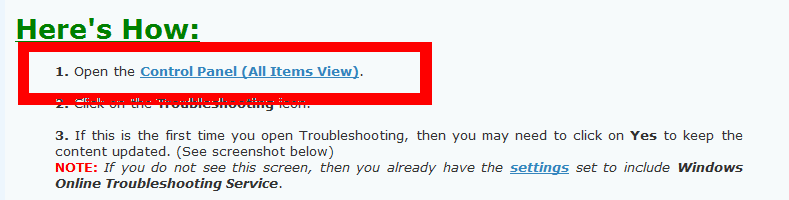
On this tutorial : http://www.sevenforums.com/tutorials/472-troubleshooting.html , there is a Troubleshooting icon in Control panel...... ?????

I don't see such icon in my Control Panel ........ I had to type Troubleshooting in the top right search box in the Control Panel window. What do I have to do the see the Troubleshoot icon ?

I don't see such icon in my Control Panel ........ I had to type Troubleshooting in the top right search box in the Control Panel window. What do I have to do the see the Troubleshoot icon ?
My Computer
- Computer Manufacturer/Model Number
- Acer Aspire 7741Z
- OS
- Windows 7 Home Premium 64-bit, SP1
- CPU
- Intel Pentium P6200, Cores 2, 2.13 GHz
- Memory
- 4 GB
- Graphics Card(s)
- Intel HD
- Sound Card
- unknown
- Monitor(s) Displays
- 17.3 inches
- Screen Resolution
- 1600 x 900
- Hard Drives
- 640 GB, 5400 PRM