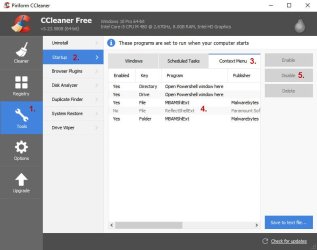
I've been playing around with this in CCleaner and here's what i found.
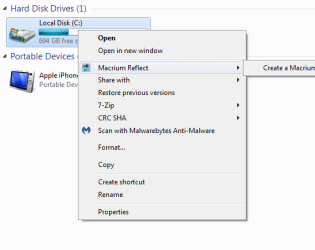
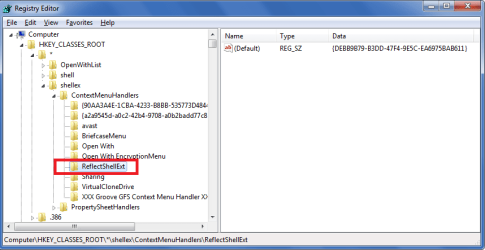
Macrium has different right click menu options for backup image files, XML definition files, and Drives.
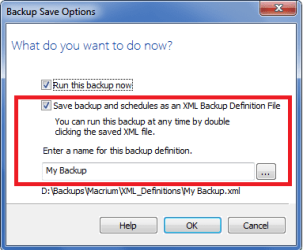
If you right click on a XML definition file it also shows Macrium Reflect as an option.
Your screen print in post #1 was for a Drive, so disable that.
If you don't want the File right click menu option in XML definitions, disable that also.
Right click on a Backup Image file and you see an Explore image choice - that runs Macrium.
I use this option, for me it's easier to find/explore the backup using Windows file Explorer than it is to find the backup image in the Macrium GUI.
I disabled both entries in CCleaner, and i still see the Explore image option for a backup image file.
From what i see, CCleaner doesn't disable this option for backup images, even if both entries are disabled.
I didn't know i could right click a XML definition and run a full or differential that way.
I like having that choice, so i have to set up more XML definitions and test using them.
I'm learning some new stuff about Macrium in this thread and that's great !
If anyone knows more and better ways to use these Macrium options, i'm all ears !