- Local time
- 5:02 AM
- Messages
- 394
Please help -
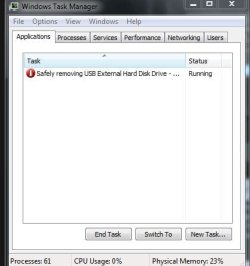
I am experiencing trouble with trying to eject my external disk drive currently.
The situation is that I go to the task bar and go to eject it properly.
All my programs are currently closed - bar Internet Explorer - as I am typing this message.
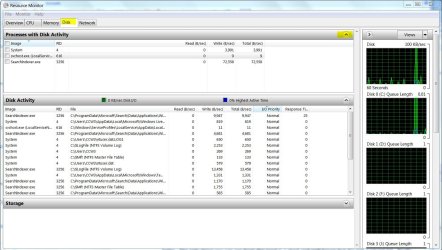
I am just wondering how you can assess what is using the external hard drive - whether it may be a back up or virus scan.
I have just been turning my computer on then off as I do not wish to loose any information.
I have been told never to just pull the USB cord out
I am experiencing trouble with trying to eject my external disk drive currently.
The situation is that I go to the task bar and go to eject it properly.
All my programs are currently closed - bar Internet Explorer - as I am typing this message.
I am just wondering how you can assess what is using the external hard drive - whether it may be a back up or virus scan.
I have just been turning my computer on then off as I do not wish to loose any information.
I have been told never to just pull the USB cord out
Attachments

My Computer
- Computer type
- Laptop
- Computer Manufacturer/Model Number
- Sony VAIO / E Series VPCEB46FG
- OS
- Windows 7 Home Premium 64bit
- CPU
- Windows 7 Service Pack 1 x86 NTFS
- Motherboard
- AMD E-350 Processor
- Memory
- 4 GB
- Hard Drives
- 500GB
- Other Info
- 1.6GHz

 )
)

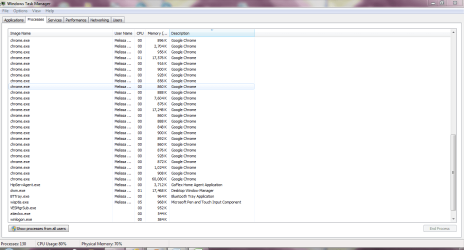
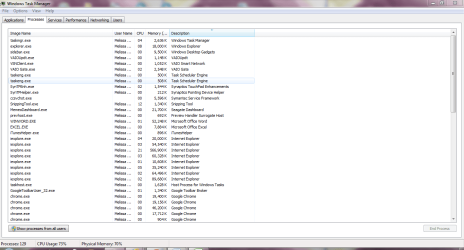
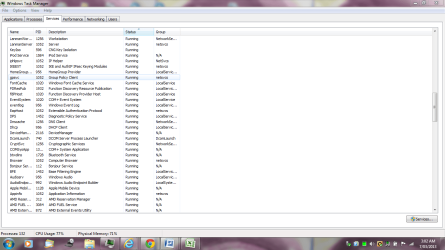

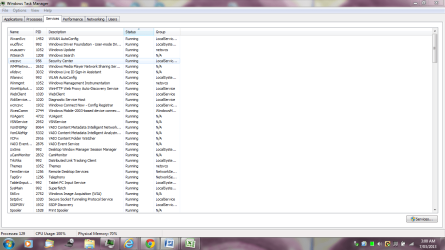


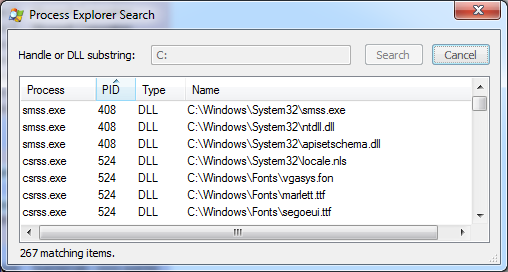

 ! A clean boot is relatively simple and can do no harm if thats what you're worried about by the way though I can find nobody suggesting you do that here. If you're truly worried about this (and I have NEVER lost any data myself because of it) Then I would highly recommend you download one of the programs jumanji suggested earlier. For your peace of mind if for nothing else. Heres a snip of task manager. Theres really not a lot more to it than that.