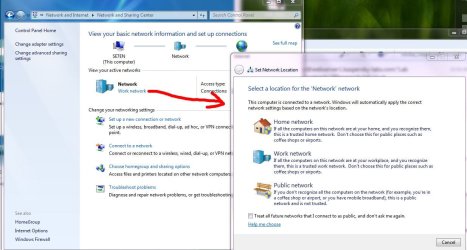
You should click on the Link, not the icon..
except if there's no link there at all...post a screenshot plz
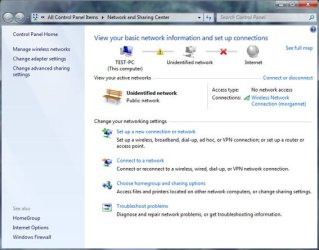
There is no link to click. There is no way in from network and sharing, or any control panel option.
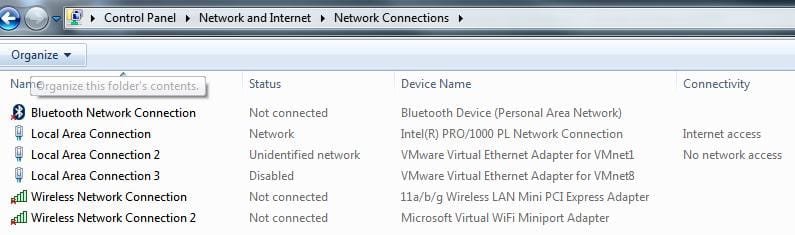
Network type selection can not be made before your computer is actually connected to the router / network. Your screenshot shows you are not connected; that's why Seven doesn't let you change the type. No network connected, nothing to change.
Connect first to an available network, after that you can change the type to Home, Work or Public by clicking the link. Clicking the icon let's you change the name and / or icon of that network.
Kari