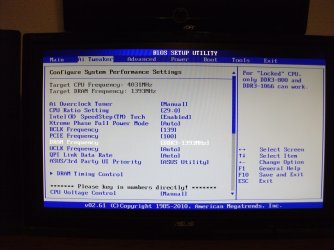
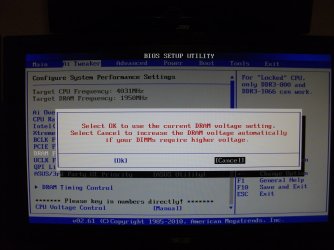
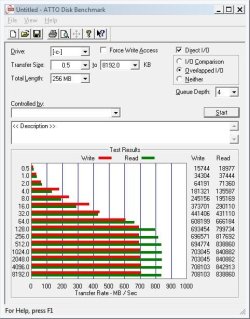
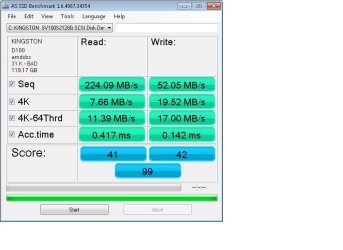
I did read up on the overclocking but I just do not understand the details behind it so I did what I could based on what I read.
I forgot to mention that I flashed the Bios to version 1301.
That's not really overclocking. If you bought 1600MHz memory and want it to run at 1600MHz speeds that's what you'll need to do to get it running. It's the memory you bought. If you're happy with it at 1066, do nothing. It'll just run underclocked at 1066.
And unless that BIOS adds automatic XMP enabling, updating the BIOS won't change the memory settings.
Again, just providing info.
My Computer
- Computer type
- PC/Desktop
- Computer Manufacturer/Model Number
- Custom built by me.
- OS
- Windows 10 Pro
- CPU
- Intel Core i7-4770K (3.5Ghz)
- Motherboard
- Gigabyte G1 Sniper 5 (F10 Bios)
- Memory
- 32 gig Corsair Dominator Platinum (4x8Gig)
- Graphics Card(s)
- Sapphire Tri-X R9 Fury
- Sound Card
- Soundblaster ZXR
- Monitor(s) Displays
- NEC PA242W 24" LCD Monitor
- Screen Resolution
- 1920 x 1200
- Hard Drives
- Primary - Samsung 850 Pro (512gig), Samsung 840 Pro (256gig), 2TB WD Caviar Black.
- PSU
- EVGA Supernova 1000 G2
- Case
- Cooler Master HAF X
- Cooling
- Corsair H100i with Corsair Air Series SP120 Quiet Fans
- Keyboard
- Logitech Wireless Wave
- Mouse
- Logitech Performance MX
- Internet Speed
- High Speed Cable
- Antivirus
- Norton Security
- Browser
- IE11
- Other Info
- Memory Timings - 1866MHz @ 9-9-9-27-1T @ 1.5 volts