im having this problem too. im running win7 rc 32 bit. all the programs in 'all programs' have disappeared, but only in my regular account. i have a separate admin account and the 'all programs' are fine. i even created a new account and they're fine too.
i noticed that in the programs folder, under C:, all the folders had 'hidden' checked under properties. so i unchecked them all, nothing. i took ownership of all the folders, nothing. following some advice i got by googling(spelt right?), i typed this:
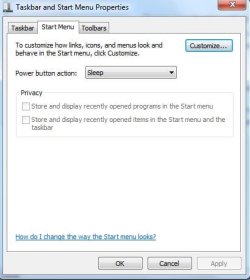
regsvr32 /i shell32.dll into a run command, restarted, nothing. i typed it into a command prompt, nothing. i reseted the start menu to it's default settings, nothing. i did a system restore, nothing. i did an earlier system restore, still nothing. finally i did a repair install.............still bloody nothing!

screenshot:
what the hell is going on!?
does anyone, ANYONE, know what is going on and how to fix this. it is very frustrating and annoying. will i have to do a clean install? cause i don't want to do that again.
i have to type/search for the program i want to run.
remember im running win7 RC 32bit.
--------------------------------edit/solve-----------------------------------------
ok i've seem to have solved the issue, although i want to to a cold boot just to make sure. i think that some sort of malware was messing around with the desktop.ini(protected system file), so what i did was copied my admin account desktop.ini file to my start menu folder.



 )
)