Jacee, et.al.
First Jacee.. thank you for the tip. It is a switch for "net config" I did not know and I have been through a lot of books. I think I once posted the output to netstat -a here, but I have never compared them. I am going to do that this evening.
It would great to be hidden on my network. But my question is this: Let's assume that what I have been saying is correct, i.e. I do not have a virus, or a trojan, or even a nasty worm/trojan....but let's say I have all of those things PLUS, someone -- at least part of the time -- monitoring my laptop via vpn, ssh, or any number or other methods. That this person, when he is actively and not passivley (through scripts and things) watching what I am doing, well then he would know I am doing this. Since he has priviliges on my laptop of that of a Server admin -- a lot more clout than my lowly Administrator (local), he can just change it back -- that is he can change it back if it makes it more difficult for him to stay on top of me/my laptop.
For the first time yesterday, I had about 5 minutes of freedom. I was going to try a different utility off of the Hiren's boot CD (which, by the way, I am convinced that he/she/it
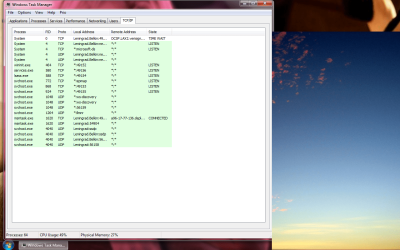
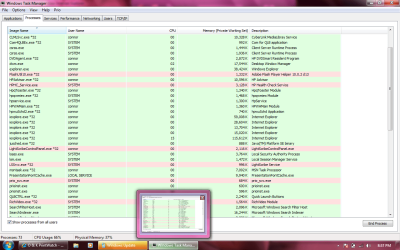
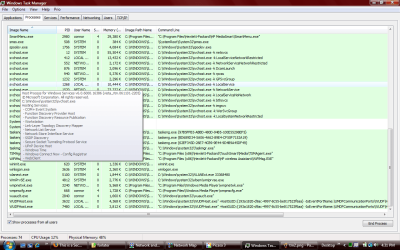
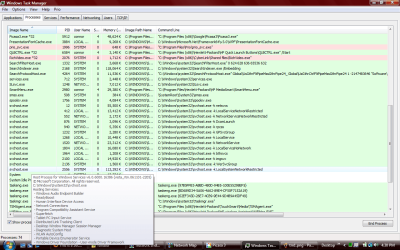
(HEREINAFTER REFERRED TO AS the "RNAV", a name I derived from RNA virus--a retrovirus) has the ability to hook into many if not all of this applications which are on their own bootable CD!). I do not know if it was one of the "passive" periods for the RNAV, but I chose a gateway disk utility that had a fast wipe (it zeroed the first 1MM sectors from the beginning and end of the drive), then installed WIN 7 (without Vista first, which I have typically been doing because those are the recovery disks from HP for this laptop and contain all the drivers for the webcam, or sound card, etc...some of which I cannot download from HP directly). Anyway, I went to my task manager, and there was no sign of it....for 2, 3 minutes I thought I just got lucky..!!! Then, I saw the first process show up that is typically one I see when the RNAV is there. I cannot recall precisely right now, and since I lost my 400MG of screenshots, I do not have something to refer to... but it is something
like "mcorweiw". This is not the name of the process, but close. then, I saw WmiPrvSE.exe, which is
always there when the RNAV is. Followed by 3 times as many svchost processes running (slowly, in about 20 seconds, they all start (note: I know that svchost is run normally by windows for just about every application, but I have seen what underlying services these particular svchost procesess run and many are not needed and are part of the infection.) Alos, Wlanext, then WUDFhost. Lastly, one process that must be there, and is as persistant as a housefly, is one called "audiohg". I won't claim my bluetooth theory as gospel, but something is tied to multimedia.... if I delete this file (and it takes a log of work to get to it and delete it), then until it can replace the file, it uses Windows presentaion font cache or Windows Presentation. During this whole time, I was not connected to an ethernet network , nor was my wireless "switch" on (it is just a touch sensor, so saying "switch" is a bit much). One reason I believe I had this 3-6 minute moment of peace, was because I did my quick wipe, followed by a WIN 7, RC 7100 install. The 7100 build, as you may all know, does not include bluetooth drivers. I know that many here reading this thread have there doubts on my bluetooth theory, and I understand why you deem it unlikely, but I have not much else (following the rules of physics as we know it) to go on.
But, Jacee, back to my point (and I realize everyone that my ADD gets the best of me when I am anxious and I start posting on this board).... If I was to offer my first reflexive opinion, I would say that this tip would not work because the RNAV would know. I know there is every type of log (keylogger, possibly video now with my webcam on this laptop, screenshots, etc.) used by the RNAV -- while my windows Event Monitor is pretty much rendered useless. In the beginning of all of this I tried a lot of tricky things to avoid it in the wireless universe. I wrote a script that changed my MAC every 5 minutes.... that didn't seem to do much.... and I know everything I am saying is absurd at some level but it is something of an obsession now because there MUST be an explanation. [I bet if I was married, my wife would have left me about 1 month ago over this...

] But Jacee, I will certainly try it.
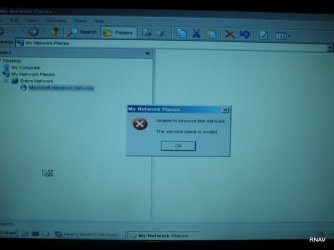
I have some interesting things to add and post. First... while running the various Hiren's BootCD utilities, I ran countless tests from virtually all of the applications (and there are at least 50 different diagnostic applications on this CD). Since I was in a DOS environment and would need to restart to get windows, I did not have a screenshot method at hand, so I just grabbed the ol' digital camera when something interesting came up. I am going to describe some of those now. To stave of the tedium, pretend I am showing you slides from a really weird recent vacation or something..
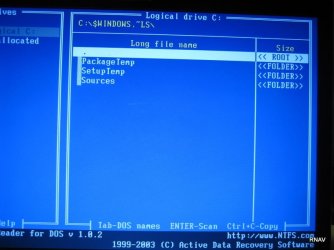
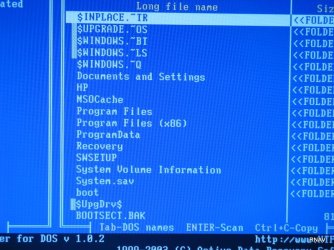
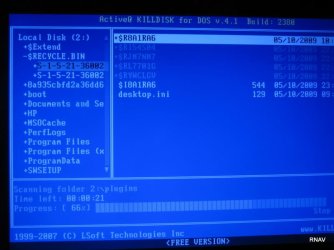
Image_522: This just shows my root drive. I had not noticed some of these items even with "show hidden folders and files". I am not sure what the SIDs mean either
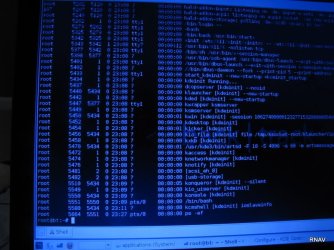
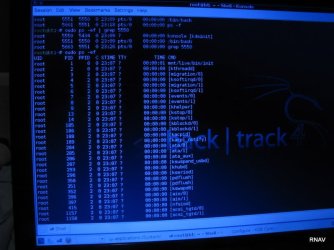
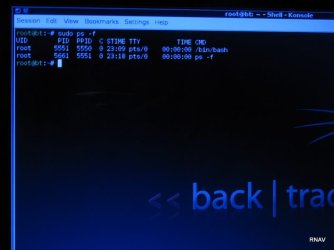
IMG_534, IMG_537,IMG_539: I am in the ubuntu-based pentesting CD Backtrack 4, and I am just showing that when I do "ps -f" and then "ps -ef", I get a lot of processes (and the ultimate bash parent) having a tty of "?" so linux knows the STDIN process, but does not seem to know the name of the file connected to STDOUT. That is weird to me.
IMG_546, IMG_547, IMG_548: More root drive directory shots.
IMG_549: This is a weird directory off of windows... I have never seen it. Is this normal?
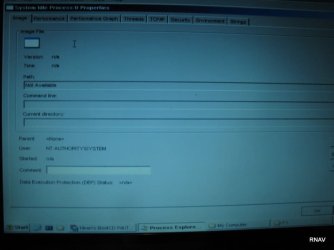
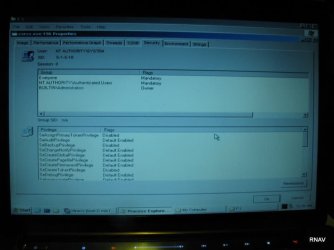
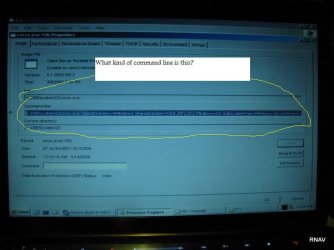
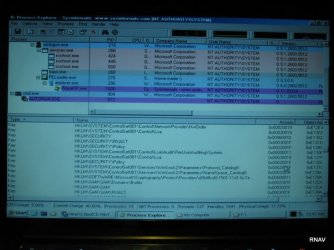
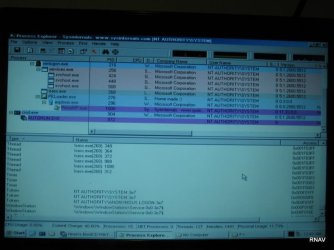
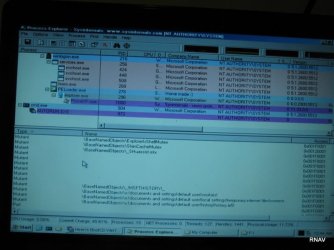
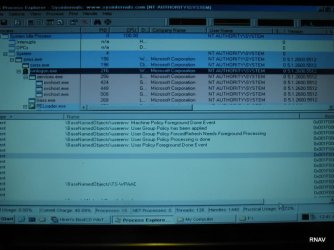
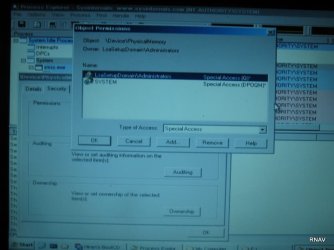
THe following shots are from the MINI-XP which comes with the HIREN BootCD. One nice thing very helpful about the mini-XP iis that it includes the Sysinternals ProcEXP....which is a super-charged, "all-extras-included" version of windows' rather boring Task Manager.
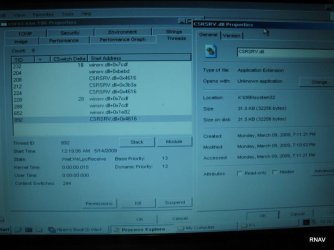
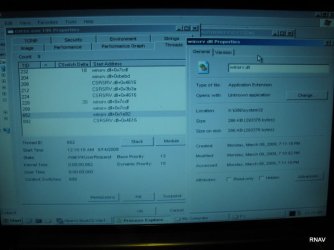
[See: Remainder of Images through IMG_598]
Regarding these images from ProcExp......Now here is where I think I have to have SOME ground. But please tell me if I am wrong. Please review..... There are times -- I swear -- I will see for .25 of a second an icon for a shared SID in the security tab in the proeprties box, but this SID icon is the one with the red-circled X over it (and I forget what that means), but it disappears immediately and I see the SIDs that you see in the photos. I do not know if these are standard, builtin windows groups and users. Also, the shots are just from different tabs of the properties of a specific process running while MINI-XP from the boot CD was used. What you are looking at should be self explanatory. But ask if you have a question.
There are mysterious SID owners and also, given this is just a scaled down version of XP, would there be so many threads strings??? And....well I am in water way too deep for me, but it seems like an awful more is going on than would need to be. Windows Vista is not supposed to be running. This is merely a mini-XP.
OK. That is enough screenshots for now.
But on an ending note.... all this time I have been trying to figure out how the RNAV gets in.... maybe it is more simple than that. To wit: I was looking at one of the utilities mentioned above from the HIREN BootCD (I would have to find this screenshot, but I am almost sure I have it). It was running a diagnostic on the CPU. The strange part was that it said the last time the CPU was powered off was "3 days and 14 hours ago". I know that I have shut down my laptop no less than 10 times in the span of 3 days and 14 hours.. I use the power button or "Start" -- "Shut Down". I also know that something, perhaps the RNAV keeps changing the power settings in VISTA or WIN7 so that the power button does not "power off" like I -- THE USER/OWNER -- would prefer instead the setting are always set so the power button merely puts the laptop to sleep. I have tried to counter this with the additional safeguard of removing the battery and holding down the power button (unplugged obviously as well) for anywhere from 10 to 30 seconds.
Is there a way the code of the RNAV could remain in the machine (setting aside storage on the HD)???? I ask this since I replaced the hard drive last weekend, so I know that magnetic media is not vital to its survival/existence even with my safeguards.
Thanks,
Paul



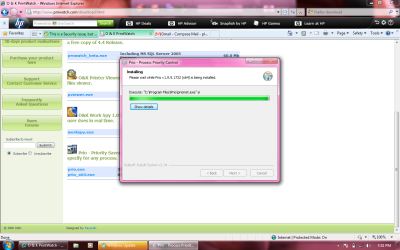











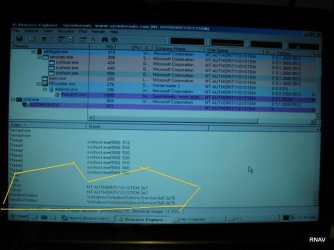




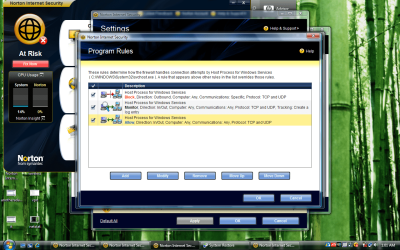
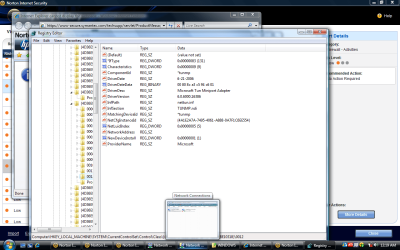
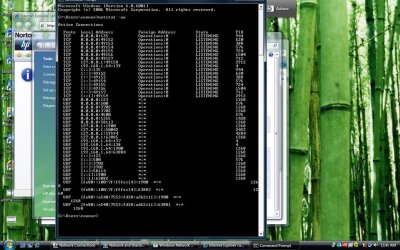
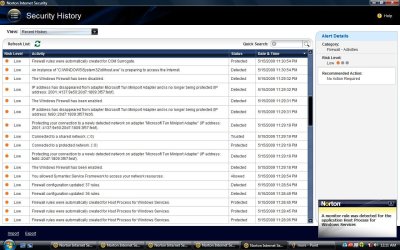
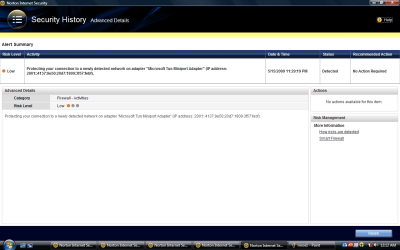
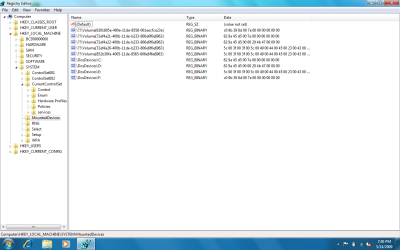
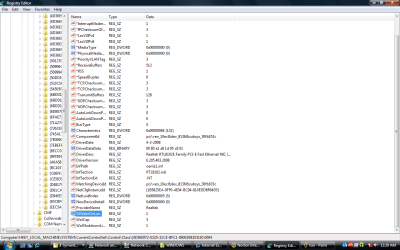

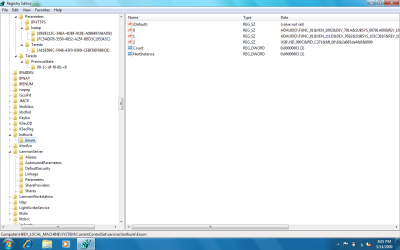
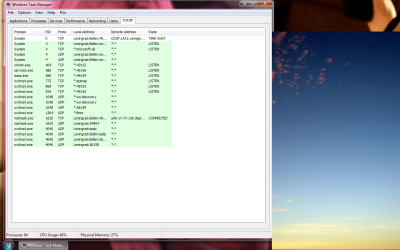

 called hijack. I am almost gloating....