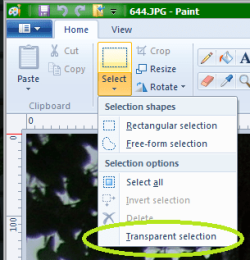
yes, yes you can, but it's quite difficult to do so. Sorry to prove you wrong mickey, but you can.
firstly, open up 2 versions of paint, 1st one is for the first image and the second one is the second image.
open the image you want on the left first, this will look like this:
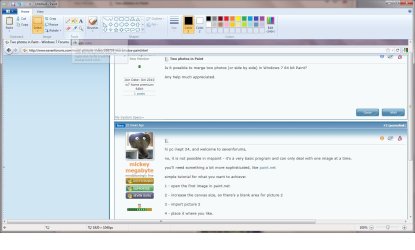
im using 7 forums for example.
now on the 2nd paint window, open up the other image that you want on the right, now on the first paint window, you need to resize the work area, otherwise the images won't fit in that space, so resize it by dragging the bottom right corner of the white workspace to a size that's bigger than the 2 images together.
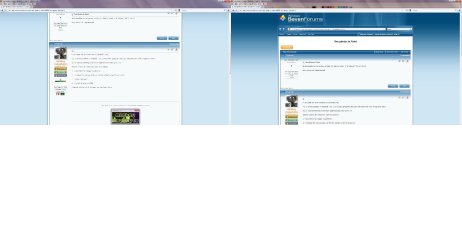
now go back to the 2nd window and click on select > select all, then click cut, now open up the 1st window and paste, drag the new image to the desired position and resize the white workspace back to the outline of the two images otherwise it'll look like this :
hope this helps

MrNeeds