USB drive needs formatting? How do I save my data?

HarryCM

New member
Local time
2:16 PM
Messages
13
Okay so as ridiculous as it sounds I forgot to make a back up, sue me.

But anyway, I have a lot of important data on this USB that I need to save or recover somehow, and I don't want to just format it and try to recover it that way in case I lose it all forever. I have tried several programs that are meant to be able to recover the data, but all have been unable to even detect the drive even though it appears in the Computer folder.

I attached some photos, can someone help me?

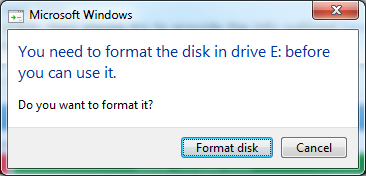
Error message displayed when inserting USB:
vkrEgvR.jpg


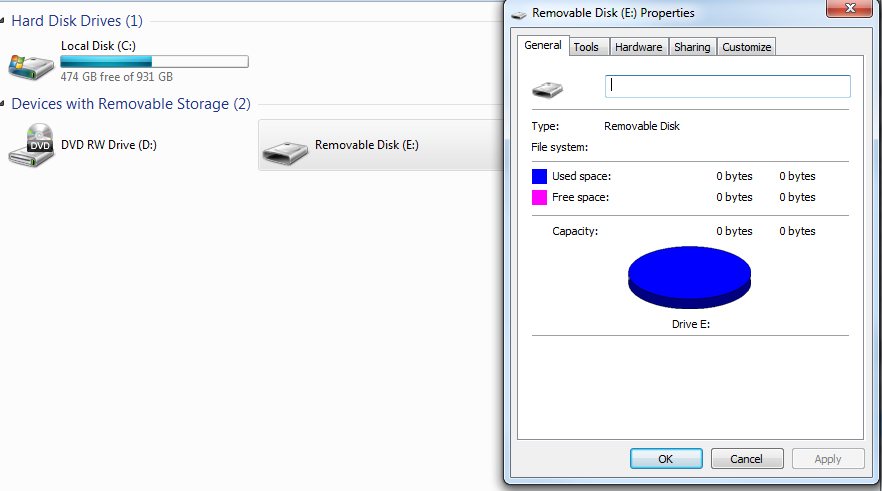
Properties of the USB:
72hSTCx.jpg


Error when attempting Chkdsk:
u0VAZXN.jpg
 

My Computer My Computer

Computer type
PC/Desktop
Computer Manufacturer/Model Number
custom build
OS
Windows 7 Home Premium 64 bit
CPU
Intel Core i5 3570k
Motherboard
ASUSTek P8H61-M LE/USB3
Memory
8Gb(2x Corsair 4Gb 1600mhz Vengeance) DDR3 CMZ8GX3M2A1600C9
Graphics Card(s)
NVIDIA GeForce GTX970
Sound Card
Onboard 7.1 Audio (Realtek)
Hard Drives
1Tb ST1000DM003-9YN162 ATA Device
PSU
XFX PRO850W
Cooling
Corsair H60 Water Cooler
Antivirus
Microsoft Security Essentials
Browser
Google Chrome
Just for information, tell us: What all recovery programs did you run?

From the chkdsk operation you carried out, I see your drive appears RAW.

To confirm please post a screenshot of Windows Disk Management - with your external drive connected.

If it does appear RAW,

Download , install and Run MiniTools Partition Wizard Home Edition 8.1.1. http://www.partitionwizard.com/download.html

Run the Partition Recovery Wizard in it, selecting your external drive.

Partition Recovery>Full Disk>Next> Quick Scan>Next

Post the screenshot of the resulting screen.
 

My Computer My Computer

OS
Windows 7 Home Premium 32 bit
Certainly, thanks for the quick response. I ran Asoftech Data Recovery, iCare Data Recovery 5.1, Remo Remover 4.0, EaseUS Data Recovery Wizard 8.5 all of which couldn't even detect the device.

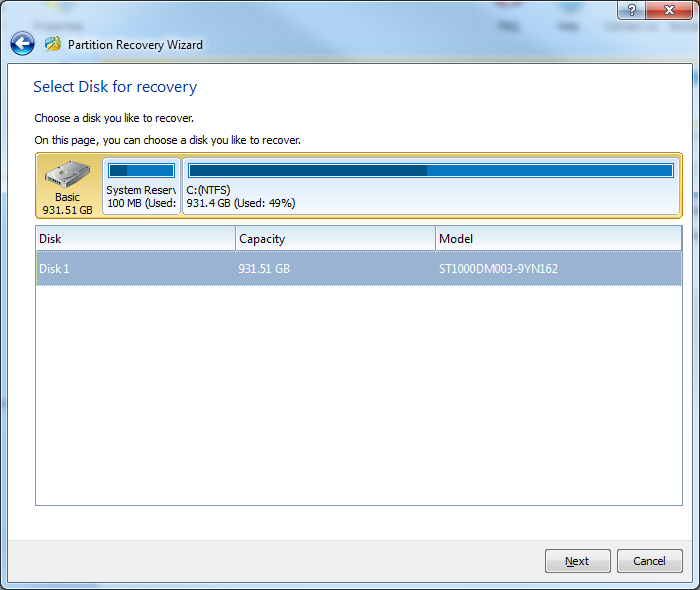
I get to the Partition recovery wizard, but I am unable to select the USB, only my hard drive. Is this correct?
IdHE36S.jpg


Running the partition Recovery Wizard:
62eEBZT.png


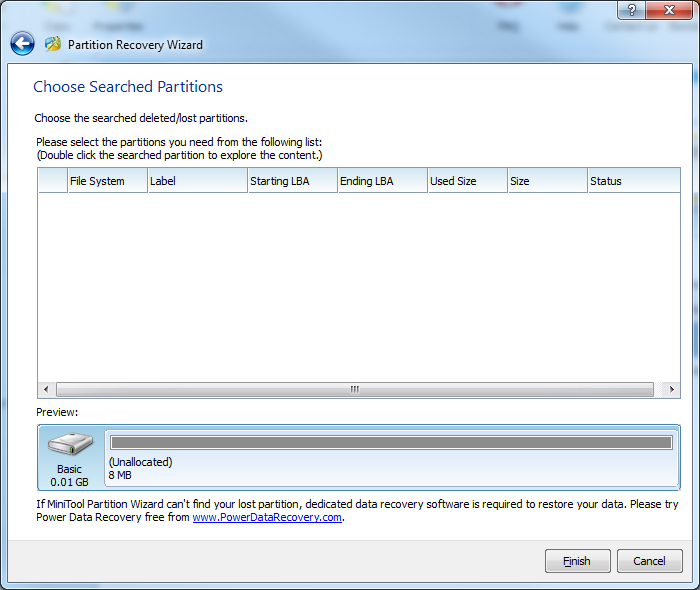
EDIT: After removing the USB and putting it back in, I ran the program again, this time I was able to select disk 2.

Here are the results:
WFv0RNp.jpg
 

My Computer My Computer

Computer type
PC/Desktop
Computer Manufacturer/Model Number
custom build
OS
Windows 7 Home Premium 64 bit
CPU
Intel Core i5 3570k
Motherboard
ASUSTek P8H61-M LE/USB3
Memory
8Gb(2x Corsair 4Gb 1600mhz Vengeance) DDR3 CMZ8GX3M2A1600C9
Graphics Card(s)
NVIDIA GeForce GTX970
Sound Card
Onboard 7.1 Audio (Realtek)
Hard Drives
1Tb ST1000DM003-9YN162 ATA Device
PSU
XFX PRO850W
Cooling
Corsair H60 Water Cooler
Antivirus
Microsoft Security Essentials
Browser
Google Chrome

My Computer My Computer

OS
Windows 7 Home Premium 32 bit
It pops up that I need to format the drive whenever I plug in the external drive.

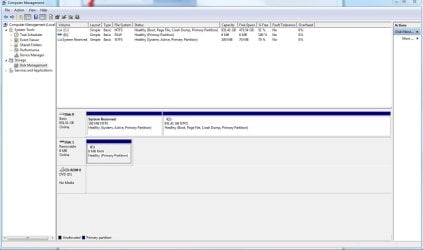
Windows Disk Management:
Capture.JPG
 

My Computer My Computer

Computer type
PC/Desktop
Computer Manufacturer/Model Number
custom build
OS
Windows 7 Home Premium 64 bit
CPU
Intel Core i5 3570k
Motherboard
ASUSTek P8H61-M LE/USB3
Memory
8Gb(2x Corsair 4Gb 1600mhz Vengeance) DDR3 CMZ8GX3M2A1600C9
Graphics Card(s)
NVIDIA GeForce GTX970
Sound Card
Onboard 7.1 Audio (Realtek)
Hard Drives
1Tb ST1000DM003-9YN162 ATA Device
PSU
XFX PRO850W
Cooling
Corsair H60 Water Cooler
Antivirus
Microsoft Security Essentials
Browser
Google Chrome
Why is it showing as just 8MB?

Details of your external drive needed. Make/Model/capacity.
 

My Computer My Computer

OS
Windows 7 Home Premium 32 bit
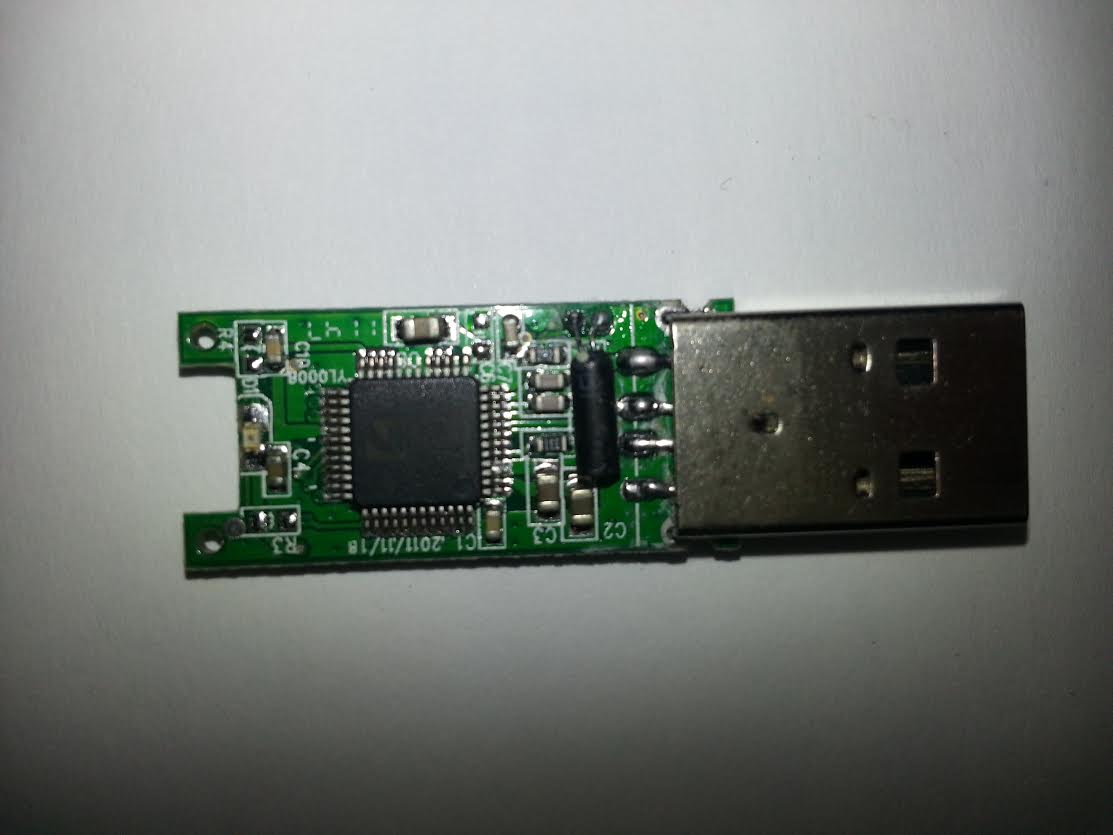
It's a cheap one I got free with a newspaper ages ago, therefore I don't know the make or model, I just removed the casing, the microprocessor states:
"Chipsbank JC9068 D2J308-25P"
It's capacity was previously 1Gb however, I assumed the 8Mb was something to do with the error with the USB.

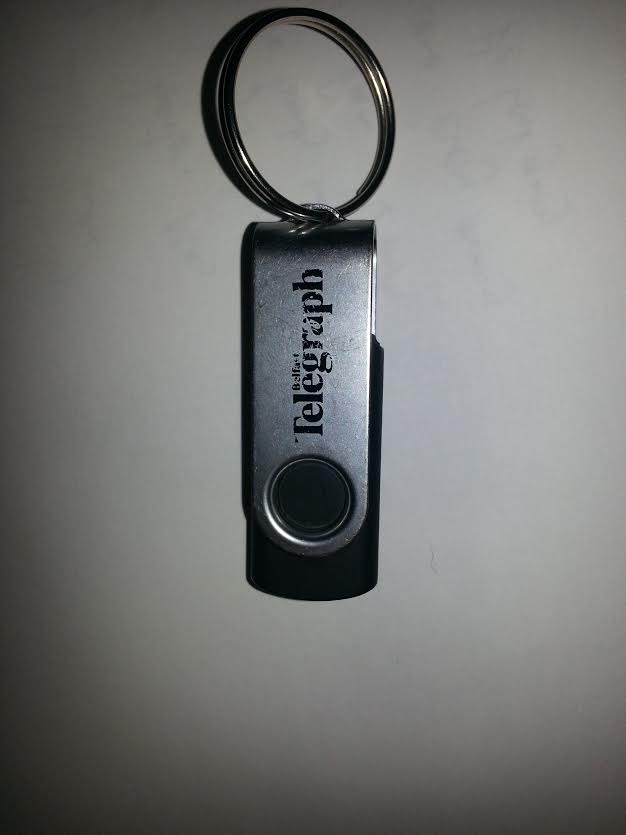
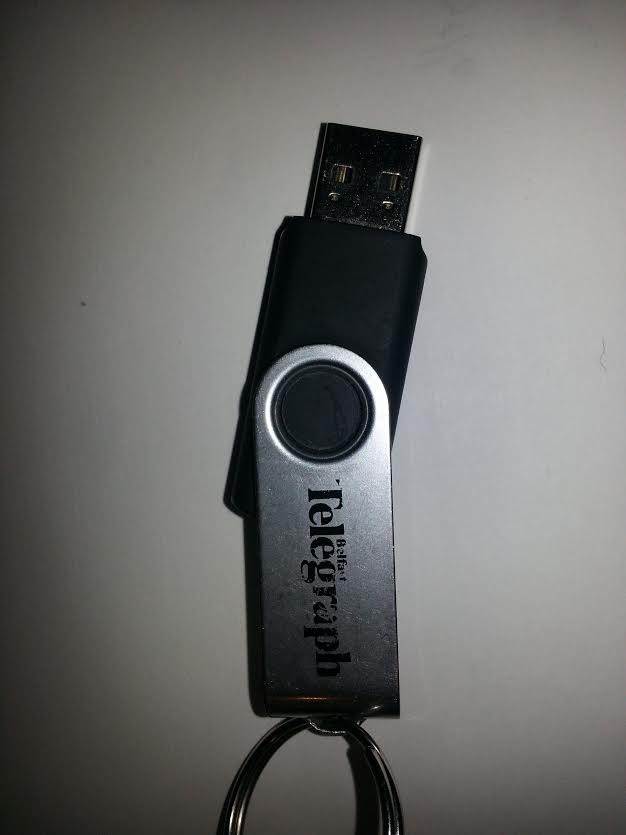
Photos of USB:
yENkMOR.jpg

Ztc0H4N.jpg

Q91Snbw.jpg
 

My Computer My Computer

Computer type
PC/Desktop
Computer Manufacturer/Model Number
custom build
OS
Windows 7 Home Premium 64 bit
CPU
Intel Core i5 3570k
Motherboard
ASUSTek P8H61-M LE/USB3
Memory
8Gb(2x Corsair 4Gb 1600mhz Vengeance) DDR3 CMZ8GX3M2A1600C9
Graphics Card(s)
NVIDIA GeForce GTX970
Sound Card
Onboard 7.1 Audio (Realtek)
Hard Drives
1Tb ST1000DM003-9YN162 ATA Device
PSU
XFX PRO850W
Cooling
Corsair H60 Water Cooler
Antivirus
Microsoft Security Essentials
Browser
Google Chrome
Were you able to access that 1 GB before and the data you had put in there was accessible before?

Whether your answer is a yes or no, irrespective, I am afraid that the free bird is dead.
 

My Computer My Computer

OS
Windows 7 Home Premium 32 bit
Okay, thank you so much anyway for the help it is greatly appreciated, I'm going to just try formatting it and then doing a recovery and see if that works. Thanks again!
 

My Computer My Computer

Computer type
PC/Desktop
Computer Manufacturer/Model Number
custom build
OS
Windows 7 Home Premium 64 bit
CPU
Intel Core i5 3570k
Motherboard
ASUSTek P8H61-M LE/USB3
Memory
8Gb(2x Corsair 4Gb 1600mhz Vengeance) DDR3 CMZ8GX3M2A1600C9
Graphics Card(s)
NVIDIA GeForce GTX970
Sound Card
Onboard 7.1 Audio (Realtek)
Hard Drives
1Tb ST1000DM003-9YN162 ATA Device
PSU
XFX PRO850W
Cooling
Corsair H60 Water Cooler
Antivirus
Microsoft Security Essentials
Browser
Google Chrome
Please keep us posted of your experiments. Nothing like not giving up easily and experimenting. Success or no success, it will atleast give out some consolation and satisfaction that you did your best. Good luck.
 

My Computer My Computer

OS
Windows 7 Home Premium 32 bit
Back
Top