USB HP Laserjet not printing

3DPiper

New member
Member
VIP
Local time
11:48 PM
Messages
109
I have a new lean install of Win7Pro:
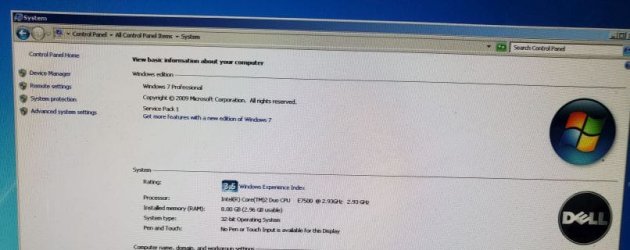
HP_Printer_1.jpg
HP_Printer_2.jpg
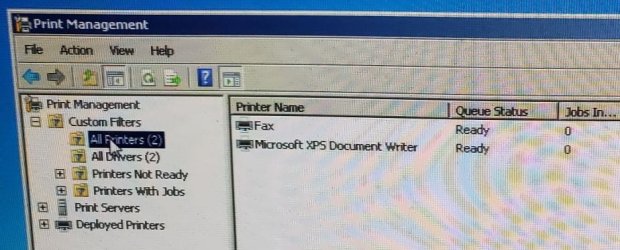
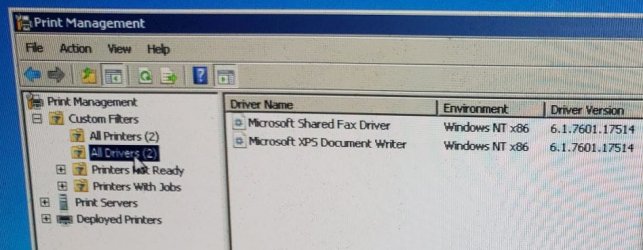
There are no other printers already installed:
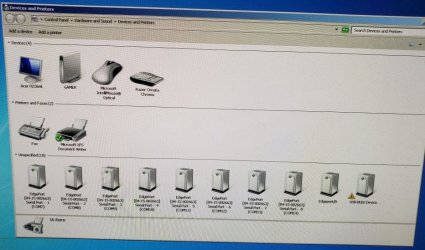
HP_Printer_3.jpg
HP_Printer_4.jpg
HP_Printer_5.jpg
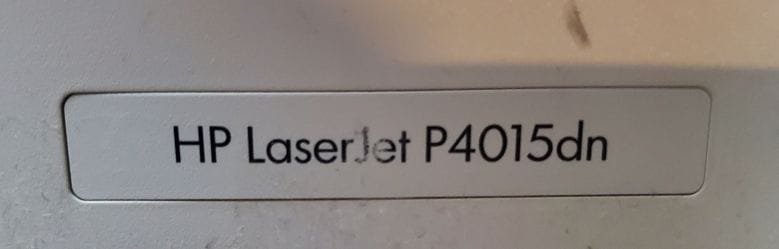
This is the printer I am trying to install on this machine:
HP_Printer_6.jpg
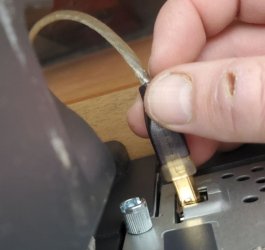
When I plug it up via USB:
HP_Printer_7.jpg
I get the 'installing drive' notification:
HP_Printer_8.jpg
And it successfully installs the driver:
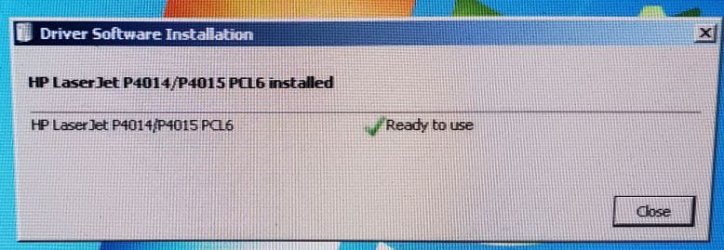
HP_Printer_9.jpg
The new printer shows up with the green check:
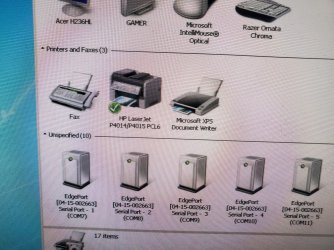
HP_Printer_10.jpg
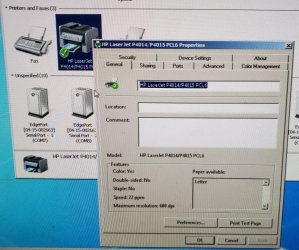
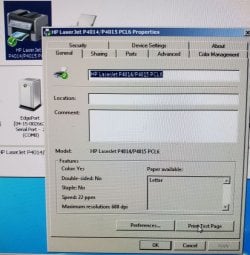
I check properties on the new printer:
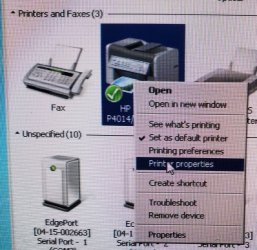
HP_Printer_11.jpg
HP_Printer_12.jpg
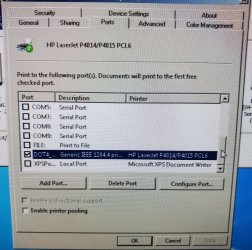
The port it is using:
HP_Printer_13.jpg
Then I try an print a test page:
HP_Printer_14.jpg
Although it says a test page has been sent to the printer, you can see the green check changes to a warning yellow exclamation and nothing is printed:
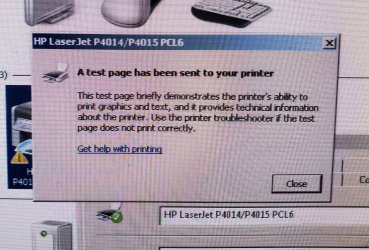
HP_Printer_15.jpg
How do I fix this? Really need this printer working!
Thanks! :thumbsup:
 

My Computer My Computer

Computer Manufacturer/Model Number
Dell M6400
OS
Windows 7
The port is totally wrong, it won't print through a DOT4 port. That's for a parallel port. There's needs to be a USB001 port show up in the ports list. See if you can manually add it with 'add port'. Another thing you can do is just grab the HP universal PCL5 driver for windows 7. Probably any version will do.
 

My Computer My Computer

Computer type
PC/Desktop
OS
Windows 7 Pro 64 bit SP1
CPU
Intel Core i7 950 Quad OC'ed to 3.2 GHZ
Motherboard
ASRock X58
Memory
12GB DDR 3
Graphics Card(s)
Radeon HD 5870 1GB
Sound Card
Onboard
Monitor(s) Displays
23" Acer HD
Screen Resolution
1920x1080
Hard Drives
128GB SSD
PSU
700W
Case
Coolermaster
Antivirus
Avast Free
Browser
Firefox
Thanks!
I DO have a parallel port on the computer and printer, should I hook it up and see if it prints via parallel port?
 

My Computer My Computer

Computer Manufacturer/Model Number
Dell M6400
OS
Windows 7

My Computers My Computers

System One System Two

  • Computer type
    PC/Desktop
    OS
    7 X64
    CPU
    i5 8400
    Motherboard
    gigabyte b365m ds3h
    Memory
    2x8gb 3200mhz
    Hard Drives
    various
    PSU
    pure power 11 400w cm
    Case
    Coolermaster
    Cooling
    cryorig m9i
  • Computer type
    PC/Desktop
    OS
    7x64
    CPU
    g5400
    Motherboard
    ga b365m ds3h
    Memory
    8gb ddr4 2400
    PSU
    xfx pro 450w
When I plug it up via USB:
[...]
I get the 'installing drive' notification:
[...]

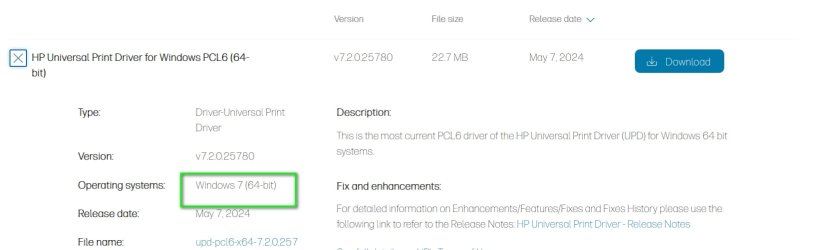
In general, best practice for HP printers is to not let Windows auto-configure and install its own driver. Use the HP driver SIW2 points to.

  1. Remove/delete the already "installed" HP.
  2. Leave the USB plug disconnected.
  3. Download the appropriate driver from HP.
  4. Launch the HP installation setup routine.
  5. The setup routine will ask how your HP is to be connected (network, LPT, USB).
  6. At the appropriate point in the setup routine, HP will say, "now connect the USB cable". Do not connect the USB cable before HP asks for it, or the Windows wizard will kick in and mess with the HP routine.
  7. HP will take it from there.
For future reference, it appears you have the "dn" version, which means it should support connecting via ethernet instead of USB. I personally prefer ethernet, if available, because it's easier to share the printer among multiple computers or laptops. Ethernet is a much, much cleaner way than trying to share the printer via Windows printer sharing. If you have nothing but the one computer, though, it's a moot point, but you might want to keep that in the back of your mind if you ever do want to support multiple computers.
 

My Computer My Computer

Computer type
PC/Desktop
Computer Manufacturer/Model Number
Dell Optiplex 7050
OS
Windows 7/8.1/10 multiboot
CPU
Intel Core i7-7700
Motherboard
Dell, Intel Q270 chipset
Memory
48GB (2x16GB Crucial DDR4-3200 + 2x8GB Hynix DDR4-2400)
Graphics Card(s)
Intel HD630 + AMD Radeon R7 450 PCIe
Monitor(s) Displays
Asus VC279 (27")
Screen Resolution
1920x1080
Hard Drives
Toshiba M.2 NVMe (256GB),
Samsung 960 Evo (500GB),
WD Red Plus 80EFBX (8TB)
Back
Top