
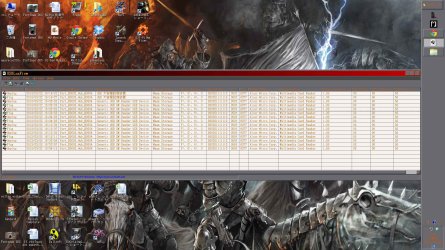
My assumption of this issue is that my USB reader is making a false reading of what ever device that isn't connected. It also seems to affect my PC performance when it happens. I disconnected all of USB devices on my Desktop PC, but it kept making those sounds. I also used this tool called USB Log View to determine what is it trying to read. I tried to disable the device that showed up through usage of Device Manager, but it didn't work. I attached the screenshot so if you can tell anything from it let me know.
Attachments
My Computer
At a glance
Windows 7 Home Premium 64 bitIntel Core i7 CPU 870 @ 2.93Ghz (4 CPUs). ~3....Nvidia GeForce GTX 560 Ti Twin Fronzr II
- Computer type
- PC/Desktop
- OS
- Windows 7 Home Premium 64 bit
- CPU
- Intel Core i7 CPU 870 @ 2.93Ghz (4 CPUs). ~3.1Ghz
- Graphics Card(s)
- Nvidia GeForce GTX 560 Ti Twin Fronzr II
- Antivirus
- Microsoft Security Essentials
- Browser
- Chrome, Mozila Fire Fox, IE

