

- Local time
- 4:30 AM
- Messages
- 715
I have Win 7 installed and working fine.
I installed VirtualBox-3.2.4-62467-Win and after creating the virtual space with 512mb ram and set the size of the virtual space to 15 GB, the instructions I had were:
After creating the virtual machine, including the virtual hard disk, insert the Windows XP Professional CD ROM into the optical drive. Next click on the CD/DVD-ROM entry of the Details tab in the Sun xVM VirtualBox main window.
The tools I have available are:
Win XP Pro/sp3 install disk (created with nlite)
Win XP Pro/sp3 iso file on a CD created using nlite (file name is "WinLite.iso).
VBoxGuestAdditions_2.2.0.iso
When I created VB before(on another PC) I only used the install disk to install XP Pro, but for some ungodly reason this time VB does not see the install disk.
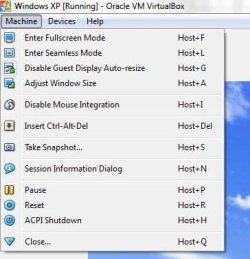
Also at this time I can not see to add Guest Additions?
Any suggestions where I go from here?
I installed VirtualBox-3.2.4-62467-Win and after creating the virtual space with 512mb ram and set the size of the virtual space to 15 GB, the instructions I had were:
After creating the virtual machine, including the virtual hard disk, insert the Windows XP Professional CD ROM into the optical drive. Next click on the CD/DVD-ROM entry of the Details tab in the Sun xVM VirtualBox main window.
The tools I have available are:
Win XP Pro/sp3 install disk (created with nlite)
Win XP Pro/sp3 iso file on a CD created using nlite (file name is "WinLite.iso).
VBoxGuestAdditions_2.2.0.iso
When I created VB before(on another PC) I only used the install disk to install XP Pro, but for some ungodly reason this time VB does not see the install disk.
Also at this time I can not see to add Guest Additions?
Any suggestions where I go from here?
My Computer
- OS
- Windows 7 Pro
- CPU
- Intel(R) Pentium(R) Duel CPU E2200 2.20 Ghz
- Motherboard
- GA-G41M-ES2L
- Memory
- 4 gb 2.96 Usable
- Graphics Card(s)
- Onboard
- Sound Card
- Onboard
- Hard Drives
- 2 - 1TB WD Sata Drives

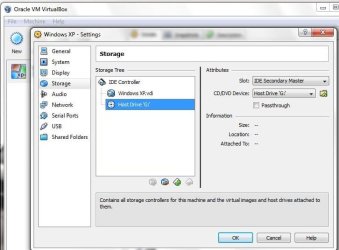
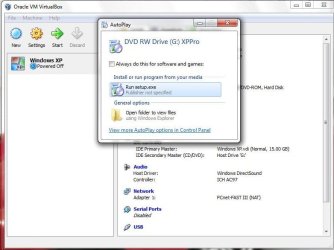
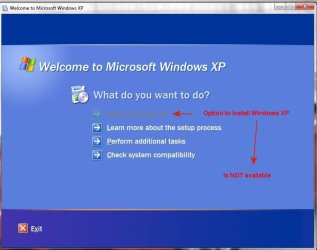
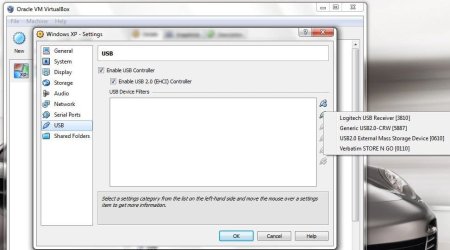

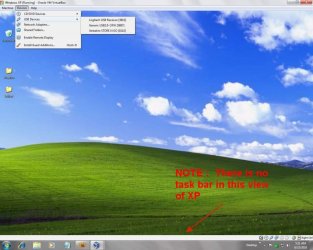

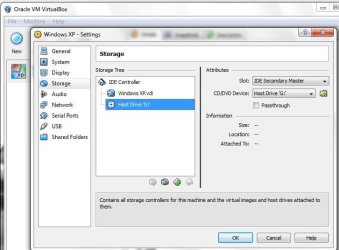
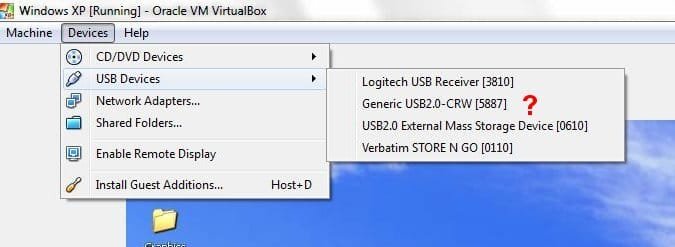
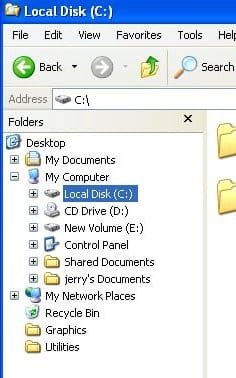
 Still can not see either the DVD drive or the Thumb drive.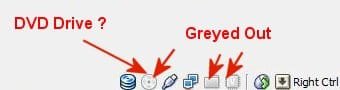
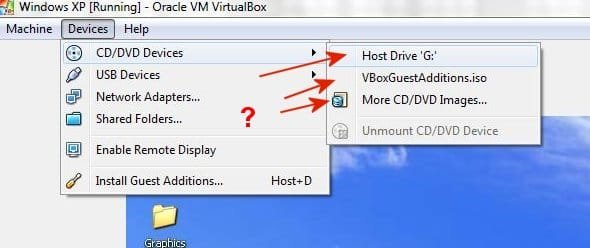
 A bright light dawned on me. My objective was to get programs into VB Win XP to install. I happen to lease webspace. So on another PC I uploaded the programs I wanted to run in XP to that server.

