- Local time
- 7:40 PM
- Messages
- 35
UPDATE (ISSUES SOLVED):
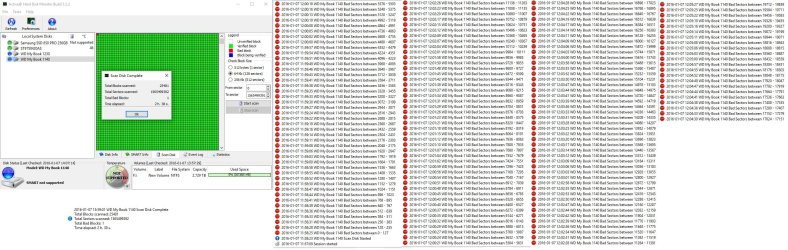
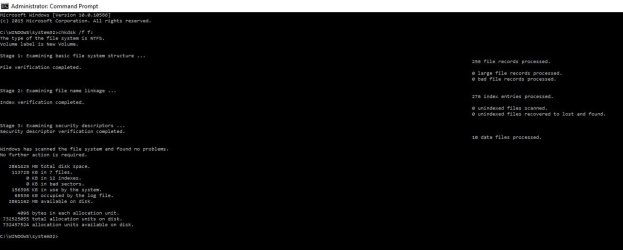
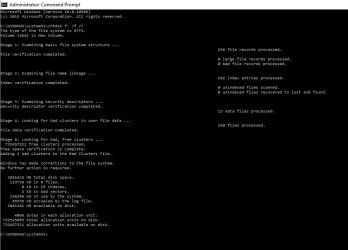
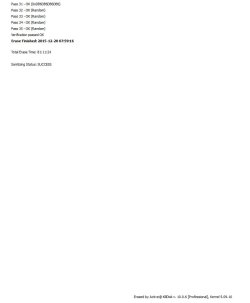
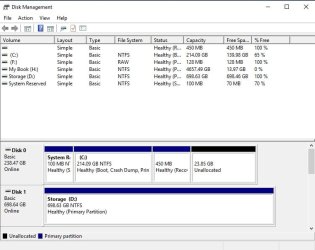
-Internal disk is wiped clean and a letter has been assigned to it. Everything is working great.
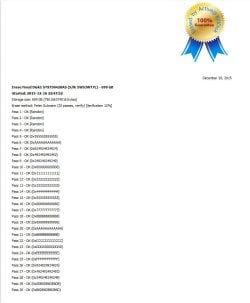
-External disk transfers are done through GetDataBack and as soon as I am done checking if I didn't miss anything, I will be wiping this disk as well. However, I will complete that step after the Holidays since 3TB of data through the Guttman method will take a long long long while.
We can consider my issues as SOLVED! I am glad I had some base knowledge to start with because I would never have succeeded. To each problem, there is a solution! Data just does not disappear into thin air.
Thank you Jumanji for advising GetDataBack. I personally, through all the software I tried, recommend GetDataBack and Active Data Studio. These are the only two that worked between
-R-Studio
-Acronis True Image WD Edition
-Stellar Phoenix
-MiniTool Partition Wizard Free
-TestDisk
Will be making a final update after the Holidays.
-Internal disk is wiped clean and a letter has been assigned to it. Everything is working great.
-External disk transfers are done through GetDataBack and as soon as I am done checking if I didn't miss anything, I will be wiping this disk as well. However, I will complete that step after the Holidays since 3TB of data through the Guttman method will take a long long long while.
We can consider my issues as SOLVED! I am glad I had some base knowledge to start with because I would never have succeeded. To each problem, there is a solution! Data just does not disappear into thin air.
Thank you Jumanji for advising GetDataBack. I personally, through all the software I tried, recommend GetDataBack and Active Data Studio. These are the only two that worked between
-R-Studio
-Acronis True Image WD Edition
-Stellar Phoenix
-MiniTool Partition Wizard Free
-TestDisk
Will be making a final update after the Holidays.
Attachments
My Computer
At a glance
Windows 10 Pro X64Intel Core i7-2670QM @ 2.20GHz16 GB
- Computer type
- PC/Desktop
- Computer Manufacturer/Model Number
- Dell
- OS
- Windows 10 Pro X64
- CPU
- Intel Core i7-2670QM @ 2.20GHz
- Memory
- 16 GB
- Browser
- Chrome