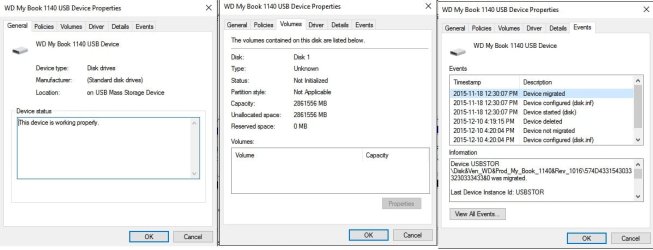
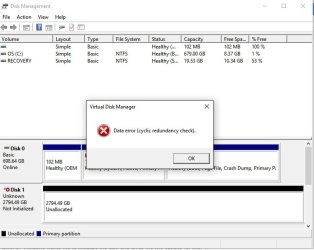
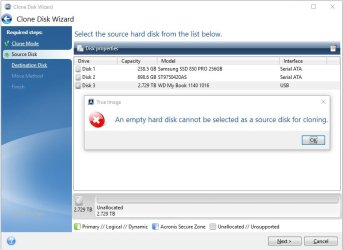
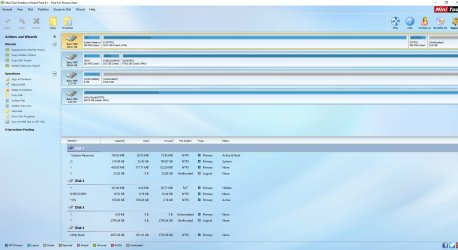
Yes sir, you actually made a mistake converting your 3TB external drive- rather initialsing it - as a GPT drive.
Older external drives larger than 2TB use advanced formatting with logical sector size of 4096. Those are initialised as MBR drives and a drive translation circuitry in the SATA to USB bridge inside the enclosure converts the 4096byte sector size data to 512 byte sector size data and presents it in the OS readable form..
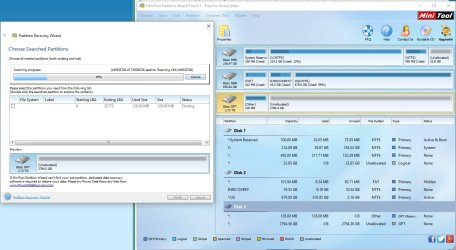
Because MBR at sector 0 was already there Windows refused to initialise it as MBR again. By initialising it as a GPT drive you have overwritten the original MBR with the protective MBR of a GPT drive. Fortunately initialising the drive as an MBR or GPT, writes only some initialisation data to a specific handful of sectors. As long as you do not create new volumes and format it either way - either as an MBR drive or a GPT drive - all your data will still be there but you have only made the data recovery a little difficult.
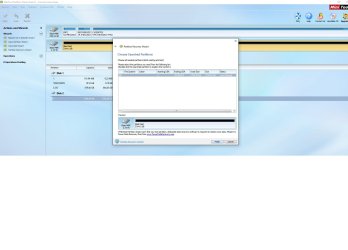
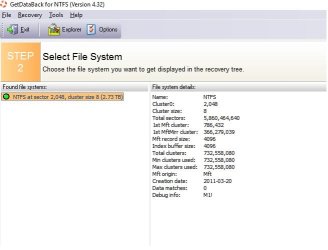
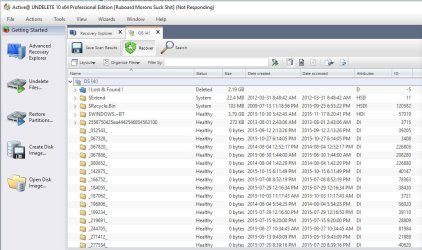
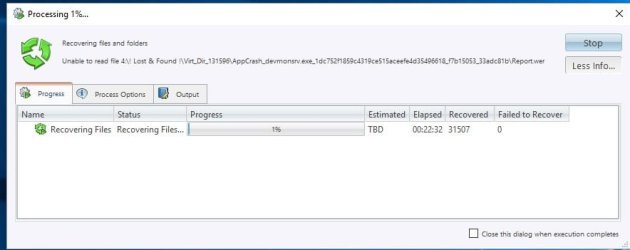
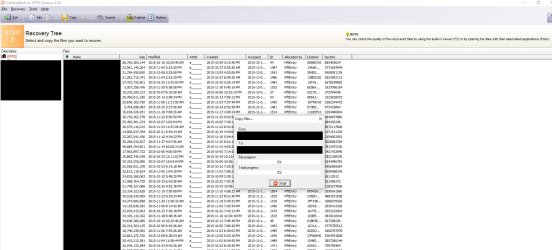
I just wanted to see what Getdataback tells you. Now that you have converted the GPT drive back to MBR - which I would have proposed if Getdataback was not successful with the drive initialised as GPT - let us see whether it can present all the files. If done, please preview the files and buy it only if all the files are intact.
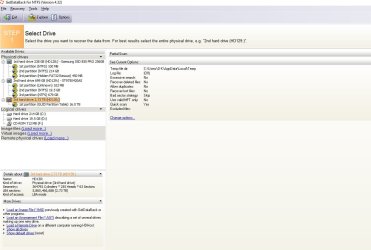
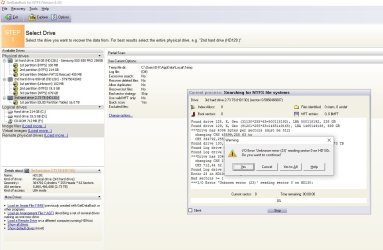
Again you seem to have downloaded getdataback for NTFS instead of Getdataback simple as advised. Getdataback simple combines all other getdataback (NTFS and FAT) in one single entity.You seem to be doing things on your own at a faster pace than I could react - I am a slow couch

- but with data recovery doing things blindly can prove to be disastrous and can make matters worse - just like your converting the MBR drive to GPT.
Anyway go ahead with Getdataback Simple again and see whether you can see all the files intact before buying it.
(Ignore these observations if you had already bought Getdataback or using a pirated version - anything is possible.

)
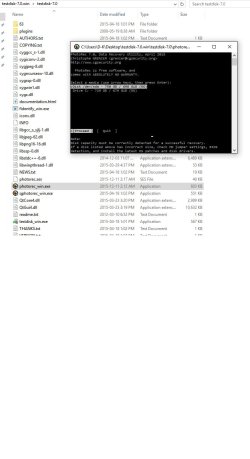
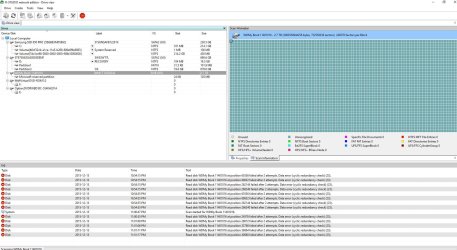
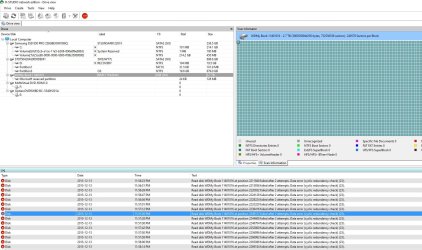
( I also think with MBR written back, Testdisk should see your drive. If it does one should only select Intel/PC partition ( Not EFI/GPT) with this specific 3TB external and then go to Geometry and change the Sector size from 512 to 4096 for it to read the data from the drive.
Warning to those who read this post: Before you start/attempt data recovery on larger than 3TB external drives, you
should, should, should know whether your drive is initialised as MBR drive or GPT drive. Be aware that older larger than 3TB drives came as MBR drives(4096 byte logical sector size) ( for compatibility with Windows XP). With support for Windows XP terminated, new larger than 2TB external drives come as a GPT drive.)