The command that you're referring to is:
defrag -b c:
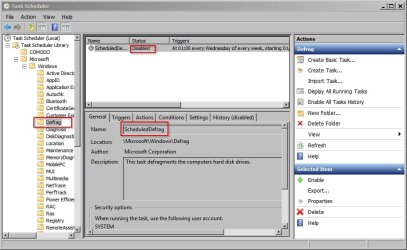
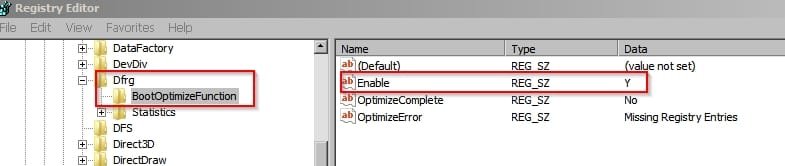
That works only if you've got windows defragmenter set to run on a schedule. It will then run boot optimization according to that schedule. In other works it won't run straight away when you type the command.
It's also possible to perform a registry hack to restore the "delayed apps" feature that was included in Vista and will make some apps start with a lower priority for a smoother boot. I haven't posted details on this.
As for "boot time defrag" - that would require a third party utility.