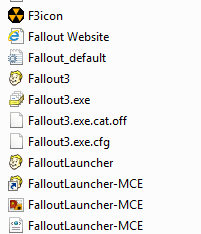
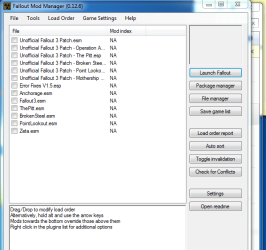
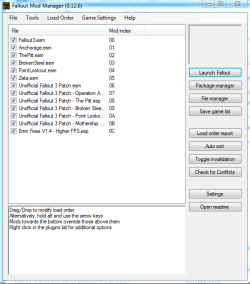
A crash just before the menu usually means a mod is the culprit, or loading in the wrong order.
What I would do is un-install the game completely. In your --> Documents/My Games/Fallout3 folder, delete the .ini files.
Next, on the disc, or where ever the installer is, set the setup.exe to run in compatability mode for Windows Vista. (Note: This is just to install the game. You will not need to run the game in any compatability modes)
Do not install any unofficial patches, mods, memory tweaks or anything. Just install the vanilla game and launch it.
Test that all works OK. If it does, start adding 1 mod at a time untill you find the culprit.
Also, I would recommend 3 or 4 "must have" utilities for FO3, if you do not have them already:
1- FOSE
And if you have any plans on running mods, even unofficial ones ......
2- Fallout Mod manager
3- BOSS to sort mods correctly
4- FO3 Edit Creates merge patches so that all mods work together well. (only use after load order is correct)
GFWL will not cause any issues with FO3 and Win7 x64. So no need to disable it right now, or at all really.
GFWL doesnt work with Script Extenders, such as FOSE (which I highly recommend using), but .... it bypasses GFWL anyway without any need for extra files.



 .
.