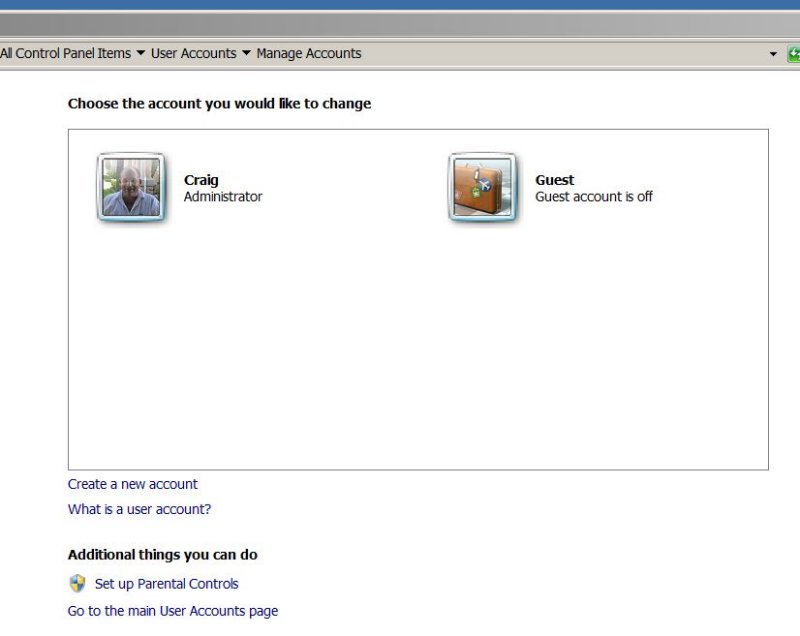
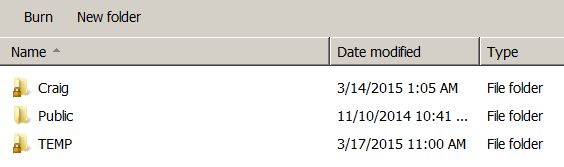
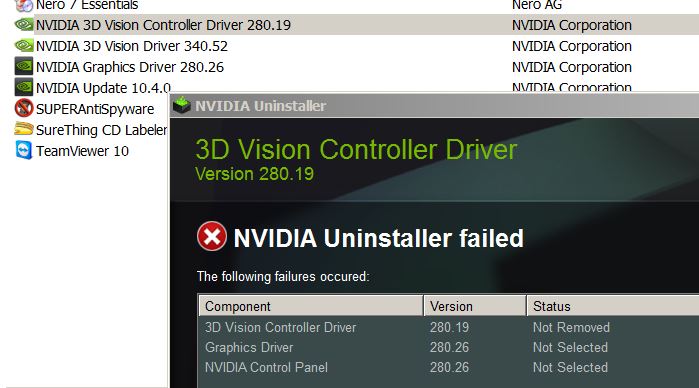
This "temp" folder has installed itself under "Users" in Windows 7:
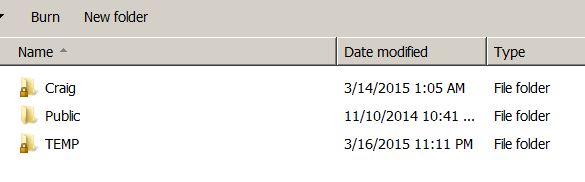
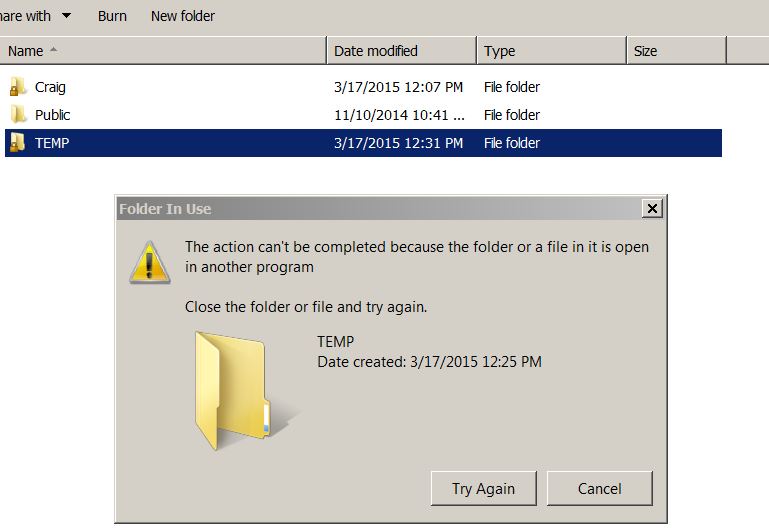
Here are the contents of the temp folder. All the folders are empty:

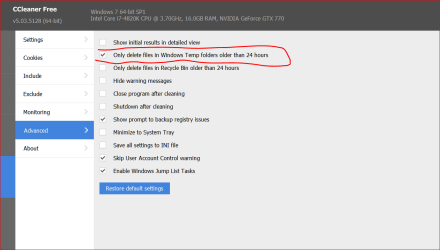
My problem is that when I delete this temp folder, they automatically reinstall themselves on startup. I have disabled all programs on startup by using "msconfig.exe" and unchecking all programs under the start tab. I seemed to start having this problem after I downloaded the free program CCleaner. You think there is something in the registry causing this problem? Notice that the date on the temp folder is always very recent. I also downloaded a program called Sysinternals a few weeks ago, and it did not actually install on my computer, but rather the files for running it somehow wound up in my documents folder. Thanks.
Here are the contents of the temp folder. All the folders are empty:
My problem is that when I delete this temp folder, they automatically reinstall themselves on startup. I have disabled all programs on startup by using "msconfig.exe" and unchecking all programs under the start tab. I seemed to start having this problem after I downloaded the free program CCleaner. You think there is something in the registry causing this problem? Notice that the date on the temp folder is always very recent. I also downloaded a program called Sysinternals a few weeks ago, and it did not actually install on my computer, but rather the files for running it somehow wound up in my documents folder. Thanks.
My Computer
At a glance
Windows 7 32-bitIntel E45001GBGeForce 8400 GS
- Computer type
- PC/Desktop
- Computer Manufacturer/Model Number
- Systemax
- OS
- Windows 7 32-bit
- CPU
- Intel E4500
- Motherboard
- Asus P5GC
- Memory
- 1GB
- Graphics Card(s)
- GeForce 8400 GS
- Hard Drives
- Three
- Antivirus
- None
- Browser
- IE11