OK.
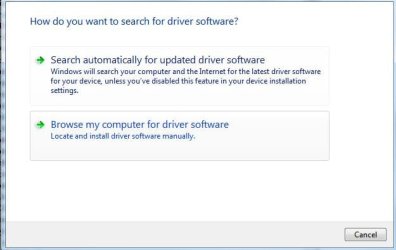
I have the Atheros AR5007EG Wireless Network Adapter and I also have the Win 7 driver for that, supplied by MICROSOFT with WIN 7.
Go to Windows Update. Look over there in the left-hand pane and you be sure to check the option to have MS inform you of updates for all products. After that you run an Update.
For your further edification,
go to this website:
Windows 7 Drivers - Where to Download the Latest Windows 7 Drivers
There you will find a section for each manufacturer.
For example, in the ACER section there are links to
Windows® 7 Upgrade Offer
and to
Acer Service & Support
Still more info for you:
go to a command prompt (WIN | type cmd.exe| Enter key)
type following: getmac /v /fo list
This is going to list all of the wireless adapters on your computer.
this is will help you to make sure that you have the correct atheros model.
When finished viewing the listing then type: EXIT
karl