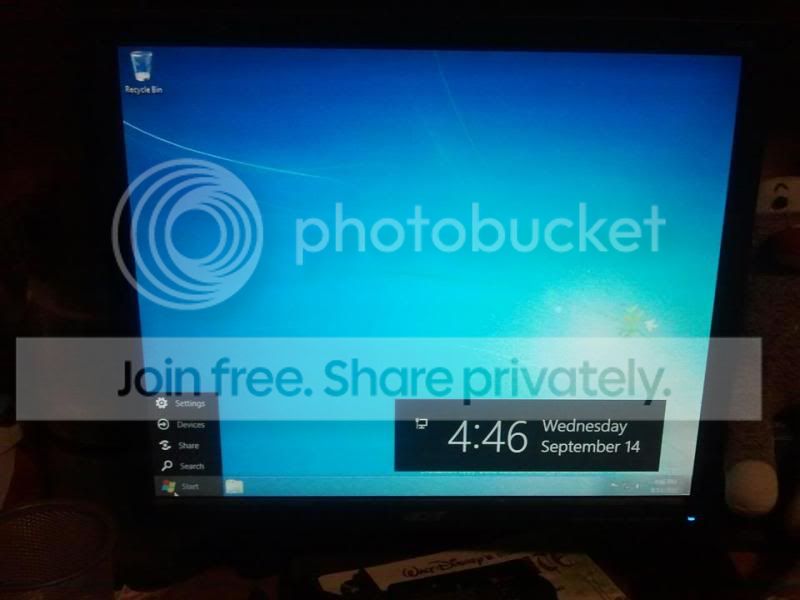
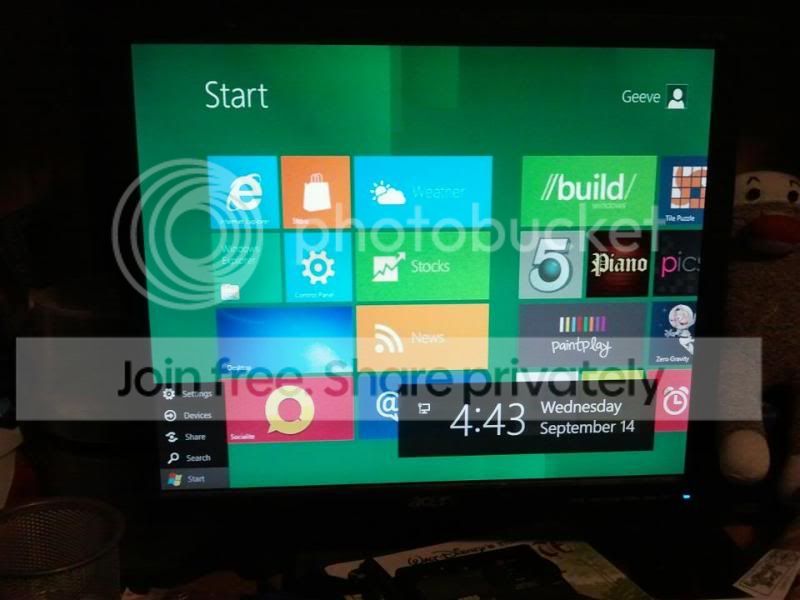
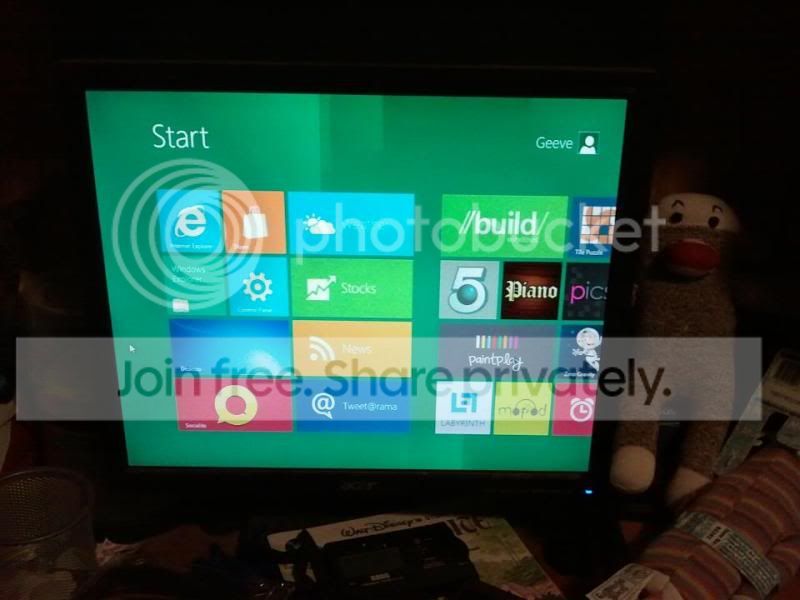
Overall the metro "start menu" and the metro apps look like they would be great on tablets and maybe on a picture frame computer on the wall. Walk by, swipe the screen and look at the weather app full screen.
However, on a 24in desktop monitor it all looks positively playskool. Definately not for anything other than the most casual use by grandparents, tablet, wall computer or phone.
Hopefully in the end during install you will be asked which interface you would like to use and so can select it then.
Fun to play with for the moment though. Cant tell ypou how lost I was multiple times till I figured things out. Launching the metro IE first thing i was "Ok, how the heck do I exit this?" alt-tab doesn't work, there is no close button, right click does things but nothing related to getting out of full screen... FINALLY I somehow accidentally rammed the mouse in to the lower left corner and found the popup start menu item

Spent the evening getting used to how it all worked and imagining fun uses for it but none of them involved my 24 in dual monitor desktop machines.
A lot of the "normal" desktop UI is looking promising as well though, nice looking, better organized and better flow, hopefully that'll continue.