My Computer
At a glance
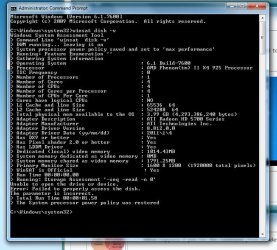
Windows 7 Professional 64 bitAMD Phenom X4 925 @ 2.8ghz4GB DDR3 1600mhz A-DATA gaming seriesDual HIS Radeon HD 5770
- Computer Manufacturer/Model Number
- Custom
- OS
- Windows 7 Professional 64 bit
- CPU
- AMD Phenom X4 925 @ 2.8ghz
- Motherboard
- Gigabyte GA-MA785GT-UD3H AM3
- Memory
- 4GB DDR3 1600mhz A-DATA gaming series
- Graphics Card(s)
- Dual HIS Radeon HD 5770
- Sound Card
- Asus Xonar D1
- Monitor(s) Displays
- Samsung Syncmaster EX2220
- Screen Resolution
- 1920x1080
- Hard Drives
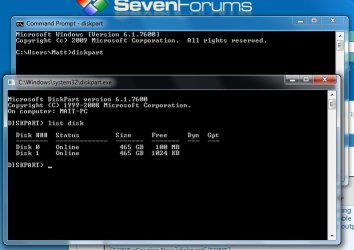
- Dual Hitatchi 500GB Sata
- PSU
- Thermaltake Toughpower Grand 1200w A+ certified Gold.
- Case
- Thermaltake V3 Black
- Cooling
- Watercooler with Radiator on CPU, with 4 120mm case fans.
- Keyboard
- Thermaltake Challenger Pro
- Mouse
- Death Adder
- Internet Speed
- 10mbps/1mbps