Windows Media Center Library Issues

Aririnkitaku

⇧⇧⇩⇩⇦⇨⇦&
Local time
2:23 PM
Messages
13
I'll let the Pictures do the explaining, but this wasn't happening until I decided to add a new folder to my videos library today... For some reason it doesn't appear:

This is what my Library looks like to anything connecting to it:
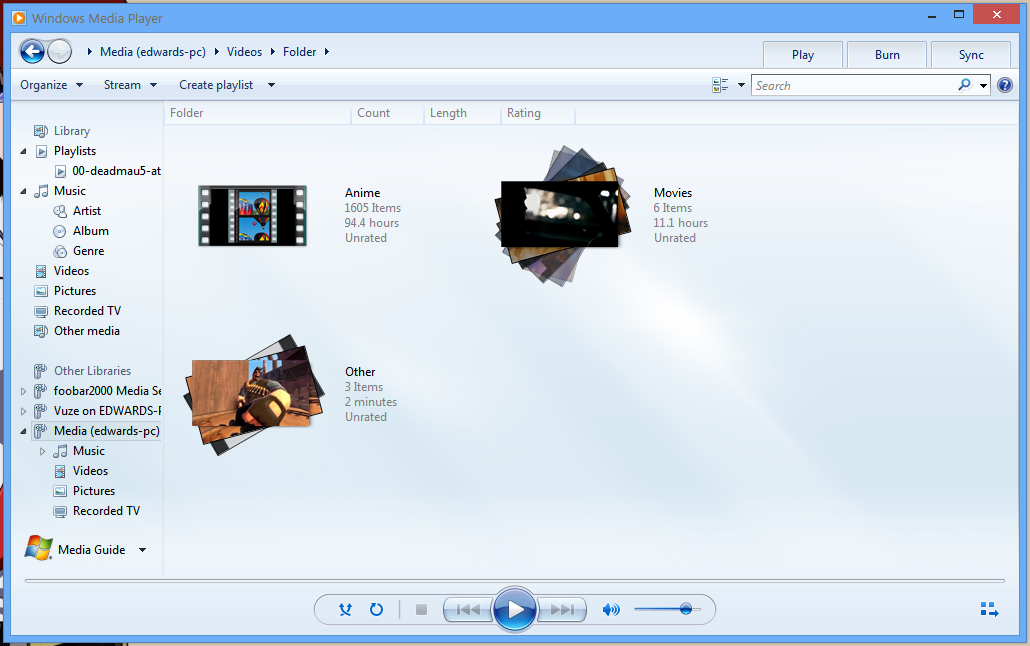
F5P4WXc.png


And here's what it looks like to my Media Server:
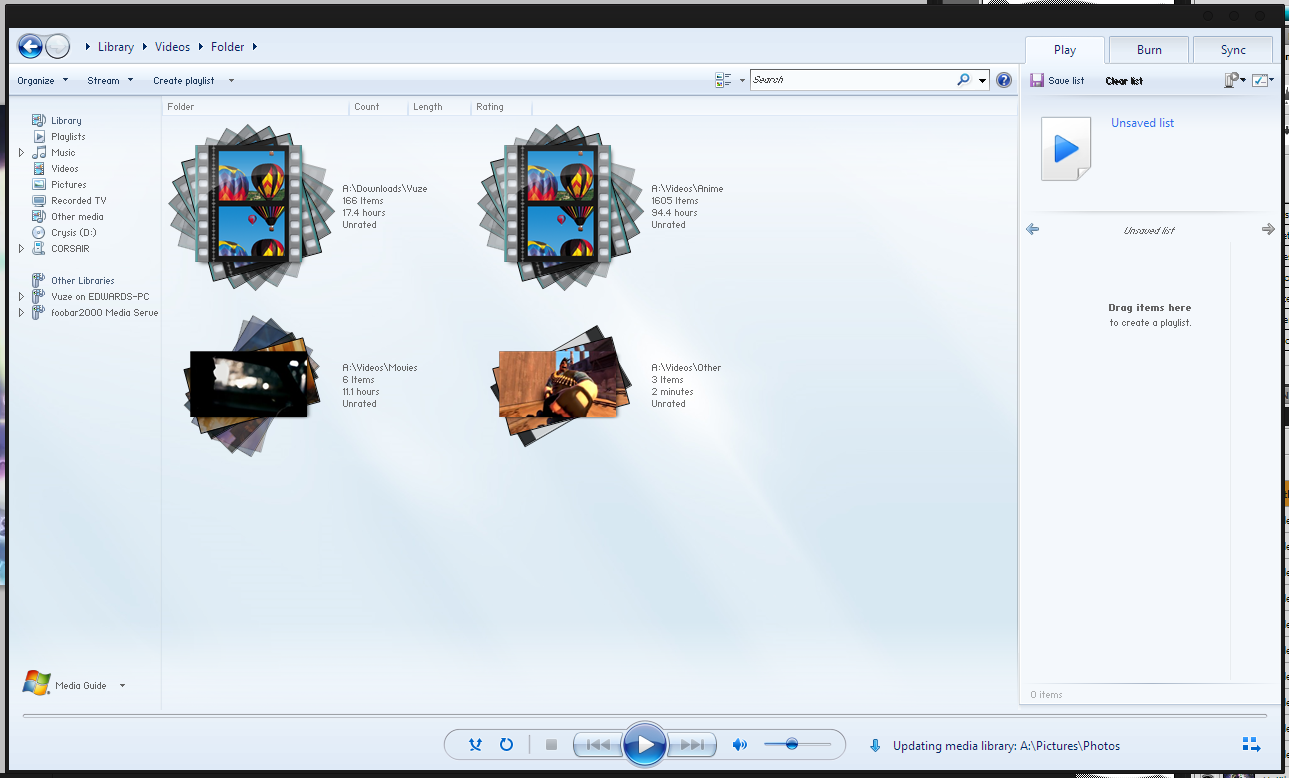
dgtH20T.png


Does anybody know what's going on here, and also, is there a fix for it? I've tested this on my PS3, my Laptop, & an Imac, but yielding the same results...
 

My Computer

OS
Win7
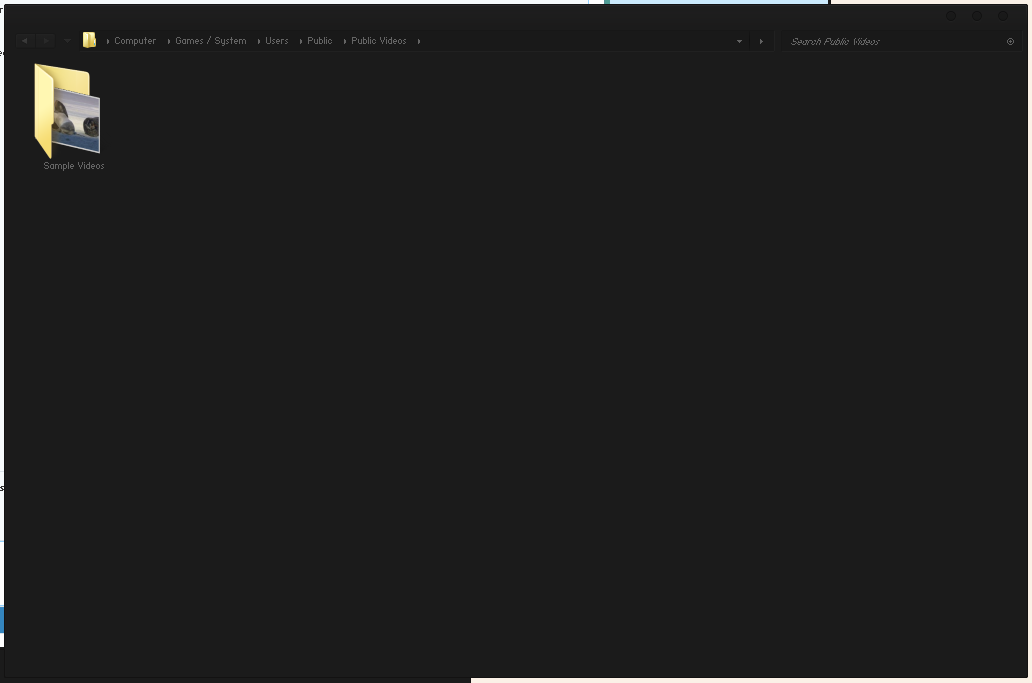
You might try looking in the Public Video's folder C:>Users>Public>Public Video's, for the missing folder, this is where they tend to end up when this type of problem occurs.

I believe the Imac is showing all of the folders because by Default Windows adds the Public Video's folder to the Video's folder Library.
 

My Computer

Computer type
PC/Desktop
Computer Manufacturer/Model Number
Home built
OS
Windows 7 Ult, Windows 8.1 Pro,
CPU
Q9650-4.275GHz, E8600 4.5GHz, E6750-3.8GHz
Motherboard
Evga 780i FTW
Memory
G.Skill PC2 9600 1200Mhz 5 5 5 15 2T
Graphics Card(s)
GTX480
Sound Card
Asus Xonar D2
Monitor(s) Displays
HannsG
Screen Resolution
1680X1050
Hard Drives
GSkill Phoenix Pro 120GB SSD
PSU
ThermalTake Toughpower 1000Watt modular
Case
ThermalTake XaserV
Cooling
Xigmatek S1283
Keyboard
Logitech G15
Mouse
Logitech G9
Internet Speed
T1
Nope, nothing...

OQaGk4l.png
 

My Computer

OS
Win7
So, the problem was fixed by disabling Homegroups & then re-enabling Media Streaming... No idea why that worked, though...
 

My Computer

OS
Win7
Back
Top