hello.
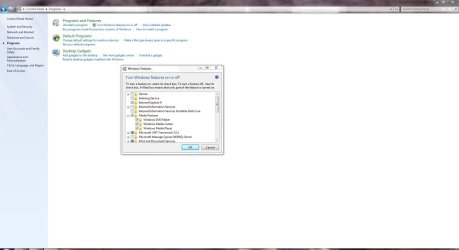
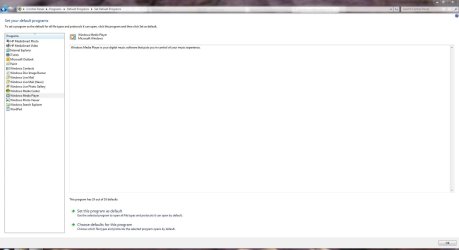
I have 3 media players installed and i would very much like to use my wmp 12 more than i do,but the problem is that it do not show when i right click on a audio file i realy do not know what to do,and it is strange because the other two players(VLC AND WINAMP) do show and offers to play the file and this problem occurs no matter what kind of media file it is(FLAC AND MP3)
KIND REGARDS Asser
I have 3 media players installed and i would very much like to use my wmp 12 more than i do,but the problem is that it do not show when i right click on a audio file i realy do not know what to do,and it is strange because the other two players(VLC AND WINAMP) do show and offers to play the file and this problem occurs no matter what kind of media file it is(FLAC AND MP3)
KIND REGARDS Asser
My Computer
- Computer Manufacturer/Model Number
- ms windows 7 home premium 64 bit sp1
- OS
- windows 7 home premium 64 bitt
- CPU
- intel pentium t4500 2.30 ghz penryn 45nm technology
- Motherboard
- acer jv50 (u2e1)
- Memory
- 4,00 gb dualchannel ddr2 398mhz
- Graphics Card(s)
- mobile intel (R) 4 series express chipset family
- Sound Card
- intel r high definition audio hdmi (srs hd audio lab)