

- Local time
- 9:39 PM
- Messages
- 268
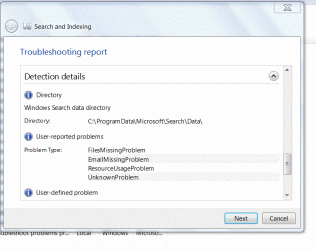
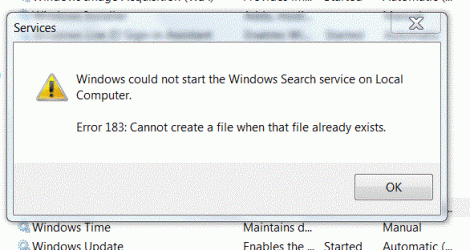
I've recently found, through event viewer, that Search Index is not working. I can't switch it on in services, or re-build the index. I've tried fix it several times and it just tell me the service isn't switched on. I had a disc clean a week or so ago and deleted all but the most recent restore point, so that isn't an option.
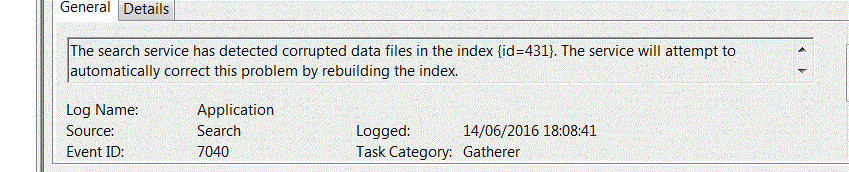
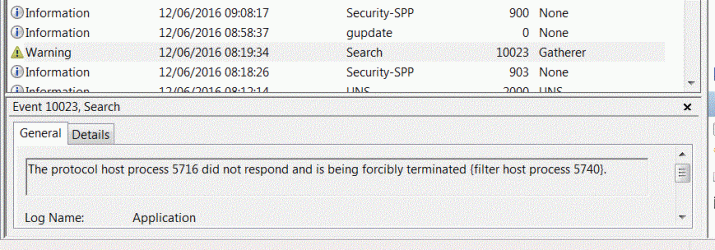
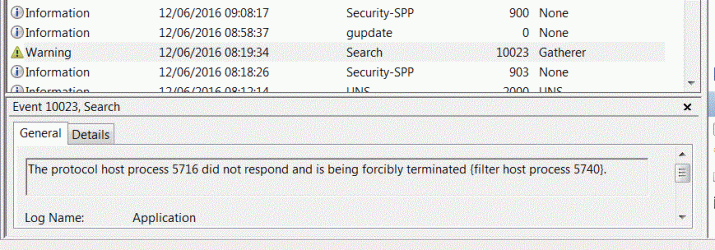
The issue seems to have started on 14 June whereby the event view is saying that it has detected corrupted data files and will attempt to rectify the problem by re-building the index.
Event viewer then says it failed to read the registry.
What should the registry entries be?
LevelBest
The issue seems to have started on 14 June whereby the event view is saying that it has detected corrupted data files and will attempt to rectify the problem by re-building the index.
Event viewer then says it failed to read the registry.
What should the registry entries be?
LevelBest
Attachments

Last edited:
My Computer
- Computer type
- Laptop
- Computer Manufacturer/Model Number
- Samsung S3511
- OS
- Windows 7 Home Premium 64 Bit (Service Pack 1)
- CPU
- Premium Dual Core P6200
- Motherboard
- Samsung S3511
- Memory
- 4 GB
- Graphics Card(s)
- Intel (R) HD Graphic
- Sound Card
- Realtek High Definition Audio
- Screen Resolution
- 1366 x 768
- Hard Drives
- C: D: E: (NTFS)
- Cooling
- Drive temperature: 38 / 100
- Mouse
- Wired Logitech B100
- Antivirus
- McAfee Total Protection
- Browser
- Supermium Portable and r3dfox


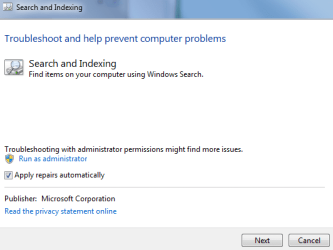
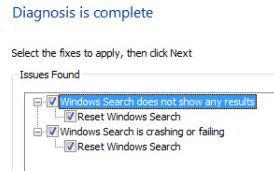
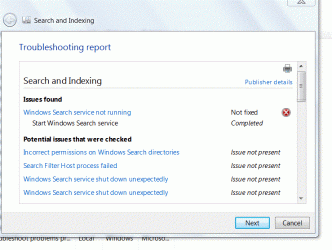



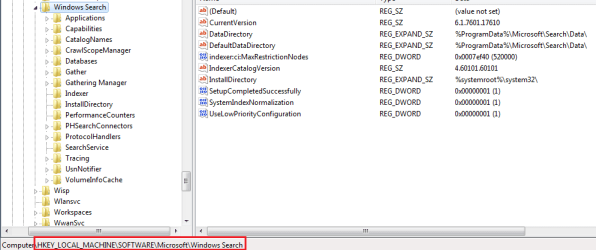
 and I don't want to do too much more tinkering until I know for sure the first problem has been solved or not. Be re-assured if it is solved, I'll let you know.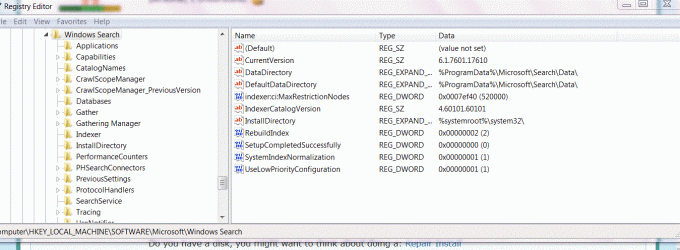


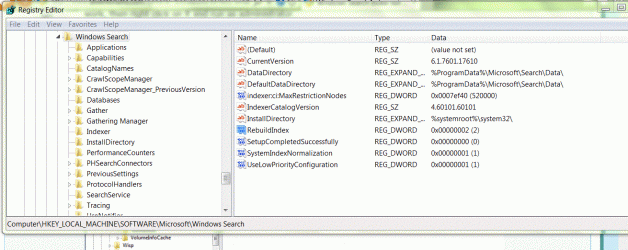
 for that sub-key but haven't come up with any authoritative answers.





