
Title says it all. I'd like to have the XP icons in my Windows 7, like this.
http://www.skinpacks.com/scrshoot/big/xp_skin_pack_1_0_x64_by_hameddanger-d4kgf9k.jpg
I'd install his theme, but I don't need to, as I'm using a completely different theme. I just need the icons to complete. Thank you, to whoever can help me!
Skin Pack
There is the link to his skin if it would be any use.
-Darren
http://www.skinpacks.com/scrshoot/big/xp_skin_pack_1_0_x64_by_hameddanger-d4kgf9k.jpg
I'd install his theme, but I don't need to, as I'm using a completely different theme. I just need the icons to complete. Thank you, to whoever can help me!
Skin Pack
There is the link to his skin if it would be any use.
-Darren
My Computer
At a glance
Windows 7 Home Premium 64-BitIntel Core i5-4670K8GB HyperX BLUIntel HD 4600 Graphics
- Computer type
- PC/Desktop
- Computer Manufacturer/Model Number
- Custom Build
- OS
- Windows 7 Home Premium 64-Bit
- CPU
- Intel Core i5-4670K
- Motherboard
- Gigabyte GA-Z87MX-D3H
- Memory
- 8GB HyperX BLU
- Graphics Card(s)
- Intel HD 4600 Graphics
- Monitor(s) Displays
- Vizta V24Lmh
- Screen Resolution
- 1920x1080x32 @60Hz
- Hard Drives
- Toshiba 1TB
- PSU
- Dynex 650W
- Case
- Antec GX700
- Keyboard
- Logitech mk270
- Mouse
- Logitech mk270
- Internet Speed
- 50 mbps down/5 mbps up
- Antivirus
- MSE
- Browser
- Chrome
- Other Info
- First custom build, saving up for a GTX770!

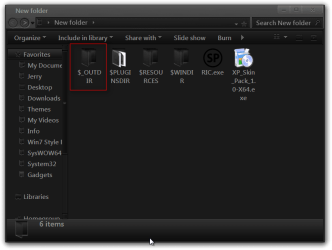
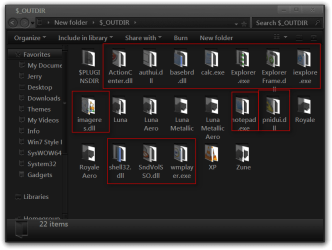

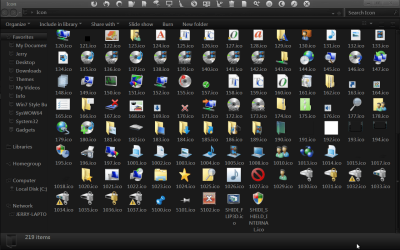
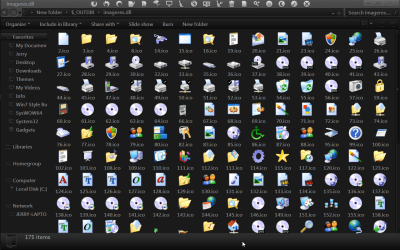
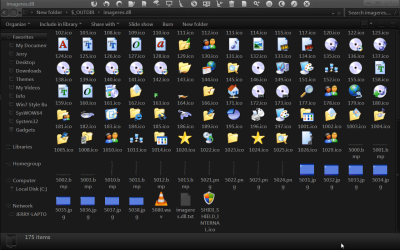
 When I extract it, I only get a $Temp folder, and inside it are other useless folders and files. I extracted the .exe that was inside the .exe, still no luck. The folder you are asking for isn't there for me.


