My Computer
At a glance
Windows 7 Ultimate x64
- OS
- Windows 7 Ultimate x64

Ok. Those new screenshots are very helpful.I'm not able to rename Partitions C,D and E.

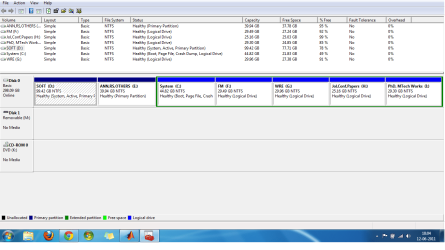
You can also go into DISKMGMT.MSC and right-click on the partition, and select Properties, and then change the label there as well.You can also go into Computer and right click and use the "Rename" to change it there.
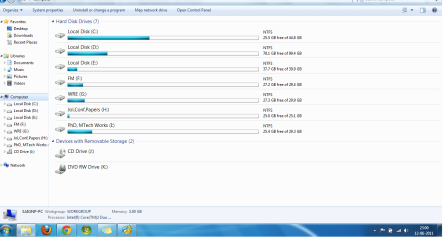
 its reflected only in Partition Table picture not in "My Computer"
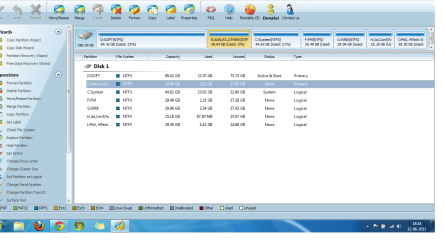
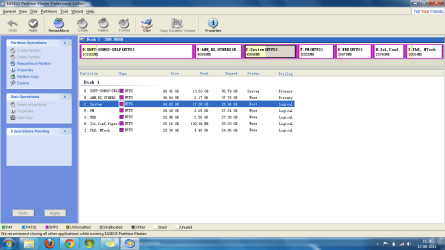
 Interesting.Partition Wizard asked for reboot in order to SET the LABELS for C and D.It did not ask reboot for E.
I now understand what problem you're describing. Your Computer screenshot shows the issue.But after performing this, i'm just able to see the new label in the PARTITION TABLE picture, not in My Computer. When i rebooted my system, Partition Wizard worked in BOOT Mode and set the LABELS. BUt the same thing goes again..
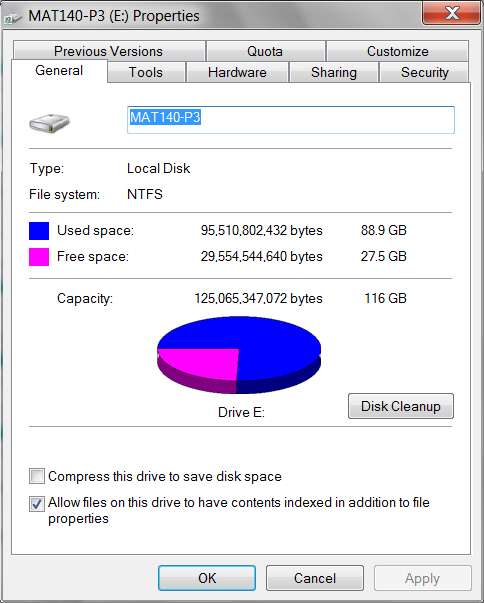
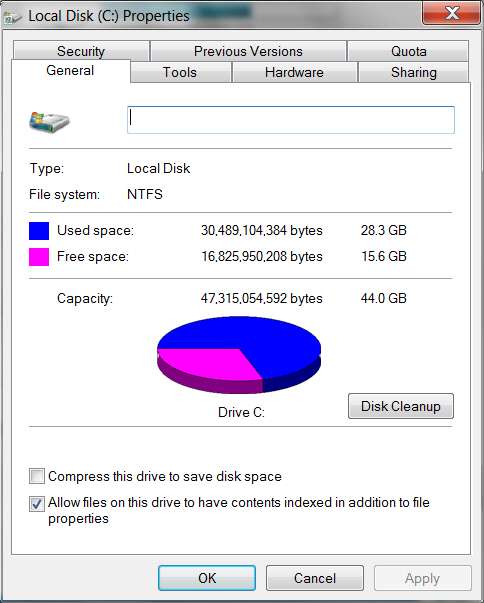
Well, this shoots down my earlier hypothesis as to how you managed to get D to be your "active+boot" partition.@dsperber..
Actually i had XP 32 bit OS installed in C. I upgraded to Windows Ultimate 64 bit and removed the folder "Windows.Old" that had traces of previous XP OS. So i've only one OS on my system right now. And moreover, I've re-sized all these partitions using EASEUS after installing Windows 7. Earlier D partition had some 50 GB hardly.