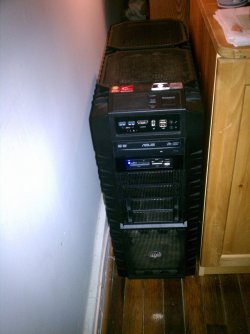
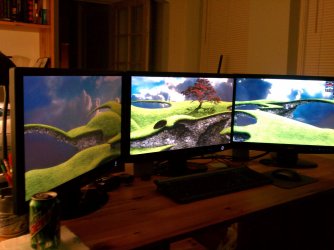
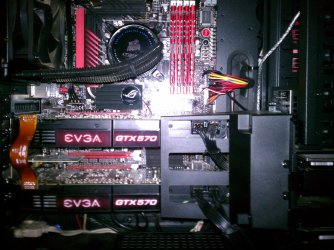
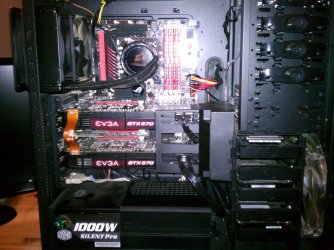
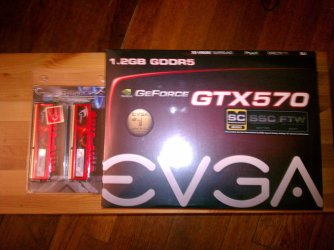
Andreas- N+I+C+E job on that cable management, and I never thought anyone would use the brownish fans, so they are a first I see in a chassis, all in all very nice and clean look
Thanks a lot. Yeah they are maybe not the most desirable color but I am to afraid to paint them, scared I might do something that destroy them. But I am happy on how it looks. Gotten a few ideas also on how to have the fans so I might change directions on them, so far the 3 top are exhausting, the one in the back exhaust and the 2 at bottom are intake
Well, from my xperiance (and anyone reading this correct me if i am wrong) I found its better having more intake fans then out take, i read a review on google, and it showed that more intake creates possative airflow and its better to have say 8 fans then 6 willl be intake, the air that gets taken in will xcape via the litle holes and openings in your chassis,so as far as I know its better to have more intake than out take, but i could be wrong, so hopefully someoneelse can add on
Ya I was thinking on that last night, so I am planing on turning the top 3 fans around and turn the cpu around so all fans are intake while the cpu and back fan is exhaust, maybe it does it help it should I belive and maybe even help cool down the motherboard?
My Computer
- Computer type
- PC/Desktop
- OS
- Windows 7 Home Premium x64
- CPU
- Intel Core i7 860 (Lynnfield)
- Motherboard
- Asus P7P55D (LGA1156)
- Memory
- Corsair Vengeance 9,9,9,24 1600Mhz 1.50v 2x4G
- Graphics Card(s)
- Asus nVidia 560 GTX
- Sound Card
- Asus Xonar DG
- Monitor(s) Displays
- Acer P235H & NEC E201W
- Screen Resolution
- 1920x1080 & 900x1600
- Hard Drives
- 2
- PSU
- Corsair 650 Modular
- Case
- Corsair 800D
- Cooling
- Corsair H80 with Noctua fans
- Keyboard
- Ducky Shine
- Mouse
- tT Theron
- Internet Speed
- 100/100
- Browser
- IE10

 It stops tiny dust particles from entering the case through the cracks and holes where there aren't any fans.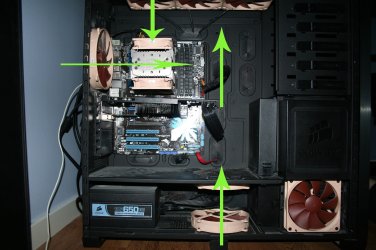

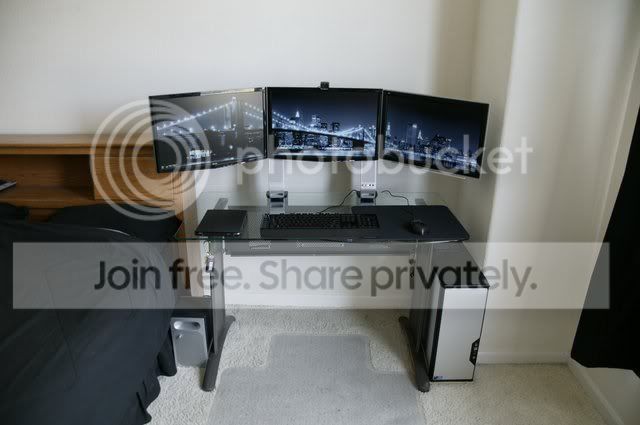
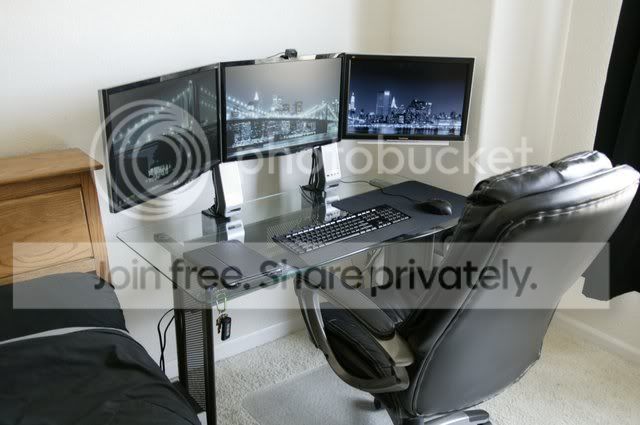

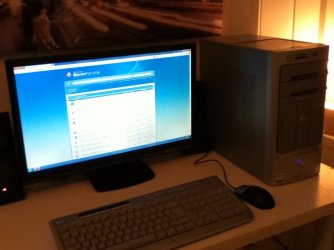
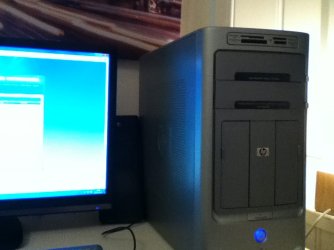
 I for one am using a "gaming" computer case just because of the large space inside, not the leds & everything.


 (sorry for bad phone pics) (Specs have been updated)