chriswchrisw
New member
- Local time
- 4:59 AM
- Messages
- 23
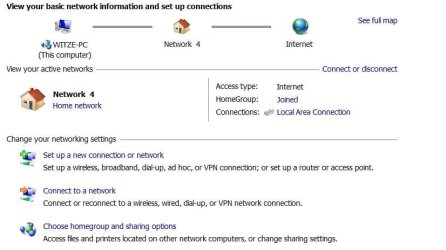
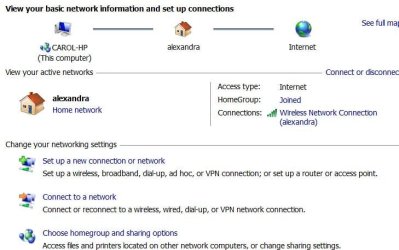
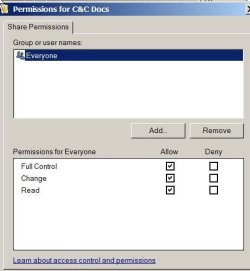
Desktop A hardwired to Netgear router, laptop B has wireless connection to router. Both Win7/64, Home Premium. I can get computer A (where the homegroup was established) to read and write (ie, permanently change) folders/files on computer B, but B can only read (not write) to A. I was supposed to get a "Share with" option when I rt-clk A's libraries to let B read/write on A, but I don't get that option (but I did get it on B during setup that allowed A to write on B!). I must have a setting wrong someplace that won't allow me the "share with" option on A. Any ideas?
I just found this from M$. "If you don't see the Share with menu, you might be trying to share an item on a network or other unsupported location. The Share with menu also won't appear when you select files outside your personal folder. " What does this mean? How does it explain why I can do what I want in one "direction"?, but not the other? What can I do to fix this? Thnx
I just found this from M$. "If you don't see the Share with menu, you might be trying to share an item on a network or other unsupported location. The Share with menu also won't appear when you select files outside your personal folder. " What does this mean? How does it explain why I can do what I want in one "direction"?, but not the other? What can I do to fix this? Thnx
My Computer
At a glance
Win 7 Home Prem 64
- OS
- Win 7 Home Prem 64