

- Local time
- 2:55 PM
- Messages
- 7,877
If you haven't been following his posts, he has been disabling SuperFetch, indexing and a variety of other things to improve his performance. His argument here was more or less, "yet again, another service robbing my system of performance". Although in this case, it is a buggy driver, will be fixed and is certainly a problem.so the process you followed was: claim caching is problem > find buggy driver > disable service related to driver > reboot, with caching still enabled > claim that caching was the problem.
I just looked at my machine after using it for about 2 hours this morning and here is what task manager shows with caching and everything else enabled;
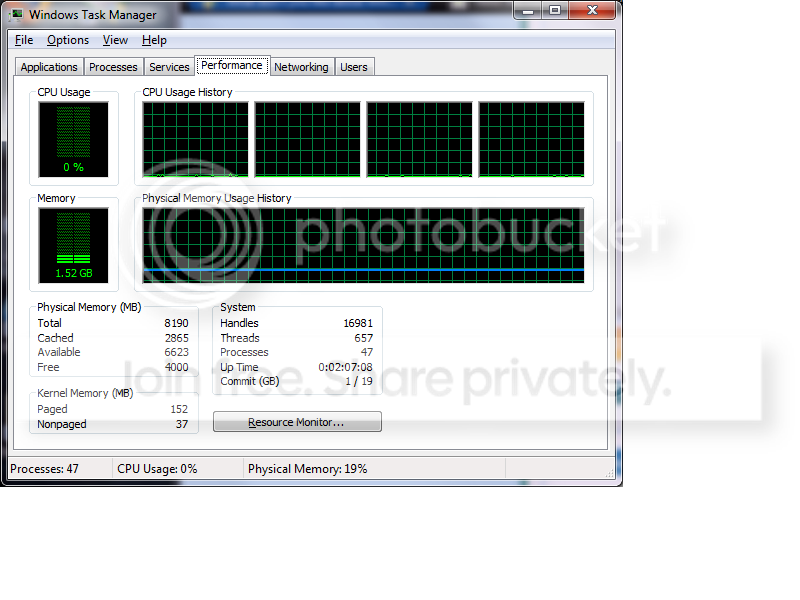
I have had the situation after using a lot of other apps where my free RAM is much lower..and my cached RAM is much higher....but I cannot honestly say that I have seen any performance difference whatsoever. Even with ALT-TAB between applications using an Nvidia card and still having the 186 nvidia drivers.
My Computer
At a glance
Windows 7 Ultimate x64Intel Q9550 2.83Ghz OC'd to 3.40Ghz8GB G.Skill PI DDR2-800, 4-4-4-12 timingsEVGA 1280MB Nvidia GeForce GTX570
- Computer Manufacturer/Model Number
- Self-Built in July 2009
- OS
- Windows 7 Ultimate x64
- CPU
- Intel Q9550 2.83Ghz OC'd to 3.40Ghz
- Motherboard
- Gigabyte GA-EP45-UD3R rev. 1.1, F12 BIOS
- Memory
- 8GB G.Skill PI DDR2-800, 4-4-4-12 timings
- Graphics Card(s)
- EVGA 1280MB Nvidia GeForce GTX570
- Sound Card
- Realtek ALC899A 8 channel onboard audio
- Monitor(s) Displays
- 23" Acer x233H
- Screen Resolution
- 1920x1080
- Hard Drives
- Intel X25-M 80GB Gen 2 SSD
Western Digital 1TB Caviar Black, 32MB cache. WD1001FALS
- PSU
- Corsair 620HX modular
- Case
- Antec P182
- Cooling
- stock
- Keyboard
- ABS M1 Mechanical
- Mouse
- Logitech G9 Laser Mouse
- Internet Speed
- 15/2 cable modem
- Other Info
- Windows and Linux enthusiast. Logitech G35 Headset.


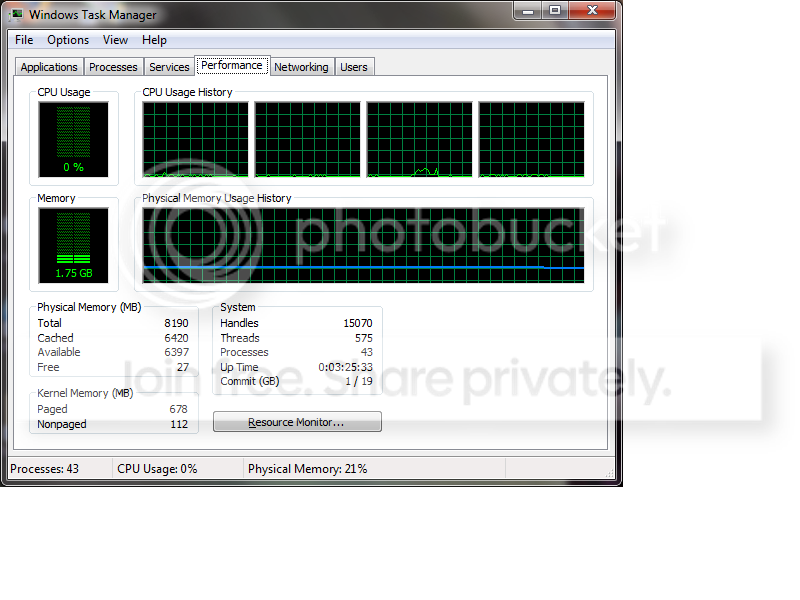


 ) CANNOT work on Windows 7 rtm... Or atleast i think so, i gotts test it out a little bit and stuff.


