- Local time
- 9:55 AM
- Messages
- 73
I have 20GB of RAM installed and would like to enter timings in my BIOS in order to get the best performance.
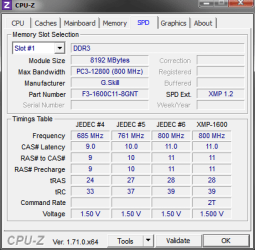
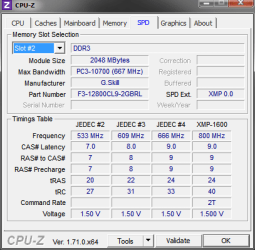
So my question is two fold...here are the two modules:
http://mckealty.comlu.com/Slot1.PNG
http://mckealty.comlu.com/Slot2.PNG
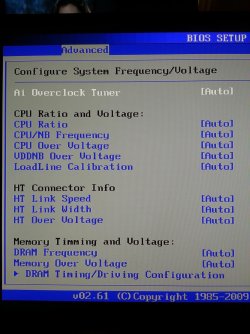
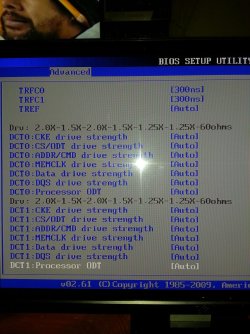
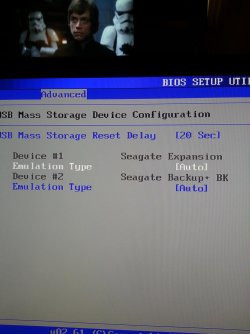
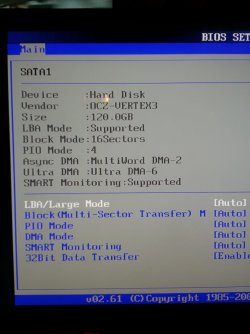
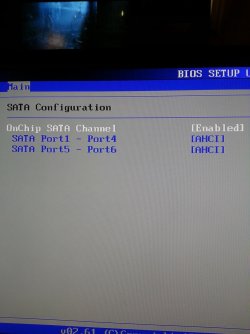
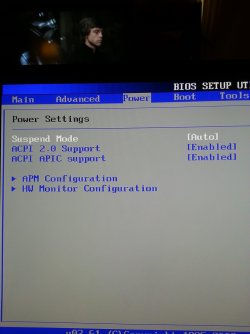
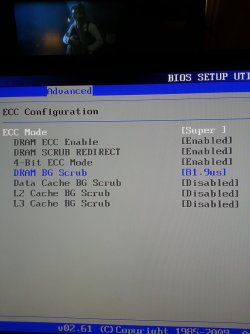
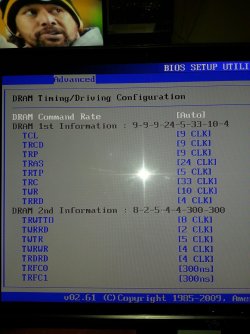
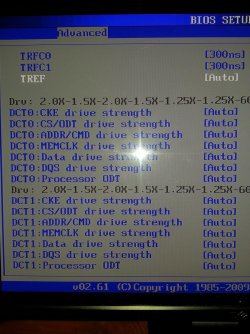
Here's a link to my BIOS settings.
What should I enter and where for these RAM modules? Or would I be better served downgrading to 12GB of RAM, all the same as the modules in slot 1?
So my question is two fold...here are the two modules:
http://mckealty.comlu.com/Slot1.PNG
http://mckealty.comlu.com/Slot2.PNG
Here's a link to my BIOS settings.
What should I enter and where for these RAM modules? Or would I be better served downgrading to 12GB of RAM, all the same as the modules in slot 1?
My Computer
- Computer type
- PC/Desktop
- Computer Manufacturer/Model Number
- Specced Out
- OS
- Win 7 Home Premium x64
- CPU
- AMD Phenom II X4 955 Black Edition Deneb Quad-Core 3.2GHz
- Motherboard
- ASUSTeK Computer INC. M4A77TD
- Memory
- 20GB G.SKILL Ripjaws DDR3 1600 (PC3 12800)
- Graphics Card(s)
- SAPPHIRE Radeon HD 5750 (1GB)
- Sound Card
- Sound Blaster Audigy
- Monitor(s) Displays
- Dual Monitors
- Hard Drives
- 128GB OCZ Vertex 3 SSD
1TB Hitachi HDS721010CLA332
1TB Western Digital WD1001FALS
3TB Toshiba DT01ACA300
3x1TB External Seagate
- PSU
- Corsair TX CMPSU-750TX 750W ATX12V - SLI & Crossfire Ready
- Case
- Cooler Master Elite 310 ATX