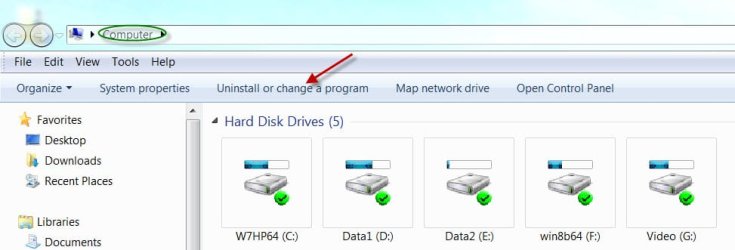
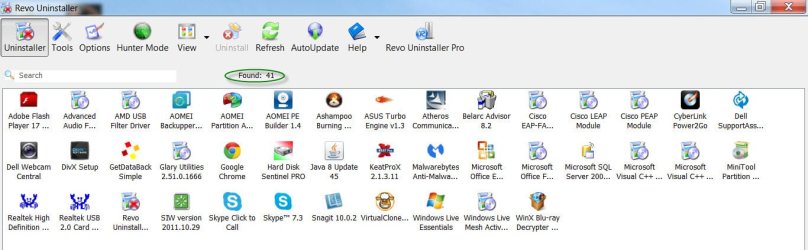
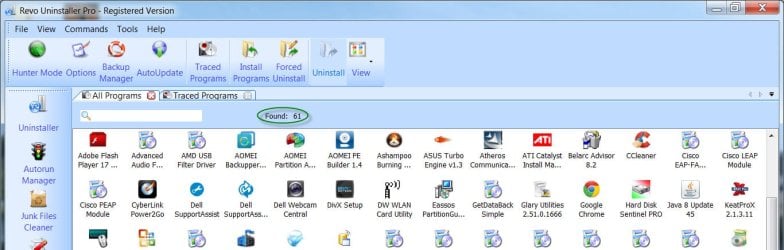
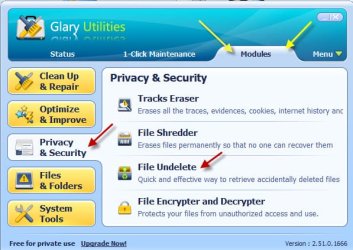
Glary Utilities > Module > Privacy and Security > File Undelete
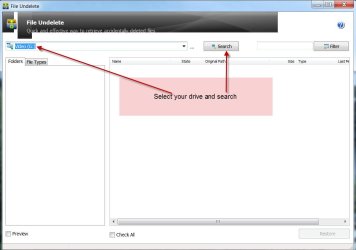

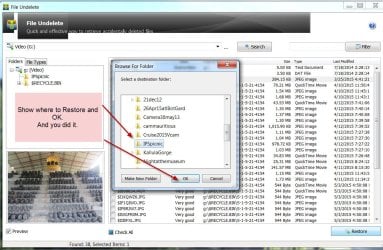 I used Shift+delete to permanently delete that jpg and then recovered it with the original file name.
NOTE:
1.Do this restore only if your system is bootable even after the files in the Recovery partition
were deleted.
2. You may get a warning message that there are chances that recovery may be unsuccessful if
restored to the same partition. That could happen only if you have added more files after the
deletion as a result of which there may be insufficient space to write the recovered file.As long as
you haven't done that and there is sufficient space in your recovery partition you need not
bother..Say OK and finish Restore.
3. To be safe always keep an image of your system and restore from that image. Macrium Reflect
Free is recommended here. Many times factory restore with the Recovery partition can fail due to
deficiencies in the HDD that may arise over a period of time.
You may download Glary Utilities Free from
Glary Utilities | Glarysoft
(The user interface in the new version may be slightly different. I used the old version - old school

)
Just for our information report the actual files you restored.


 Was it like hitting Shift+Delete so that you can permanently delete a file or something else?


 )
)