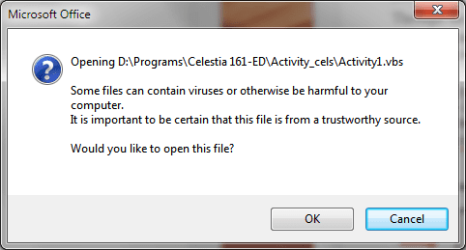
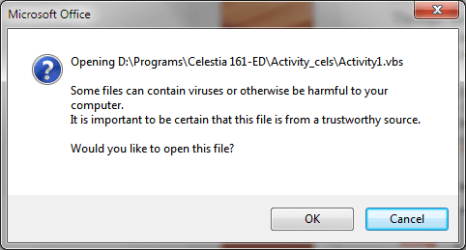
I'm running a MS Word 2103 document to manage an astronomy demo (Celestia 1.6.1 ED) and the document has links to various vb scripts. When I click the links I get a warning (see below). This is a serious interruption to the flow of the presentation. Since the scripts are stored with one of the programs subfolders there is obviously no risk in running them. I there a way that I can suppress this warning dialogue?
Attachments
My Computer
At a glance
Win7 Pro 64-bit
- Computer type
- PC/Desktop
- Computer Manufacturer/Model Number
- Dell XPS 8700
- OS
- Win7 Pro 64-bit