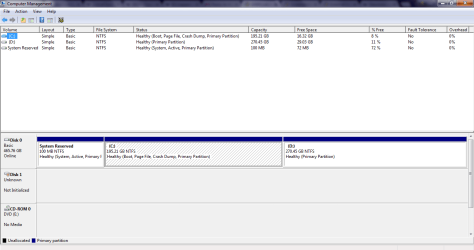
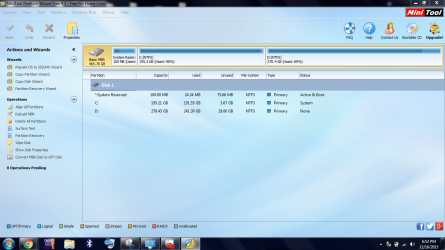
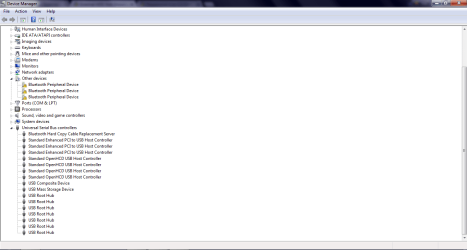
I would agree with Jumanji, please post screenshots of your Disk Management, the software and Device Manager.
Otherwise, what I have given you above is a tutorial from sevenforums on how to create the Live Linux-based CD. It explains how to make a USB stick bootable (in order for it to be able to load an OS) and how to install Peppermint (the Linux-based system in this case) on it, you have all the links you need in the tutorial.

From there, it is also explained how to load the OS, by connecting the flash drive and setting it as first boot in BIOS. Then you have guidance on how to try and access the damaged drive, if possible.
You don't need any other expert as this tutorial is quite simply explained, with all screenshots and links to softwares, thanks to @Golden.
The problem here seems to be that you cannot access your external as it is now turned to Unallocated, not Initialized, meaning damaged file system, hence no way for your OS to read it correctly. The drive may also be having additional issues, as it is not showed in the software you want to use, which could be considered odd.
In any case, before trying whichever option, make sure the drive is well connected and it spins up.
Post back and good luck!
CK_WD