Callender....Question...... I went through the list of updates on my computer and the only one I found of those 3 you said to uninstall was KB3075851, so I uninstalled it. But you said "it fixes mess due to KB3065987" which I found also.
So the question is, should I uninstall both of those? (kb3075851 & kb3065987)??
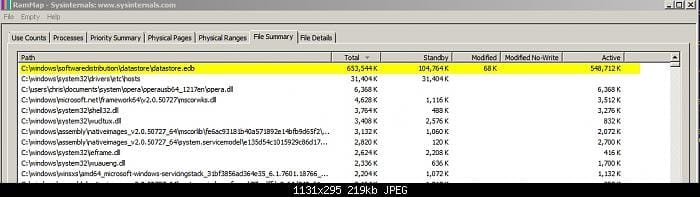
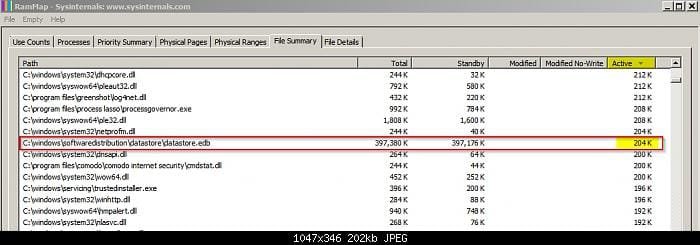
No. Leave it alone unless you've got problems with very high RAM usage during daily scheduled windows update checks.
When I run updates, the search for updates takes about an hour, and after that it takes about an hour for each group of updates I install, whether it's for 1 update or 15 updates, it sits there and looks stupid for about an hour then it starts downloading. The download doesn't appear to be the problem, it's that initial search or whatever it is.
I saw the discussion earlier about KB2990214 being a possible cause of the slow down so I just now uninstalled that one.
OK How much RAM is too much? I have Speccy which should give me a reading. I have 8G of RAM.
I'll run a search for updates and see what Speccy says.
Last edited:
My Computer
- Computer type
- PC/Desktop
- Computer Manufacturer/Model Number
- HP ProDesk 400 G3
- OS
- Windows 7 Pro x64
- CPU
- Intel I7 6700 3.40 GHz
- Memory
- 8GB
- Monitor(s) Displays
- Samsung 21.5" LED
- Hard Drives
- 1 TB
- Keyboard
- Ducky mechanical with PBT double shot keycaps.