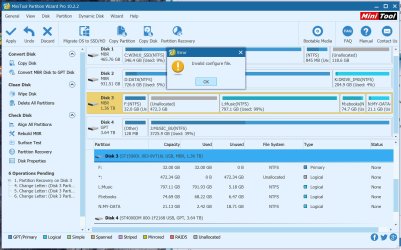
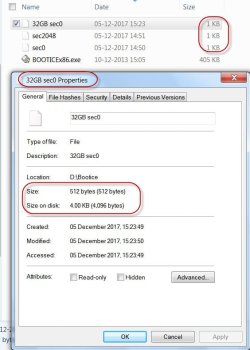
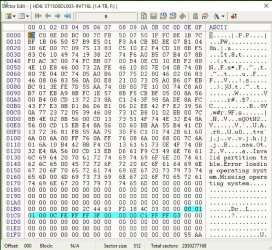
After you have finished backing up all the data in the Music, ebooks and MY-DATA partitions:
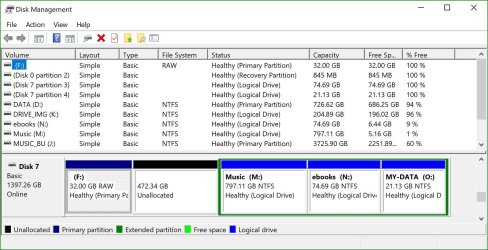
We shall a) make the 32GB + 472.3GB unallaocated into one single partition, b) make the Music, ebooks and MY-DATA partitions Primary ( no need for those to be logical volumes in the extended partition) and then examine how the drive looks in Windows Disk Management.
Process:
Safely Remove all external HDDs and Flash drives from your PC.
Reboot your PC for a clean start and plug in only the problem drive.
1. Launch Partition Wizard and right click on the 32GB partition and click on "Extend" in the menu.
Take Free Space from: 472.3GB Unallocated.
How much space do you want to take? : Move the slider to the right end (maximum size) and Click on "OK"
2. Right click on the Music Partition and in the Menu click on "Set Partition as Primary"
3 and 4: Repeat the same for the ebooks and MY-DATA partitions
Now 4 operations are pending. Click on APPLY in the top Menu Bar and keep twiddling your fingers till it executes all pending operations.
Huff! Now Partition Wizard will show 4 full Primary partitions. You can right click on the first partition and explore. Whatever you see there is what you will get finally.
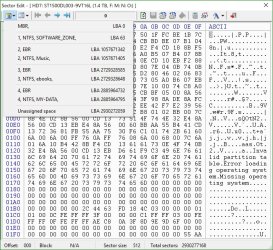
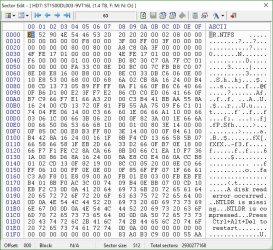
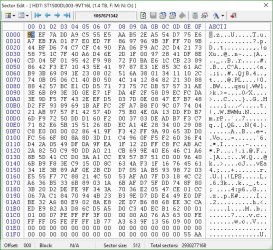
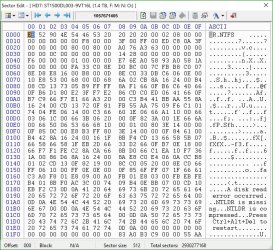
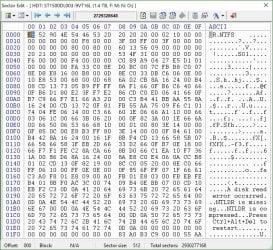
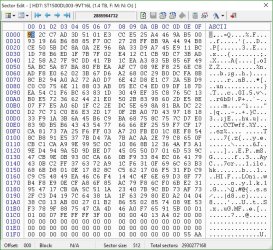
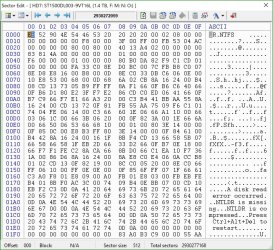
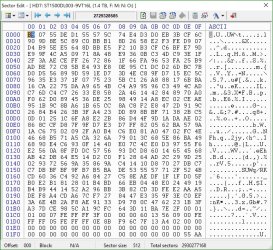
( Remember this will write four new partition tables in sector 0 and four new volume boot records at the start sector of each partition and therefore the screenshots you put in your post #29 are no longer valid

)
Close Partition Wizard and reboot your PC after safely removing the external drive.
After booting, plug in your external drive again and view the external drive in Windows Disk Management . Is the first partition still showing as RAW? Then
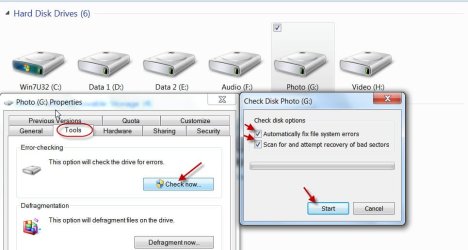
Run check disk from command prompt.
Open Command prompt. Start > All programs > Accessories > Command Prompt
Type
CHKDSK K: /f /v /r /x Press enter.
Note: Replace K: with the actual drive letter of the RAW partition.Also note before every switch/option there is a space.
Allow check disk to complete. ( You should not abort checkdisk midway for any reason.)
After checkdisk completes does that partition show as NTFS and accessible? You only have to tell