Hi cedar,
Sir,
Forget everything & start from here.
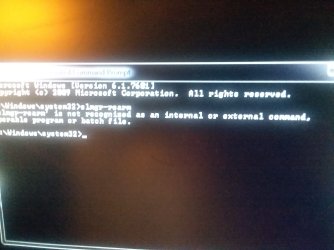
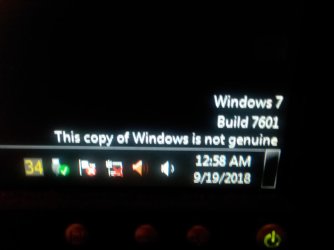
1) Activation has nothing to do with these commands. Just count the days when you did the windows reinstallation, it is 30 days! Perhaps as we did not connect to internet , it could not be activated. So, for now just take the extension for another 29 days. You are supposed to open elevated command prompt & type
slmgr -rearm & press 'Enter'. It will prompt to restart the pc, do so.
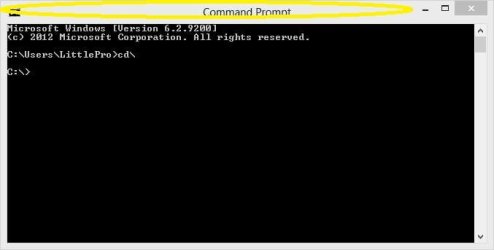
2) Here is how to open elevated command prompt :
Elevated Command Prompt
3) After you have run the command & restarted, run this
.bat file :
https://www.sevenforums.com/attachm...1636-windows-wont-fully-start-licensetype.bat
Share all the info, need not mention 'Partial Product Key' , but on your own compare it with the product key printed on the side sticker.
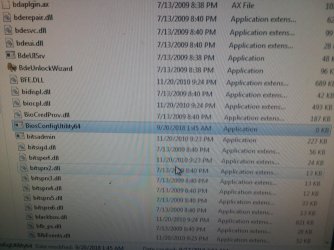
4) I suppose you have placed the two files
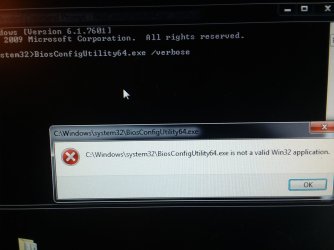
BiosConfigUtility64.exe &
BCUErr.cfg in
c:\windows\system32 folder.
5) Open elevated command prompt. Type
BiosConfigUtility64.exe /verbose & press 'Enter'
It will reflect report in the command prompt window. You have to copy that report from the command prompt window to a text file. Here is how :
Windows won't fully start.
6) Open elevated command prompt. Type
BiosConfigUtility64.exe /advanced /verbose & press 'Enter' Again, It will reflect report in the command prompt window. You have to copy that report from the command prompt window to a text file as told previously.
7) Share the two text files in PM.
Note : To type commands : Select ,copy & paste the exact commands (bold letters) to avoid any problems. Even an added or missing space would make commands useless.
Let us know.
Thanks & Regards. ...
EDIT: To clear any confusions : These two commands would not create a separate text files like the other/previous twos. Instead, they will show the report in a command prompt window & from there you have to copy & paste it to a text file. The procedure is mentioned above in the post #185.

 .
.