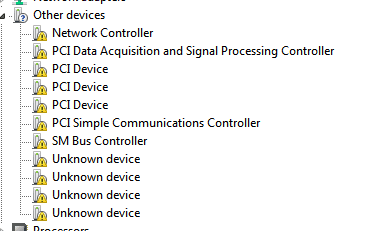
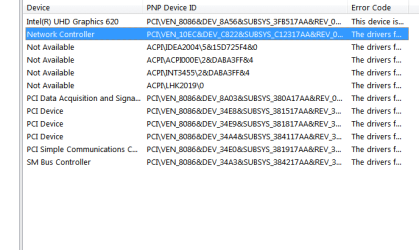
You need to integrate the update. Then add the drivers. Image 2 of boot.wim and whatever image you are using in install.wim
Save the changes and unmount.
Then you create bootable iso or bootable usb.
Then usb3 should work.
If you are installing to nvme disk, you need to also integrate the nvme updates ( in my sig at the bottom of all my posts).
They also need to be integrated into boot.wim image 2 and whatever your image number is in install.wim
There is an extra step you might not expect. After integrating the nvme updates into boot.wim image 2, the boot.wim sources folder must be copied to the distribution folder - overwriting the existing files in the distribution sources folder
- - - Updated - - -
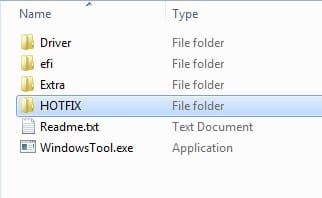
Instead of using dism commands or dism++, you could do a little cheat by using one of the oem things, for example the biostar windows tool.
http://www.biostar.com.tw/utility/WindowsTool.zip
Replace the usb 3 drivers that biostar provides in their Driver\usb\x64 folder with the xhci and uasp drivers from the zip
Add the windows6.1-kb2864202-x64.msu from the zip to the biostar HOTFIX\x64 folder.
Then the windowstool.exe will do it for you.
View attachment 419907