Click the Register link on activation key window to get your key by email.
The right click button is the one on the right.
System Tray. WHen you rightclick on V Avast icon you will see Disable and Merge. Do in that order.
Almost no resource hit means low CPU and RAM usage.
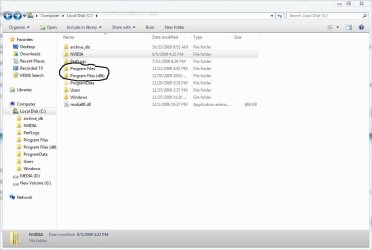
I don't see any link, just a text box with 2 buttons: "register" and "cancel." Perhaps the possible factory installation screw-up (files reading C:/Windows/System32, when I am running 64) I mentioned earlier is preventing any of these programs from installing properly or fully? Do you have a copy of the link or know where else I could find it?
Top right button or bottom right button?
Where is the system tray? What does it look like? There is no info about it in the Windows Help and Support files.