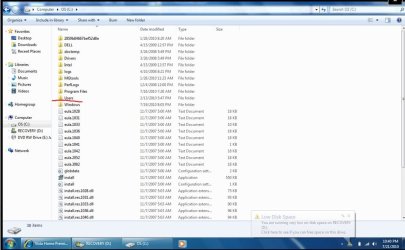
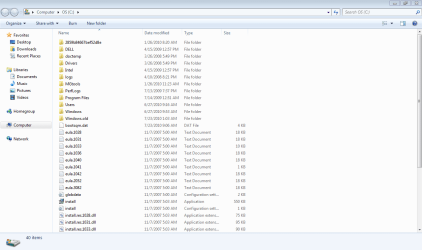
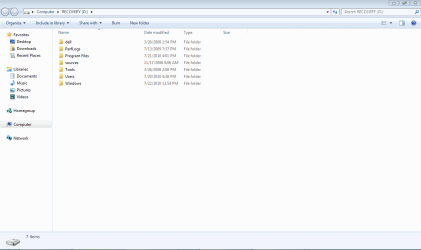
kinolie, You say you get a screen that says you can open vista. Have you opened vista and searched for your downloaded win 7. You downloaded it to vista then ran setup exe. So if you can find that downloaded folder then you can make a bootable dvd from that using the tool from microsoft or the tutorial that I linked you to. If this is not posible then try going to the web site that you downloaded your copy of 7pro from and see if they have an option to have a copy of your download sent to you in the form of a dvd.I was running Windows Vista Home Premium. I purchased an upgrade for Windows 7 Professional that I downloaded from a website. Now when I turn my computer on I get a black screen where you choose to open with Windows 7 or Vista.
Basically I have no idea what I did, but I need to remove Vista from my computer and have no idea how to. Can anyone help?
My Computer
At a glance
Windows 7 Ulti. x64AMD Phenom 8450 triple-core 2.10 ghz4GBATI Radion HD 3200
- Computer Manufacturer/Model Number
- Gateway GT5692
- OS
- Windows 7 Ulti. x64
- CPU
- AMD Phenom 8450 triple-core 2.10 ghz
- Memory
- 4GB
- Graphics Card(s)
- ATI Radion HD 3200
- Monitor(s) Displays
- Gateway FPD1775W
- Screen Resolution
- 1280x720
- Hard Drives
- 465.6613 Gibibytes