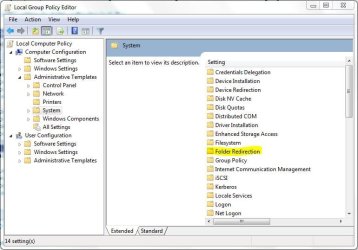
I remember reading it in context of XP & assume that same can be done with win7 too.
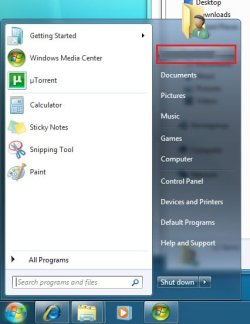
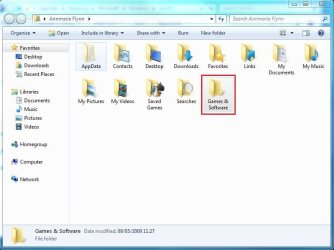
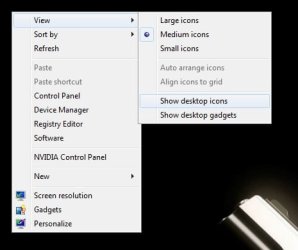
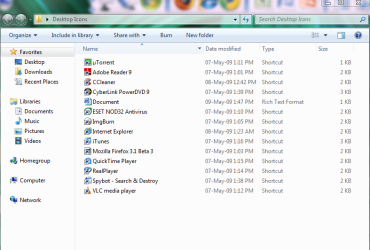
I want the desktop to be clean with no icon or selected few icons like mac desktops. IF I save anything on the Desktop it should not show on desktop but it should go to another folder named Desktop which shows as shortcut on the desktop. I guess the article mentioned moving the system Desktop folder somewhere elsewhere.
I have a bad habit of cluttering the desktop & want to avoid it.
Do you know any tutorial how to make the desktop elsewhere?
I want the desktop to be clean with no icon or selected few icons like mac desktops. IF I save anything on the Desktop it should not show on desktop but it should go to another folder named Desktop which shows as shortcut on the desktop. I guess the article mentioned moving the system Desktop folder somewhere elsewhere.
I have a bad habit of cluttering the desktop & want to avoid it.
Do you know any tutorial how to make the desktop elsewhere?
My Computer
- Computer Manufacturer/Model Number
- Custom Built
- OS
- Windows 7 Ultimate x64 build 7600
- CPU
- Intel C2D 6300 1.86MHz
- Motherboard
- Asus P5B-dlx wifi
- Memory
- 4x1Gb Transcend JetRAM DDR2 PC2-6400 800MHz
- Graphics Card(s)
- XFX 7600GT
- Sound Card
- Creative Audigy Value
- Monitor(s) Displays
- Lenovo 20"
- Screen Resolution
- 1680x1050
- Hard Drives
- 4 x 1.5TB Seagate barracuda
- PSU
- Zebronics Platinum 450Watts
- Case
- Zebronics Peace
- Cooling
- stock cooling
- Keyboard
- silicon keyboard
- Mouse
- Logitech 3 button mouse
- Internet Speed
- 1mbps