
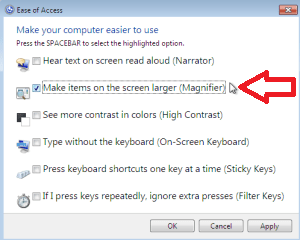
The workaround I linked to uses the icon / link at the bottom left corner of the sign-in screen, meaning you bypass the sign-in. By booting to the Repair CD and navigating to the Command Prompt, you will trade the "Screen Magnifier" exec file for the "Open CMD Prompt" exec file. Then when you reboot, instead of signing in, you click the icon at the bottom left of the screen and select the "Screen Magnifier" from the menu. Your Command Promtp will open allowing you to enable the Default Administrator account. After a reboot, you are able to sign in to the Administrator Account and fix your issue.ok well i do have windows 7 pro.
And I tried your susggestion and tried going to the computer management but the account locked box was never checked(for the user i hid)

Using the System Repair CD
Restoring The Default Administrator Account
Cheers!
Robert
Last edited:
My Computer
- OS
- ...


