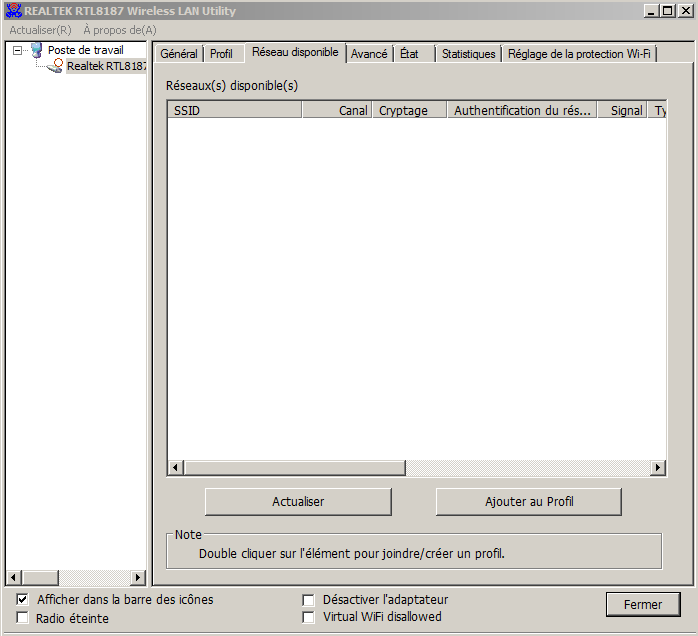
Alfa network awus036H : no networks available

soufiane1337

New member
Local time
4:57 AM
Messages
3
Hi guys,

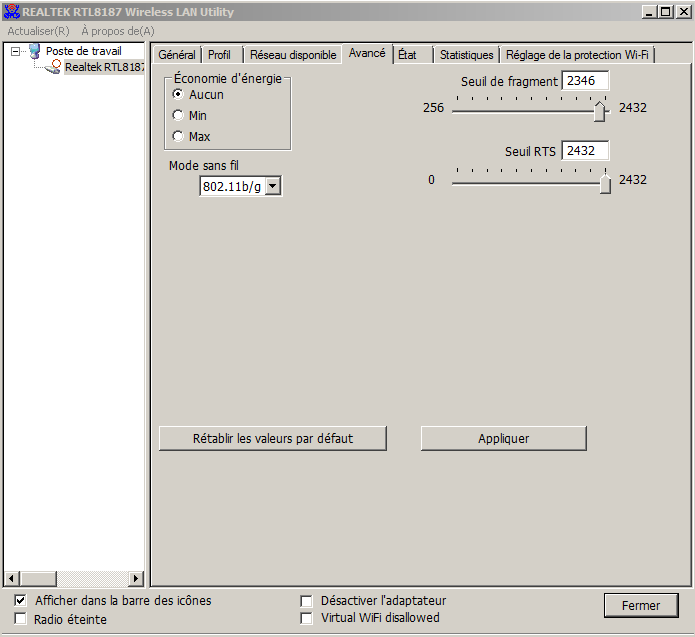
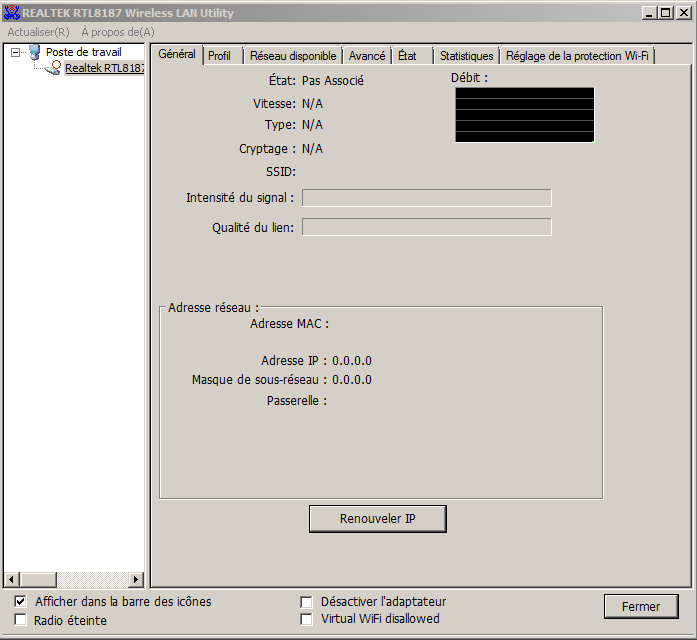
I tryed to run the afla in my compter,i installed more than 20 drivers from the CD, "reatlek.com" "alpha.com" and other websites but i got the same problem everytime ( no networks found ) .
i'm using win7 Ultimate 64bits
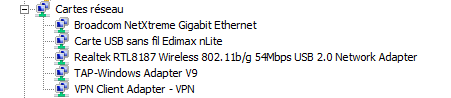
Chipset : realtek RTL8187L
here's some screenshots that can help :
yASateg.png

Qi6y2Ec.png

TL7T7NH.png

XgU5IsB.png

qPozp6j.png
 

My Computer My Computer

At a glance

Windows 7 Ultimate 64 bits
Computer type
PC/Desktop
Computer Manufacturer/Model Number
HP
OS
Windows 7 Ultimate 64 bits
On the last computer that I worked on that used REALTEK chip sets for Wireless connectivity - I uninstalled the REALTEK Wireless LAN Utility and let Windows handle the making the connection.
 

My Computer My Computer

At a glance

W7 Pro SP1 64biti78GBIntel HD Graphics
Computer type
Laptop
Computer Manufacturer/Model Number
Employer provided Dell Latitude
OS
W7 Pro SP1 64bit
CPU
i7
Memory
8GB
Graphics Card(s)
Intel HD Graphics
Hard Drives
crappy SSD
Antivirus
Employer mandated Symantec Endpoint Protection
Browser
Pale Moon 64bit, IE11 64bit & Chrome 64bit
On the last computer that I worked on that used REALTEK chip sets for Wireless connectivity - I uninstalled the REALTEK Wireless LAN Utility and let Windows handle the making the connection.


i tried to let windows finding the driver alone but he don't get it, i think because i disabled windows update
 

My Computer My Computer

At a glance

Windows 7 Ultimate 64 bits
Computer type
PC/Desktop
Computer Manufacturer/Model Number
HP
OS
Windows 7 Ultimate 64 bits
Sorry that I was not clear.

Windows needed the REALTEK drivers.

Windows did not like the utility that you show in your screen shots.

I seem to recall that the utility took several minutes to populate the info inside each tab. Sometimes the info never populated. That is when I uninstalled the utility. I'm not sure if there was an option to keep the drivers during that uninstall process. If there was no option to keep the drivers, then I most likely re-installed the utility, grabbed the drivers from the temp directory that the install process created, uninstalled the utility again and pointed Windows to the folder where I copied the drivers to.

It has been too long for me to remember the exact steps or what downloads are available. Maybe you can find just the drivers to download/install.
 

My Computer My Computer

At a glance

W7 Pro SP1 64biti78GBIntel HD Graphics
Computer type
Laptop
Computer Manufacturer/Model Number
Employer provided Dell Latitude
OS
W7 Pro SP1 64bit
CPU
i7
Memory
8GB
Graphics Card(s)
Intel HD Graphics
Hard Drives
crappy SSD
Antivirus
Employer mandated Symantec Endpoint Protection
Browser
Pale Moon 64bit, IE11 64bit & Chrome 64bit
what you said first is true, because i tested the same card in an another PC and the driver was installed automatically with windows and the networks were available ... so odd
 

My Computer My Computer

At a glance

Windows 7 Ultimate 64 bits
Computer type
PC/Desktop
Computer Manufacturer/Model Number
HP
OS
Windows 7 Ultimate 64 bits
Back
Top