
Hello,
Win 7 installed all basic drivers (audio, video, wireless, network, etc) for my dell studio 1537 n series. Everything works fine except the audio driver; there is no sound in all the applications (no erros and no sound). A short moment solution is unistalling the audio driver and restart the computer (at the logon the driver automaticaly installs again). Now everything is fine until I reset or turn off laptop again.
I attached this images:
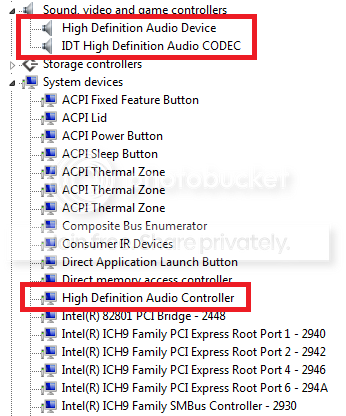
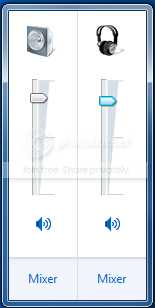
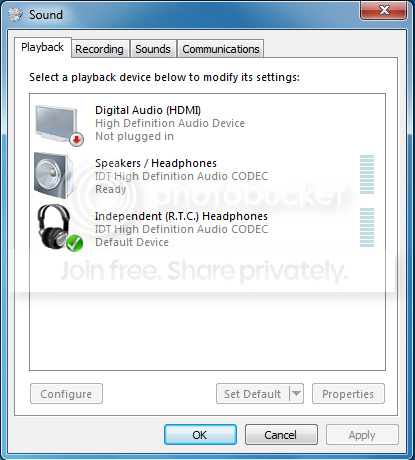
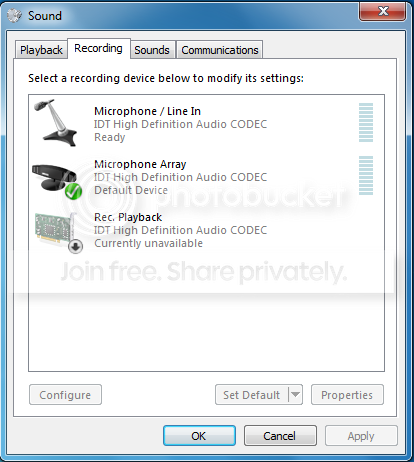
The sound card is Realtek and the only driver I found on dell.com was for vista x86.
Thank in advance for any suggestions!
Win 7 installed all basic drivers (audio, video, wireless, network, etc) for my dell studio 1537 n series. Everything works fine except the audio driver; there is no sound in all the applications (no erros and no sound). A short moment solution is unistalling the audio driver and restart the computer (at the logon the driver automaticaly installs again). Now everything is fine until I reset or turn off laptop again.
I attached this images:
The sound card is Realtek and the only driver I found on dell.com was for vista x86.
Thank in advance for any suggestions!
My Computer
- OS
- Windows 7


