- Local time
- 1:23 PM
- Messages
- 715
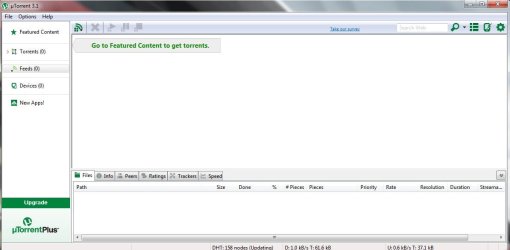
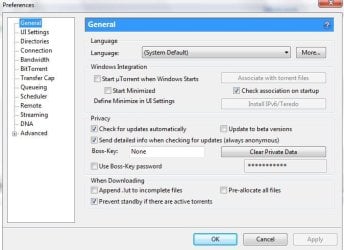
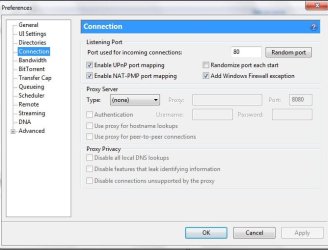
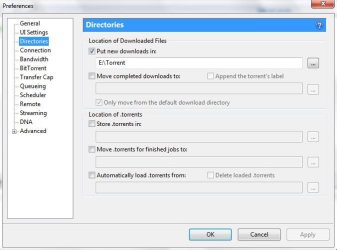
I have installed Bit Torrent on one of my desktops and I don't have a clue how to download files.
Any help with this program would be greatly appreciated.
Thank You
Any help with this program would be greatly appreciated.
Thank You
My Computer
At a glance
Windows 7 ProIntel(R) Pentium(R) Duel CPU E2200 2.20 Ghz4 gb 2.96 UsableOnboard
- OS
- Windows 7 Pro
- CPU
- Intel(R) Pentium(R) Duel CPU E2200 2.20 Ghz
- Motherboard
- GA-G41M-ES2L
- Memory
- 4 gb 2.96 Usable
- Graphics Card(s)
- Onboard
- Sound Card
- Onboard
- Hard Drives
- 2 - 1TB WD Sata Drives