I've built around 10 computers so I'm by no means an expert. In my prior builds, I didn't really care about how it looked inside because (1) I don't over-clock so I didn't care too much about air-flow; (2) I don't like the plastic window in cases so I don't get them, therefore, nobody sees what my computer looks like inside.
Before I made the purchase, I was considering just buying a computer from Craigslist to see if I can save some money (yeah... this economy is killing me). As I was browsing through, one poster actually put on the title "clean cable management" or somewhere along that line and posted a picture. I was amazed at how clean it was inside.
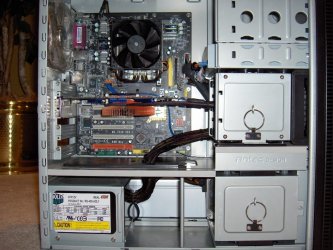
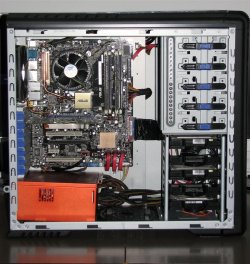
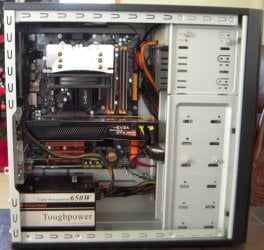
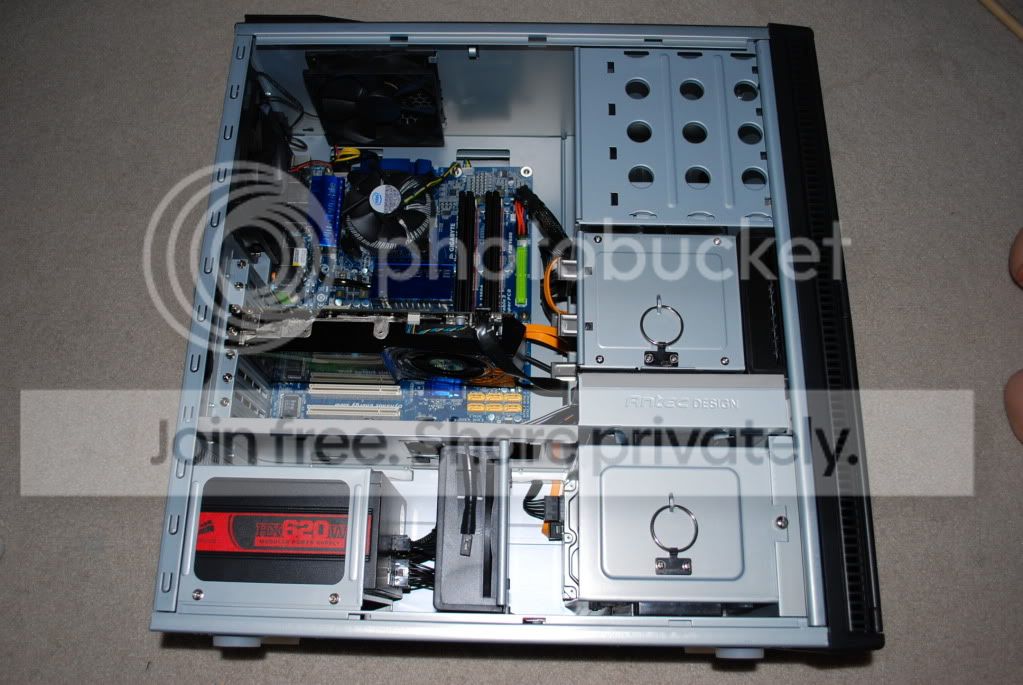
Can you guys share some inside pictures of computers so I can get some tips from them? I've got 3 hard drives, 2 optical drives, and a memory card reader. No matter what I try, I can't seem to be able to neatly manage my cables like the pictures I saw on Craigslist.
Before I made the purchase, I was considering just buying a computer from Craigslist to see if I can save some money (yeah... this economy is killing me). As I was browsing through, one poster actually put on the title "clean cable management" or somewhere along that line and posted a picture. I was amazed at how clean it was inside.
Can you guys share some inside pictures of computers so I can get some tips from them? I've got 3 hard drives, 2 optical drives, and a memory card reader. No matter what I try, I can't seem to be able to neatly manage my cables like the pictures I saw on Craigslist.
My Computer
- Computer Manufacturer/Model Number
- Custom Built
- OS
- Windows 7 Ultimate x64
- CPU
- Intel Core i5 750 @ 2.67 GHz
- Motherboard
- ASUS P7P55D
- Memory
- 8 GB - G.Skill DDR3
- Graphics Card(s)
- Sapphire Radeon HD 4670
- Sound Card
- VIA Onboard HD Audio
- Monitor(s) Displays
- LG W2252TQ
- Hard Drives
- 250 GB Western Digital RE3 (X2) - Raid0
1 TB Western Digital RE3
- PSU
- Raidmax RX-730SS
- Case
- Rosewill Destroyer